Block landing · heavy bike cad block dwg
Free heavy bike CAD block in DWG and DXF
By Sumana Kumar · Published 10 Mar 2025 · Updated 29 Mar 2026
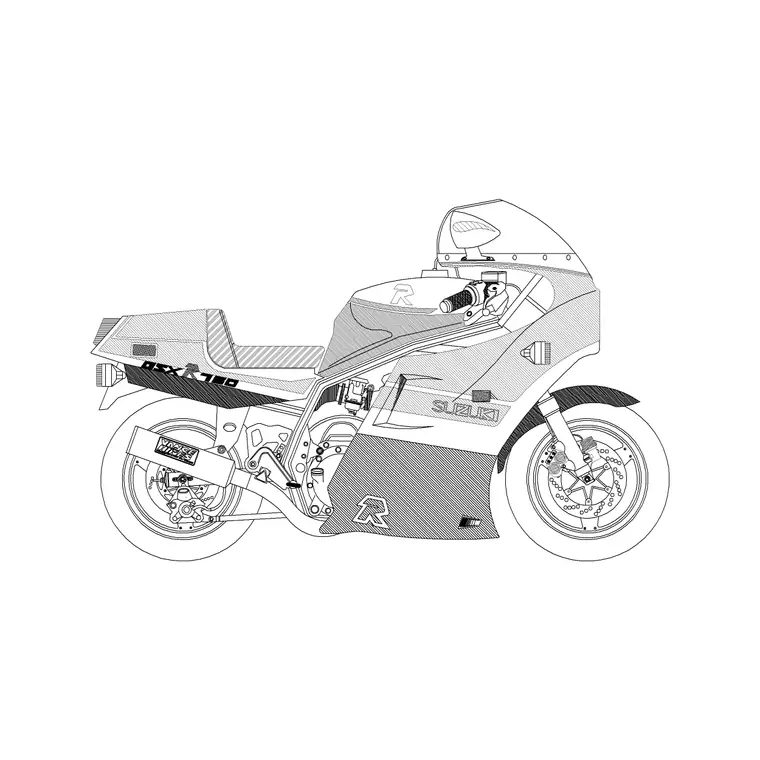
A heavy bike CAD block is a large-capacity motorcycle — a cruiser or tourer style machine — drawn for the moments when a scene calls for a substantial two-wheeler rather than a small commuter. This page offers a free heavy bike block in DWG and DXF, drawn in side elevation at true scale for AutoCAD 2004 or later, and free for personal and commercial use with no signup or watermark.
Use the heavy bike in showroom and dealership elevations, garage and workshop drawings, lifestyle frontages and any scene where a big motorcycle sets the tone. Drawn to scale, it doubles as a size reference against doors, ramps, parking strips and people in the same view, and its footprint helps you size motorcycle parking.
What the heavy bike block is
This block is a side-elevation profile of a large motorcycle — the fuel tank, seat, engine mass, wheels, forks and handlebars of a cruiser or touring machine. It is clean line geometry, so it prints sharply and stays light, and the silhouette reads unmistakably as a big bike rather than a scooter or a moped.
The defining cues are the long wheelbase, the substantial engine block low in the frame and the relaxed riding posture implied by the bar and seat positions. Those features distinguish a heavy bike from a lightweight commuter at a glance, which matters when the machine is meant to characterise a showroom or a workshop scene.
View and what's included
The download is a side elevation — the bike seen square-on. It suits motorcycle showroom and dealership elevations, garage and workshop drawings, and lifestyle frontages where the machine sits beside doors, ramps and figures at a shared scale.
The geometry is layered so you can recolour the body, mute the spokes or thin the engine detail independently. Keep it as a single block reference so it copies, mirrors and rotates as one object — handy when you line up a row of bikes along a showroom wall or a parking rail.
Typical sizing to design around
Use the block as a scale check rather than a spec sheet. A heavy cruiser or tourer generally sits in the region of 2.2–2.5 m long, with a handlebar width around 0.85–1.0 m and an overall height to the top of the screen or bars of roughly 1.1–1.5 m. The long wheelbase is what gives it the planted look.
Those ranges help you size motorcycle parking and confirm the bike reads right beside a doorway or ramp. A motorcycle bay is far narrower than a car bay, so a scaled bike footprint shows how many machines fit a given strip. Real bikes vary, so scale to the envelope your scene needs.
How to insert the block
The DWG is full size in millimetres. In a millimetre drawing, insert at scale 1 for real size; in a metre drawing, insert at 0.001. On an imperial template, set INSUNITS to millimetres so AutoCAD rescales on insertion, or insert at 0.03937 to convert to inches.
Snap the insertion point to a sensible datum such as the contact point of the front wheel, mirror to flip the facing, and copy along your showroom wall or parking rail. As a block reference, a BEDIT change to the definition updates every instance at once.
Where heavy bike blocks are used
The heavy bike belongs in motorcycle showroom and dealership drawings, service garage and workshop layouts, residential and commercial frontages with bike parking, and lifestyle presentation boards. Its size makes it a strong focal element in any of those scenes.
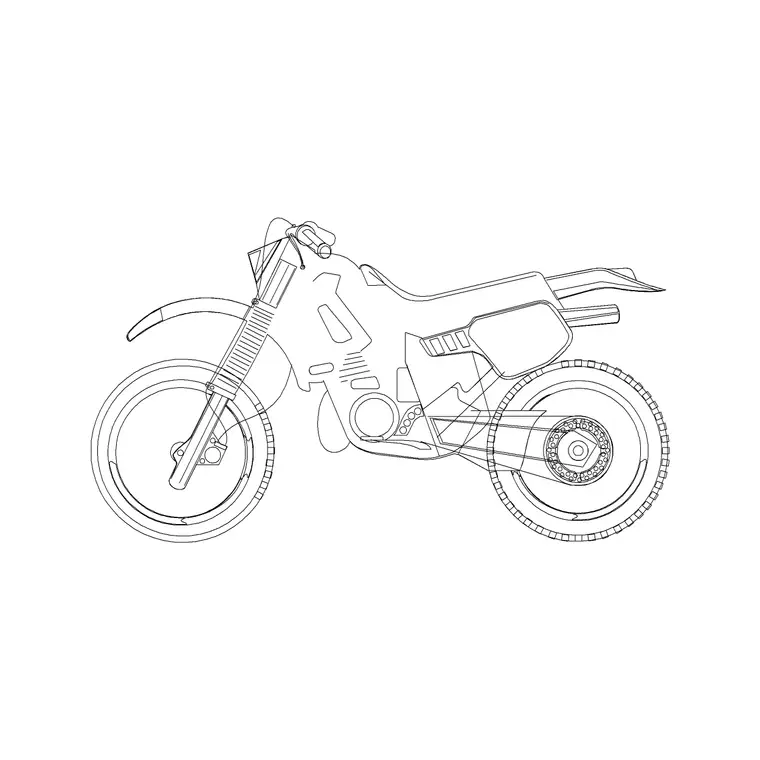
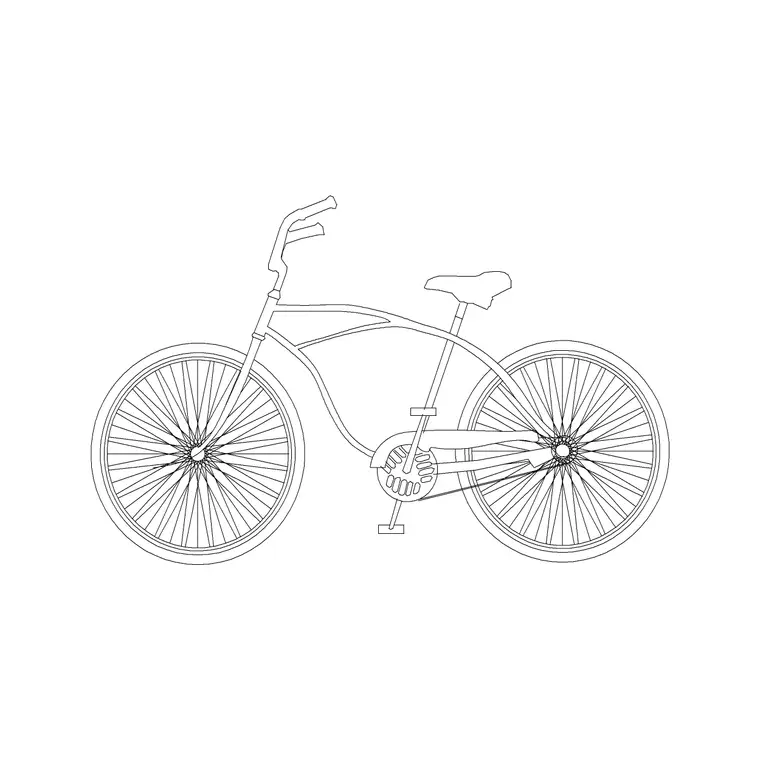
Architects and interior designers use it to dress a showroom or a garage; transport planners use it to size dedicated motorcycle bays; students use it because it is licence-clear. Combine it with the off-road bike and bicycle blocks from the vehicles category so a transport or showroom scene shows a believable mix of two-wheelers.
Detailing a motorcycle showroom or workshop
In a showroom drawing the heavy bike is often the hero, so it pays to place it deliberately. Set it on a low plinth or angled display stand and let the long, low silhouette lead the eye down a display run. Because the engine mass sits low in the frame, a heavy bike grounds a composition well — it does not look perched the way a tall trail bike can.
In a workshop or service-bay drawing the same block earns its keep differently: dropped beside a bench, a ramp or a wheel-balancer footprint, it shows how much floor a machine on a stand actually occupies and how much working room a technician needs around it. Keep the bike on a vehicle layer so you can isolate it when you dimension the service bay clearances.
Free download
Browse the full library — DWG & DXF, no signup.
Questions
Frequently asked
Is the heavy bike CAD block free for commercial use?+
Yes. It downloads free in DWG and, where available, DXF, with no signup, no watermark and no attribution requirement, and it is cleared for commercial work.
How is a heavy bike block different from a small motorcycle?+
A heavy bike shows a large cruiser or tourer — a long wheelbase and a substantial engine mass — rather than a lightweight commuter or scooter. The bigger silhouette reads clearly in elevation.
Can I use the block to size motorcycle parking?+
Yes. Drawn to scale, the bike's footprint shows how machines fit a parking strip. Motorcycle bays are much narrower than car bays, so a scaled bike helps you fit several into one space.
Will the file open in older AutoCAD or a free viewer?+
Yes. The DWG targets AutoCAD 2004 and later and opens in AutoCAD, AutoCAD LT, BricsCAD, DraftSight and free DWG viewers.
Related downloads
Blocks for this guide
Related categories
Related guides
Block landing
Free Car Plan View CAD Block — DWG Download
Download a free car plan-view CAD block in DWG and DXF — the top-down footprint for parking layouts and site plans. AutoCAD 2004+, no signup.
Block landing
Free Car Elevation CAD Block — DWG Download
Download a free car elevation CAD block in DWG and DXF — side and front views for streetscapes, showrooms and presentations. AutoCAD 2004+, no signup.
Block landing
Free Sedan Car CAD Blocks — DWG Download
Download free sedan car CAD blocks in DWG and DXF — saloon and luxury sedans in plan and elevation for parking and showrooms. AutoCAD 2004+, no signup.