Block landing · gym equipment elevation cad block dwg
Free gym equipment elevation CAD blocks in DWG
By Saumyajit Maity · Published 15 May 2026 · Updated 9 Jun 2026
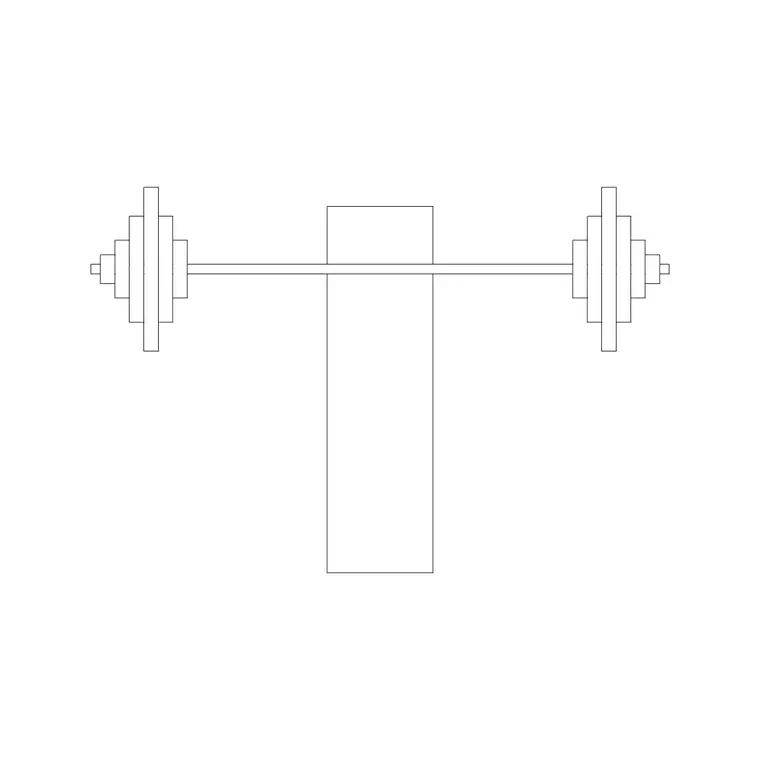
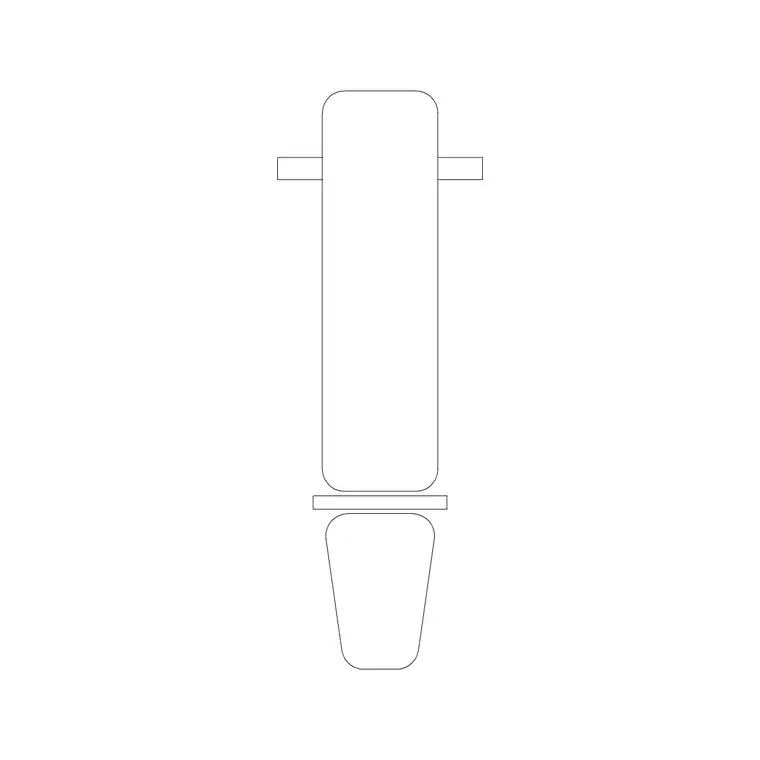
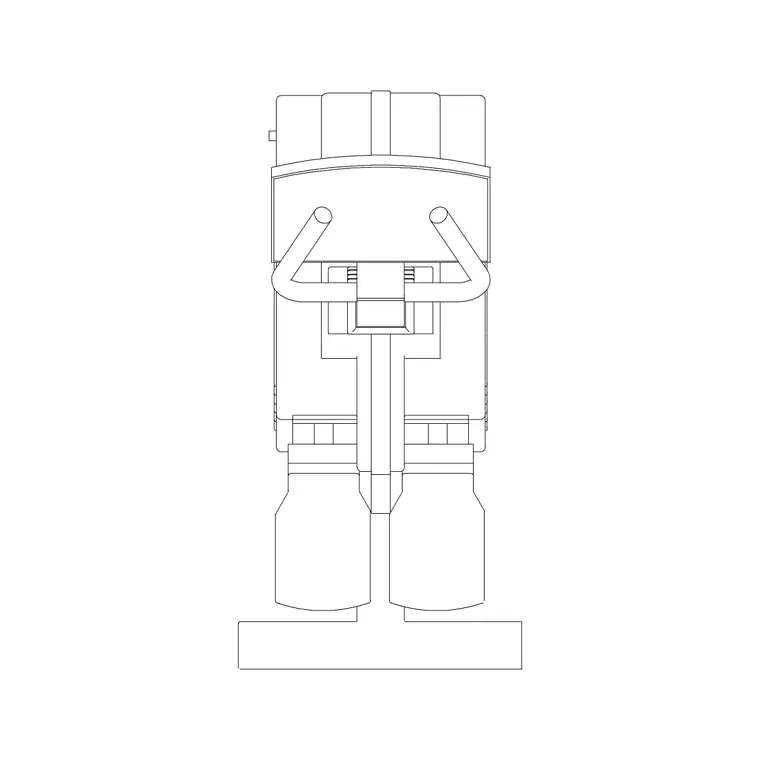
When you are drawing the interior elevation of a gym, the plan-view blocks that populate the floor stop being useful — you need the machine seen from the side, at its true height, with the frame, pad and weight stack reading clearly against the mirror line. This page collects free gym equipment elevation CAD blocks in DWG: strength machines, multi-stations and weight apparatus drawn in side view at real millimetre dimensions, ready to drop into an elevation or a section. Every file is free for personal and commercial work, with no signup and no attribution.
Elevation blocks are what make a gym presentation drawing believable. They let a client read the height of a machine against a window head, check that a cable column clears a low soffit, and understand the visual rhythm of a wall of equipment before anything is bought or installed.
Why an elevation block is different
A plan block answers 'how much floor does this claim?'. An elevation block answers 'how tall is it, and what does it look like from the side?'. For gym equipment that distinction matters because the tallest machines — lat towers, cable crossovers, Smith machines — are the ones most likely to clash with a dropped ceiling, a duct or a window head. The elevation block carries the full vertical extent of the frame and the travel of any weight stack so those clashes show up on the drawing rather than on site.
A good elevation block keeps the frame, the pad and the stack on separate layers so you can render the machine as a clean silhouette for a concept board or a fully detailed side view for a coordination drawing, without redrawing anything.
Views and what is included
These blocks are drawn as side or elevation views, which is exactly what an interior elevation or a building section needs. Place them along the elevation of a mirror wall, against a window run, or in a section cut through the gym to show occupied height. Where a download pairs an elevation with a plan footprint in the same DWG, you can insert the elevation for the wall drawing and keep the plan for the floor layout, working from one consistent file.
Because each machine is a single block reference, you can line several up along an elevation, set them on a common baseline, and copy them down the wall while keeping the floor line dead level.
Typical heights to design around
Treat these as planning ranges, not fixed specs. A selectorised strength machine — a chest press or row — typically stands 1500–2100 mm tall. Lat pulldown and cable towers reach higher, often 2000–2300 mm, which is the figure to check against a soffit. A Smith machine or power frame can run 2100–2400 mm. Bench-based apparatus sits much lower, around 1200–1400 mm.
What you are really verifying in elevation is headroom and sightlines: that the tallest equipment clears the ceiling with a comfortable margin, that machines do not block a window view from the cardio deck, and that the wall reads as an even line rather than a jagged skyline. Scaled elevation blocks make those judgements visual.
How to insert into an elevation
The blocks are full size in millimetres. Insert at scale 1 in a millimetre drawing, 0.001 in a metre drawing, or set INSUNITS to millimetres so AutoCAD rescales automatically. Run INSERT, snap the insertion point to the floor line of your elevation, and the machine stands at its correct height with no manual measuring. Keep the OSNAP endpoint or nearest mode on so every machine lands on the same baseline.
Move the inserted equipment onto an elevation-equipment layer so it can be frozen independently of the architectural backdrop. To build a wall of machines, copy along the elevation at the spacing you set in plan, so the elevation and the floor plan stay in agreement and a reviewer can cross-check the two drawings.
Where elevation blocks are used
Gym equipment elevation blocks belong in interior elevations of fitness centres, hotel and residential gyms, rehab and physiotherapy suites, and sports-hall fit-outs. They support coordination drawings where mechanical and electrical services share the ceiling zone with tall equipment, and they make client-facing presentation elevations far more convincing than empty walls.
Pair them with mirror, window and skirting linework, plus the plan-view gym blocks in the fitness and sports library, so your plan and elevation tell the same story. Because the files are free and licence-clear, they are equally at home in student portfolios and quick concept walls.
Coordinating plan and elevation
The strength of working with both a plan and an elevation block of the same machine is consistency: the footprint you space on the floor and the height you check against the ceiling describe one real object. Keep the two views on matching layers and naming so a later edit — moving a machine 300 mm along the wall — is easy to reflect in both drawings.
If you attribute each elevation block with a type code, you can keep the equipment schedule synchronised with the plan, so the count of cable machines in the elevation matches the count on the floor. When a wall layout is settled, WBLOCK a repeating bay — machine plus mirror panel — as one reusable elevation unit to speed up the next gym you draw.
Free download
Browse the full library — DWG & DXF, no signup.
Questions
Frequently asked
Are these gym equipment elevation blocks free to use commercially?+
Yes. They download free in DWG with no signup, no watermark and no attribution, and they are cleared for commercial gym elevations, sections and coordination drawings.
Do the blocks show machines at true height?+
Yes. They are drawn full size in millimetres, so when you snap the insertion point to the floor line the machine stands at its correct height for checking against ceilings and window heads.
Can I get both plan and elevation of the same machine?+
Where a download pairs both views in one DWG, you can insert the elevation for wall drawings and keep the plan footprint for the floor layout, keeping the two drawings in agreement.
What is the tallest gym equipment I should check in elevation?+
Cable towers, lat pulldowns and Smith machines are typically the tallest, often reaching 2000–2400 mm, so check those first against soffits and dropped ceilings.
Related downloads
Blocks for this guide
Related categories
Related guides
Block landing
Free Gym Equipment CAD Blocks — DWG Download
Download free gym equipment CAD blocks in DWG and DXF — treadmills, weight machines, racks and benches in plan and elevation, AutoCAD 2004+, no signup.
Block landing
Free Treadmill CAD Block — DWG & DXF Download
Download a free treadmill CAD block in DWG and DXF — drawn in plan and elevation with the run-off zone, true to size for AutoCAD gym layouts. No signup.
Block landing
Free Exercise Bike CAD Block — DWG Download
Download a free exercise bike CAD block in DWG and DXF — upright, spin and recumbent bikes in plan and elevation, true to size for gym layouts. No signup.