Block landing · exercise bike cad block
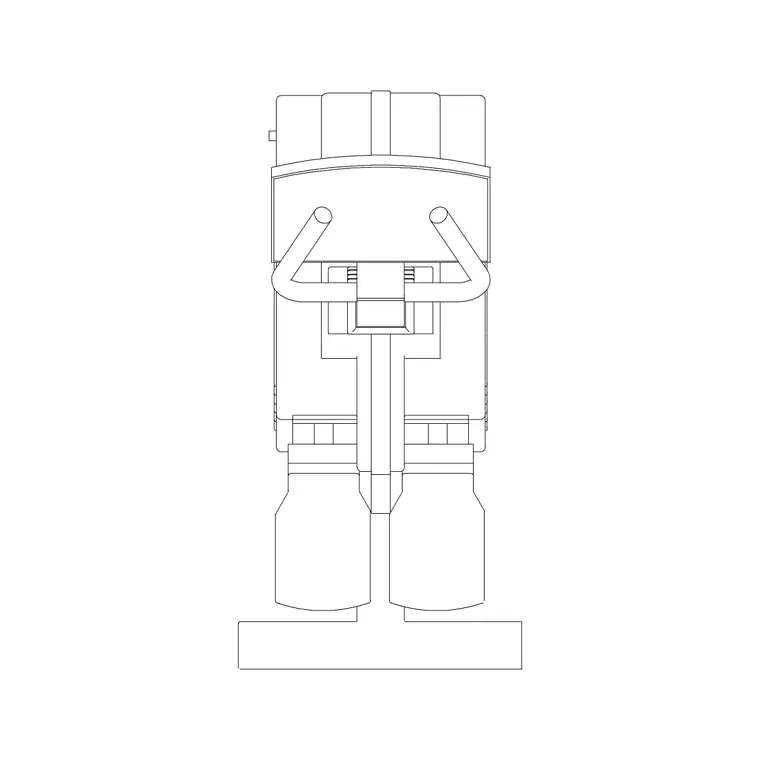
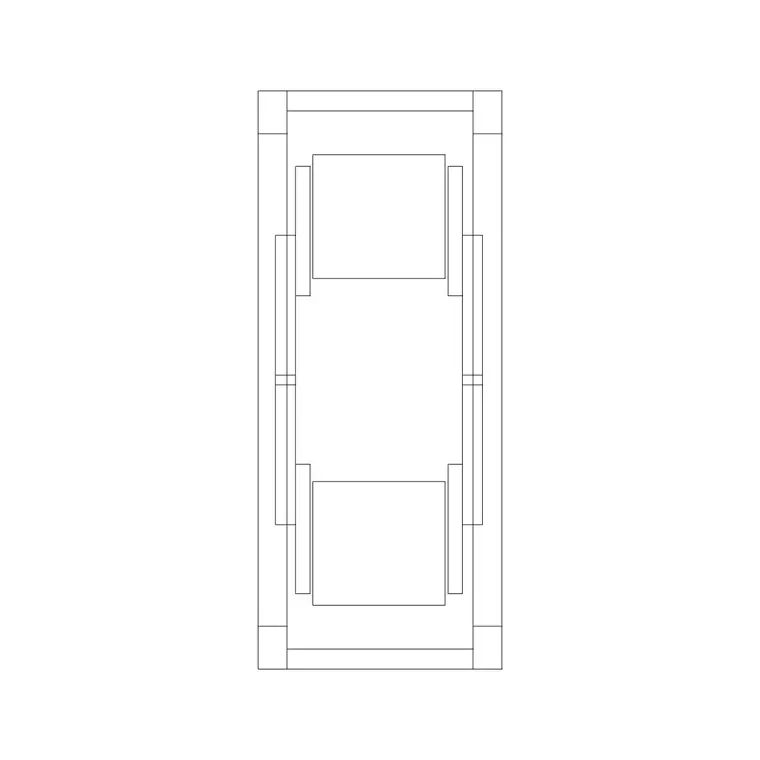
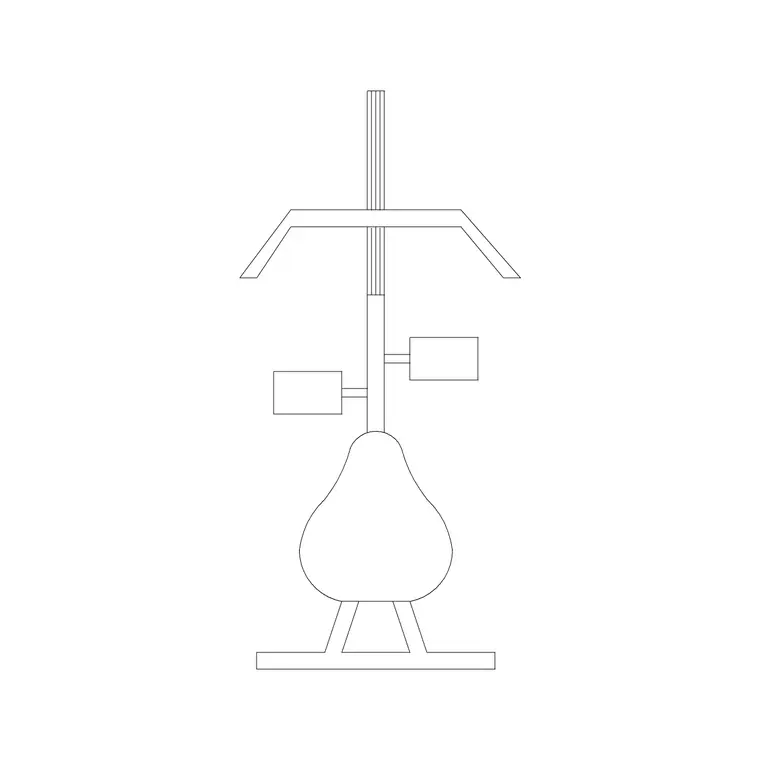
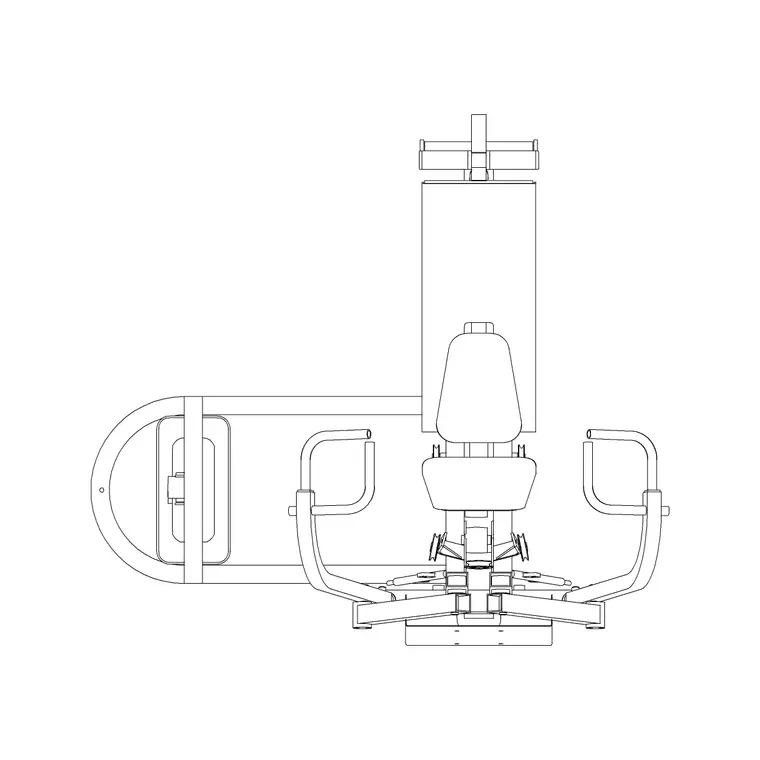
Free exercise bike CAD block in DWG and DXF
By Saumyajit Maity · Published 3 Mar 2023 · Updated 20 Jan 2026
An exercise bike is one of the most compact cardio machines, which makes it the workhorse of tight studio gyms, spin rooms and apartment leisure suites where floor space is at a premium. A clean exercise bike CAD block lets you pack a spin class or a cardio corner correctly without guessing at the spacing. This page offers a free exercise bike block in DWG and DXF, drawn to true millimetre dimensions in plan and elevation, ready for AutoCAD 2004 or later — free for personal and commercial use, no signup, no watermark.
The interesting thing about bikes is how their type changes the footprint. An upright spin bike is short and tall; a recumbent bike is long and low because the seat sits back behind the cranks. Drawing the right variant to scale matters when you are deciding how many bikes a spin room holds, because the difference between bike types can swing the count of a class.
Upright, spin and recumbent — which block to use
There are three common variants, and they occupy the floor very differently. An upright bike has a small footprint, with the rider sitting over the cranks. A spin (indoor cycling) bike is similar in plan but heavier and built for standing climbs. A recumbent bike is the long one: the seat is a reclined chair set behind the pedals, so the machine stretches forward and needs more depth than width.
Pick the variant that matches the room. A dedicated spin studio is laid out from spin bikes in tight rows; a general cardio zone might mix uprights and a couple of recumbents for accessibility. Each variant is drawn to its own real envelope so the layout count is honest.
Typical exercise bike dimensions
Design around these ranges. Upright / spin bike footprint: roughly 1000–1300 mm long by 500–600 mm wide, with the handlebars around 1100–1300 mm high. Recumbent bike: longer, around 1500–1700 mm by 600 mm, sitting lower because the rider reclines.
For a spin class, allow enough clear space between bikes that an instructor can walk the rows and a rider can dismount on either side — commonly a 500–700 mm gap each side, though studio operators often have their own house spacing. Drop the scaled block in and you can count a class accurately instead of estimating.
Plan for the studio, elevation for the room
Spin and cardio layouts are planned in plan view: bikes arrayed in tidy rows facing the instructor's podium or a mirror wall. The plan block is what you array across the room and stagger between rows so every rider has a sightline to the front.
The elevation is useful for the studio's mirror-wall and presentation drawings, and for confirming that the handlebars and a standing rider clear any low soffit or ductwork. In a tiered spin room, the side view helps you set the step heights so each row sees over the one in front.
How to insert and lay out the bikes
The bike is drawn full size in millimetres. Insert at scale 1 in a millimetre drawing, 0.001 in a metre drawing, or set INSUNITS to millimetres. Run INSERT, snap the base point to the centre of the bike footprint, and rotate so the rider faces the front of the studio.
For a spin room, ARRAY the bike into rows, then offset alternate rows so riders look between the people in front rather than at their backs. Keep the bikes on their own layer; in a multi-use studio that lets you show a bike layout and a clear-floor layout for classes from the same drawing.
Where exercise bike blocks are used
Exercise bike blocks populate spin studios, hotel and residential gyms, physiotherapy and cardiac-rehab suites, and the cardio corners of corporate wellness rooms. Studio operators and equipment suppliers use them to maximise the bike count a room can hold while keeping safe access; architects use them to test whether a leisure brief fits a given floor.
Because bikes are compact and need only modest servicing, they often go where larger cardio machines will not, so the block is handy for fitting cardio into awkward leftover spaces. Pair it with the wider gym equipment and treadmill blocks to complete a cardio floor, and with people blocks for a convincing presentation layout.
Designing a spin studio that actually works
A good spin room is more than a grid of bikes. The instructor's bike usually sits on a low platform at the front so every rider can see the cadence and form being demonstrated, so reserve a podium zone and draw the front bike on it. Sightlines are the whole point of the staggered rows: by offsetting alternate rows you give riders in the back a clear view between the shoulders of those in front, which the plan block makes easy to set out.
Ventilation and floor finish quietly shape the layout too. Spin classes generate a lot of heat and sweat, so the room wants strong air supply and a durable, easy-clean floor, and keeping the bikes as tagged blocks lets you overlay the mechanical drawing to confirm the supply reaches the back rows. When a studio layout works, WBLOCK the whole bike grid as a single reusable unit so the operator's next location starts from a proven arrangement rather than a blank room.
Free download
Browse the full library — DWG & DXF, no signup.
Questions
Frequently asked
Does the block cover upright, spin and recumbent bikes?+
The set covers the common variants, and they are drawn to different envelopes because a recumbent bike is much longer and lower than an upright or spin bike. Use the variant that matches your room so the layout count is accurate.
What scale is the exercise bike block drawn at?+
Full size in millimetres. Insert at scale 1 in a millimetre drawing, 0.001 in a metre drawing, or set INSUNITS to millimetres so AutoCAD rescales automatically on insertion.
Can I use the block to lay out a spin studio?+
Yes. Array the plan block into rows and offset alternate rows so riders have a sightline to the front. Keep the bikes on their own layer so you can show both a bike layout and a clear-floor layout from one drawing.
Is the exercise bike block free for commercial use?+
Yes. It downloads free in DWG and DXF with no signup, no watermark and no attribution, and it is cleared for commercial fit-out and project use.
Related downloads
Blocks for this guide
Related categories
Related guides
Block landing
Free Gym Equipment CAD Blocks — DWG Download
Download free gym equipment CAD blocks in DWG and DXF — treadmills, weight machines, racks and benches in plan and elevation, AutoCAD 2004+, no signup.
Block landing
Free Treadmill CAD Block — DWG & DXF Download
Download a free treadmill CAD block in DWG and DXF — drawn in plan and elevation with the run-off zone, true to size for AutoCAD gym layouts. No signup.
Block landing
Free Elliptical Trainer CAD Block — DWG Download
Download a free elliptical trainer CAD block in DWG and DXF — cross trainer drawn in plan and elevation, true to size for AutoCAD gym layouts. No signup.