Block landing · gym bike cad block dwg
Free gym bike CAD block in DWG
By Sumana Kumar · Published 9 Aug 2023 · Updated 29 May 2026
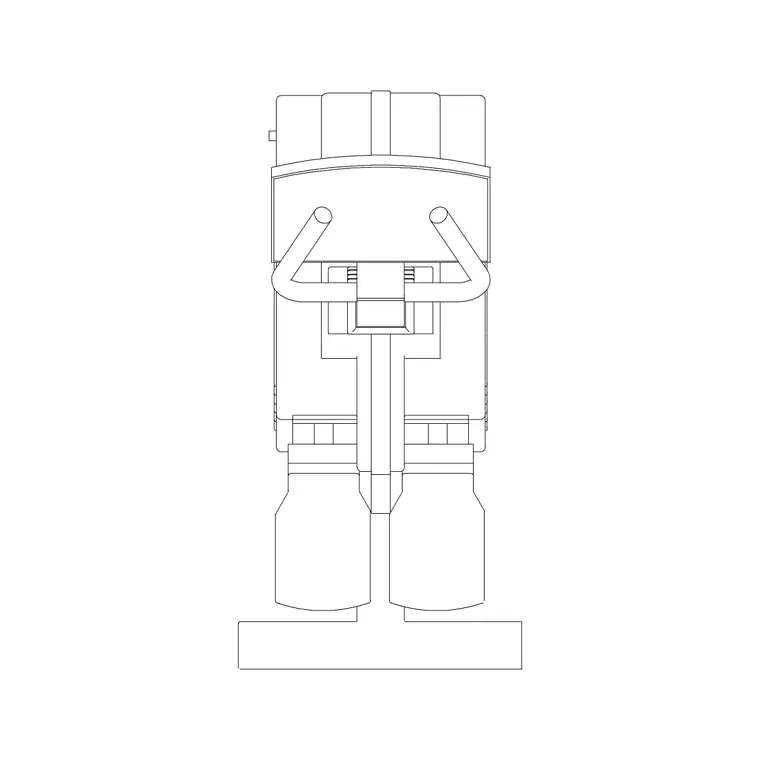
A gym bike is the block you reach for when you are laying out a cardio deck or a spin studio, and getting its footprint and spacing right is what makes the difference between a room that flows and one where riders knock elbows. This page offers a free gym bike CAD block in DWG, drawn at true millimetre size so you can place an upright or spin bike into a fitness layout and read the wheelbase, the handlebar reach and the spacing each rider needs. It is free for personal and commercial work, with no signup or attribution.
Cardio rooms live and die by their grid. Because bikes are usually arrayed in rows or arcs, starting from a correctly scaled block means the spacing you set between two bikes holds across the whole room, and the aisles between rows stay walkable.
What the gym bike block represents
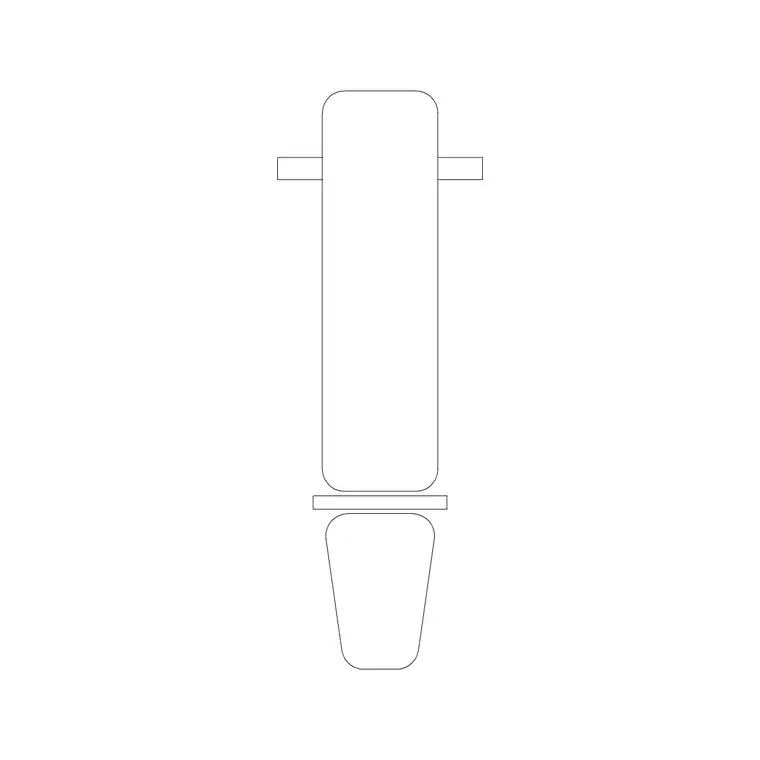
The block stands in for a stationary exercise bike — an upright, recumbent or studio spin bike — drawn from above as the footprint a rider and machine occupy. The plan shows the wheelbase from the front stabiliser to the rear, the saddle and the handlebars, because the handlebar end is usually the widest reach and governs how close the next bike sits.
A good block keeps the frame, the saddle and the bars on separate layers so you can show a compact footprint for a schedule or the full rider envelope for circulation. As a single block reference it inserts, copies and arrays as one object, which is exactly what a row of identical bikes needs.
Views and what is included
For a cardio or studio layout you work in plan, and the plan view here is what you array into rows or arcs. Where the download includes a side or elevation view, it reads well in a presentation elevation of the cardio deck, showing the bike height against windows or a feature wall.
Where both views ship in the same DWG, insert the plan for the floor and keep the elevation for the wall drawing. Keep the bikes on their own cardio-equipment layer so you can freeze them for a clean room and thaw them for the furnished studio.
Typical sizing to design around
Use these as planning ranges. An upright or spin bike footprint is roughly 1000–1300 mm long and 500–600 mm wide. Handlebar height sits around 1000–1200 mm and the saddle around 800–950 mm. Recumbent bikes are longer, often 1400–1700 mm, because the rider sits back with legs forward.
The figure that drives a studio is the rider pitch. Studios commonly space bikes around 900–1200 mm centre to centre side to side, and leave a clear aisle — often 800–1000 mm — between rows so instructors and riders can move. Dropping scaled bikes into the plan makes those spacings a visual check rather than a calculation, and shows immediately how many bikes a room holds.
How to insert and array the bikes
The block is full size in millimetres. Insert at scale 1 in a millimetre drawing, 0.001 in a metre drawing, or set INSUNITS to millimetres so AutoCAD rescales automatically. Run INSERT, pick the centre of the bike frame as the insertion point, then rotate so the front wheel faces the instructor podium or the mirror wall.
Move the bikes onto a cardio-equipment layer, then ARRAY them — rectangular for a gridded studio, or a path array along an arc for a fan-shaped layout facing the front. Keep the centre-to-centre spacing consistent so the room reads as a deliberate grid, and check the aisle clearances between rows before you finalise the count.
Where the gym bike block is used
Gym bike blocks belong in commercial gym cardio decks, spin and cycle studios, hotel and apartment fitness rooms, rehab and physiotherapy suites, and home-gym studies. They pair with treadmill, elliptical and bench blocks plus the wider fitness and sports library to build a complete cardio and strength layer.
Because the file is free and licence-clear, it suits concept boards and capacity studies where a designer needs to show how many riders a studio can hold. The same bike block carries from an early space-test through to a coordinated equipment schedule without being redrawn.
Getting the studio grid right
A spin studio reads best when the bikes form an even, instructor-facing grid with clear aisles, so keep all bikes on one cardio layer and set out the grid from a single spacing dimension. You can then freeze the bikes for a clean architectural plan and thaw them for the studio scheme, from one drawing.
If you attribute each bike with an asset code, an equipment schedule lists the bike count straight from the drawing — useful for procurement and for confirming the room meets its target capacity. When the grid is settled, WBLOCK a bike-plus-spacing unit so the next studio reuses a tested rider pitch and aisle width. The same approach works for a mixed cardio deck, where bikes, treadmills and ellipticals each sit on their own layer but share one consistent set of aisle clearances so the room never feels cramped at peak times.
Free download
Browse the full library — DWG & DXF, no signup.
Questions
Frequently asked
Is the gym bike CAD block free for commercial use?+
Yes. It downloads free in DWG with no signup, no watermark and no attribution, and it is cleared for commercial gym, studio and fitness-room drawings.
What scale is the gym bike drawn at?+
It is drawn full size in millimetres. Insert at scale 1 in a millimetre drawing, 0.001 in a metre drawing, or set INSUNITS to millimetres so AutoCAD rescales automatically.
How far apart should I space spin bikes?+
As a planning rule, studios commonly space bikes around 900–1200 mm centre to centre with an 800–1000 mm aisle between rows. Placing the scaled blocks lets you confirm the spacing and capacity.
Does the block include a side view?+
Where a download pairs both views in one DWG, you can insert the plan for the floor layout and use the side view for a presentation elevation of the cardio deck.
Related downloads
Blocks for this guide
Related categories
Related guides
Block landing
Free Gym Equipment CAD Blocks — DWG Download
Download free gym equipment CAD blocks in DWG and DXF — treadmills, weight machines, racks and benches in plan and elevation, AutoCAD 2004+, no signup.
Block landing
Free Treadmill CAD Block — DWG & DXF Download
Download a free treadmill CAD block in DWG and DXF — drawn in plan and elevation with the run-off zone, true to size for AutoCAD gym layouts. No signup.
Block landing
Free Exercise Bike CAD Block — DWG Download
Download a free exercise bike CAD block in DWG and DXF — upright, spin and recumbent bikes in plan and elevation, true to size for gym layouts. No signup.