Block landing · wine bottle cad block
Free wine bottle and glass CAD blocks for AutoCAD
By Saumyajit Maity · Published 3 Jun 2024 · Updated 1 Mar 2026
Wine bottles and glasses are the blocks that make a hospitality drawing read as hospitality. A bottle and two glasses on a restaurant table, a row of bottles behind a bar, a set table laid for service in a presentation render — these props instantly signal a dining or drinking space and bring a bar, restaurant or kitchen elevation to life. This page collects free wine bottle and wine glass CAD blocks in DWG and DXF — classic wine bottles, stemmed wine glasses, and bottle-and-glass settings — drawn in plan and elevation at realistic proportions and ready for AutoCAD 2004 or later. Everything is free for personal and commercial work, with no signup and no watermark.
These blocks are useful in both views: in plan, a wine glass is the small circle you place on a laid table to show a cover (a place setting); in elevation, the bottle and the stemmed glass add recognisable hospitality detail to a bar back or a dressed table. Use them to lay out restaurant covers, dress bar and back-bar elevations, style dining tables in residential schemes, and give presentation drawings the finishing props that communicate exactly what a space is for.
Wine bottles and glasses as hospitality props
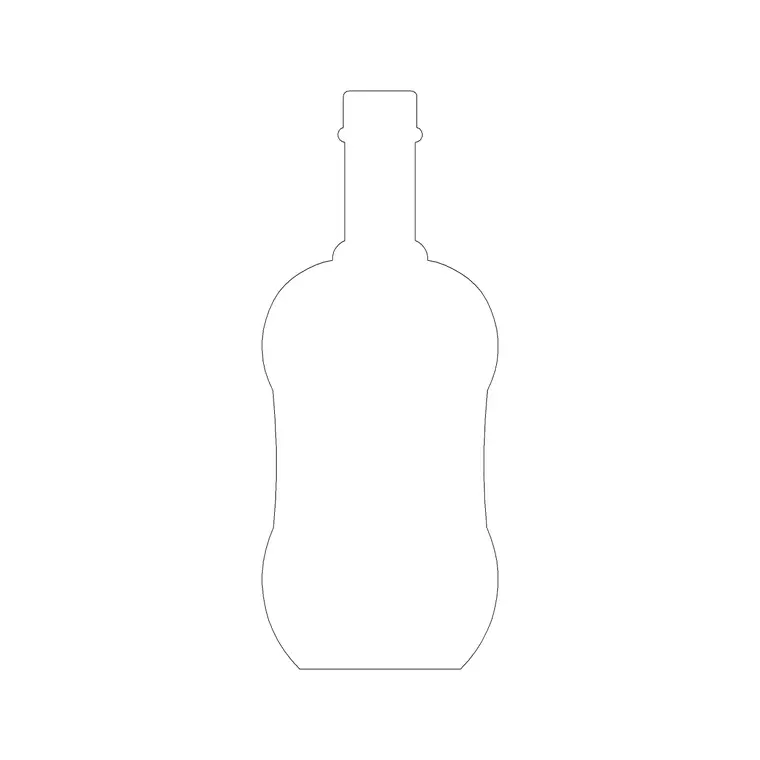
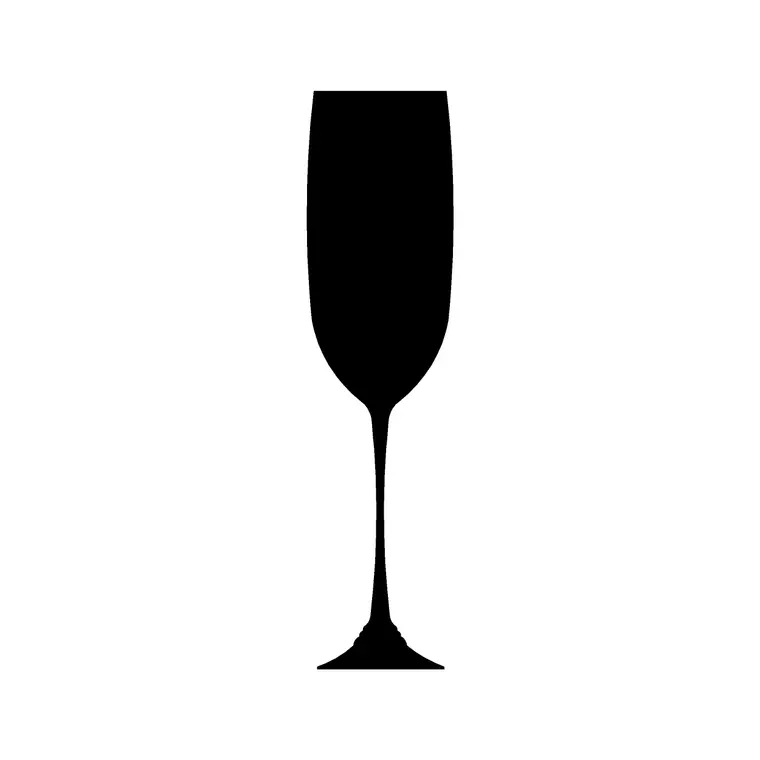
A wine bottle block is the recognisable silhouette of a wine or champagne bottle — a cylindrical body, sloping shoulder and tall neck — drawn at true bottle proportions so it reads instantly as a drinks bottle rather than a generic decorative one. A wine glass block is a stemmed glass: a bowl, a slender stem and a foot, the classic stemware silhouette. Together they are the universal shorthand for a place where food and drink are served.
This context is what distinguishes them from the decorative-bottle blocks, which are about styling slim ornamental vessels on a shelf. Wine bottles and glasses are about service: a laid cover, a dressed bar, a champagne bucket on a function table. When your drawing is a restaurant, bar, café, hotel dining room or a residential dining scheme, these are the blocks that tell the story.
Plan view for covers, elevation for the bar
The plan view earns its keep when you lay out a restaurant or function space. A standard place setting — a 'cover' — is drawn from above, and the wine glass is a small circle set at the top-right of the setting, above the knives. Placing glass blocks on each cover lets you count covers, check table spacing and confirm the layout works before a single chair is specified. A bottle in plan marks a centrepiece or a service point on the table.
The elevation view is where bottles and glasses dress a face-on drawing: a bottle and a pair of filled glasses on a restaurant table, a run of bottles along a back-bar shelf, or a champagne setting on a celebration table. This is the view for bar elevations, presentation renders and styled dining scenes. Several blocks here ship both views in one DWG, so you can lay out covers in plan and dress the same table in elevation.
Typical bottle and glass dimensions
These objects have well-known real sizes. A standard wine bottle is about 75–80 mm in diameter and 300–320 mm tall (a 750 ml bottle); a champagne bottle is slightly wider and taller; a magnum is larger again. A wine glass typically has a bowl 60–90 mm across, a foot of similar diameter, and an overall height of 180–230 mm depending on whether it is a white-wine, red-wine or large balloon glass.
For table layout, the figures that matter are spacing rather than the props themselves: a comfortable restaurant cover needs roughly 600 mm of table width per person, and the glassware sits within the place setting at the top-right. Because the blocks are drawn full size, dropping a glass onto a laid cover shows immediately whether the setting is crowded, and placing a bottle on a bar shelf confirms the shelf spacing gives the bottles head room.
How to insert and place the blocks
These wine bottle and glass blocks are drawn full size in millimetres. Insert at scale 1 in a millimetre drawing, 0.001 in a metre drawing, or set INSUNITS to millimetres so AutoCAD rescales automatically. Use INSERT or drag the DWG from a tool palette. For a glass in plan, pick the centre of the foot as the insertion point and place it at the top-right of each cover; for a bottle or glass in elevation, pick the base centre so it rests cleanly on the table or shelf line.
To lay out a table of covers, build one complete cover (plate, cutlery, glass) as a group, then array or copy it around the table at the correct spacing — a path array works for a curved banquet table. To dress a back-bar, insert a bottle and array it along the shelf at a regular spacing, then vary a few heights or rotations slightly so the row does not look mechanically stamped. Keep glasses upright; never rotate a glass block, since stemware reads wrong on its side unless you specifically want a toppled prop.
Where wine bottle and glass blocks are used
These blocks are at home in every food-and-drink drawing: restaurants and bistros, bars and cocktail lounges, hotel dining rooms and function suites, cafés and wine bars, private dining rooms, and residential dining rooms and kitchens. They appear in plan for cover layouts and table planning, and in elevation for bar and back-bar designs, dressed-table presentations and styled kitchen ledges. Event and wedding drawings use them to lay out banquet seating and table settings.
Pair the glass and bottle blocks with dining tables, chairs and bar-furniture blocks for the full hospitality scene, and with the decorative-bottle and vase blocks from the accessories category when you are styling a back-bar or a dressed table. Because every block is free and licence-clear, the same props carry from a concept restaurant layout through to the issued furniture and elevation drawings without licensing concern.
Layering, covers and presentation discipline
Keep glassware and bottles on a dedicated tableware or styling layer, separate from the furniture. When you are laying out covers, though, it can help to keep the full place setting — plate, cutlery, glass — together as a grouped block on a 'covers' layer, so you can count covers and toggle the whole setting on or off independently of the tables and chairs. That makes it easy to switch between a clean furniture plan and a fully laid presentation plan.
There is a real planning benefit to drawing covers properly, not just a cosmetic one. The glassware and place setting define how much usable table each diner needs, which in turn drives table sizes, the number of covers a room can hold, and therefore the venue's capacity — a genuinely important number for a restaurant or function space. Laying the covers out with scaled glass and bottle blocks lets you test that capacity against comfort before committing to a furniture order. And for the presentation drawings, a bottle and two glasses on a table, or a dressed back-bar, is the single most effective prop for telling a client that the space they are looking at is somewhere people will want to eat and drink.
Free download
Browse the full library — DWG & DXF, no signup.
Questions
Frequently asked
Are wine bottle and glass blocks drawn in plan or elevation?+
Both. In plan a wine glass is the small circle placed at the top-right of a laid cover, used to lay out and count covers. In elevation the bottle and stemmed glass dress a bar back or a presentation table. Many blocks here ship both views.
How are wine glasses used to lay out a restaurant?+
Each place setting (a 'cover') includes a wine glass at the top-right above the knives. Placing glass blocks on every cover lets you space tables, count covers and check the layout works — which ultimately drives the venue's seating capacity.
What size is a standard wine bottle block?+
A standard 750 ml wine bottle is about 75–80 mm in diameter and 300–320 mm tall. A wine glass typically has a bowl 60–90 mm across and an overall height of 180–230 mm. The blocks are drawn at these true proportions.
Are the wine bottle and glass blocks free for commercial use?+
Yes. Every block downloads free in DWG and DXF with no signup, no watermark and no attribution requirement, and they are cleared for commercial project use.
Related downloads
Blocks for this guide
Related categories
Related guides
Block landing
Free Picture Frame CAD Blocks — DWG Download
Download free picture frame CAD blocks in DWG and DXF — framed photos drawn in elevation for AutoCAD interior drawings. No signup, commercial use OK.
Block landing
Free Wall Art & Painting CAD Blocks — DWG
Download free wall art and painting CAD blocks in DWG and DXF — abstract art and canvases for AutoCAD interior elevations. No signup, commercial OK.
Block landing
Free Decorative Vase CAD Blocks — DWG Download
Download free decorative vase CAD blocks in DWG and DXF — designer vases and vases with flowers in plan and elevation for AutoCAD. No signup, commercial OK.