Block landing · decorative vase cad block
Free decorative vase CAD blocks for AutoCAD
By Sumana Kumar · Published 16 Jun 2023 · Updated 29 May 2026
A decorative vase is one of those small blocks that does an outsized amount of work in a drawing. Set on a console, a dining table, a reception desk or a windowsill, it tells the viewer the surface is styled and the room is meant to be enjoyed, not just used. This page gathers free decorative vase CAD blocks in DWG and DXF — slim designer vases, round bowl vases, and vases filled with flowers or branches — drawn at realistic proportions and ready for AutoCAD 2004 or later. Everything is free for personal and commercial work, with no signup and no watermark.
Vases are unusual among decor blocks in that they read well in both plan and elevation. In plan, a vase is a small circle or oval that marks a styled point on a table or shelf; in elevation, its silhouette — narrow neck, swelling body, or tall cylinder — adds vertical interest to a surface. Use these blocks to style tabletops in furniture plans, to dress consoles and sideboards in interior elevations, and to give presentation views the lived-in detail that separates a finished design from a bare box.
What a decorative vase block includes
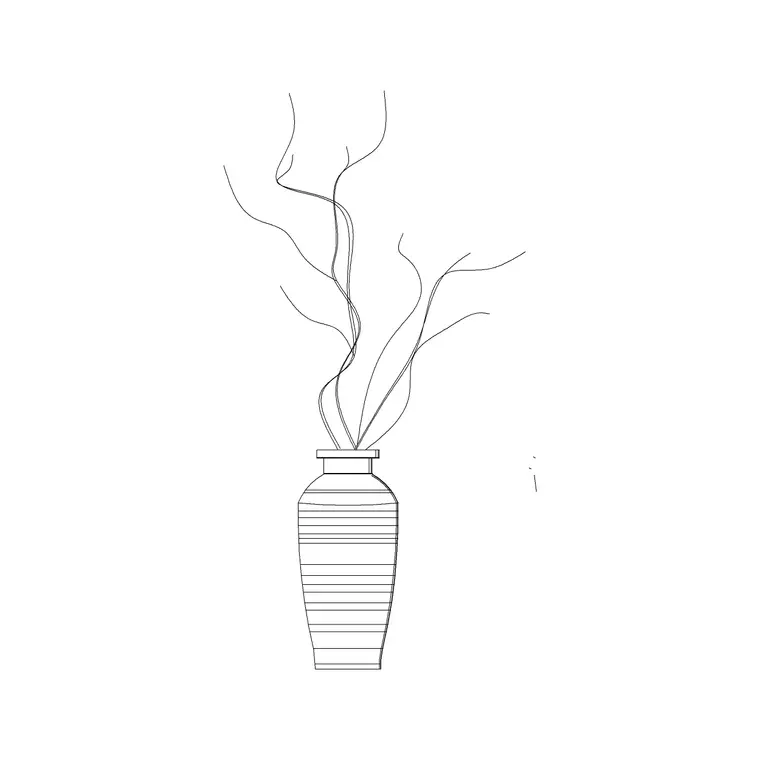
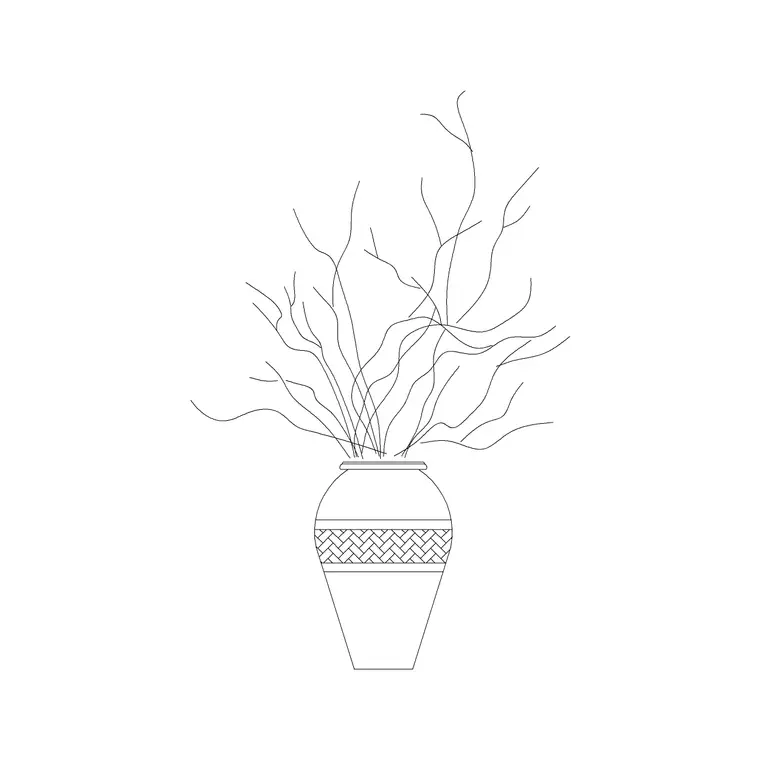
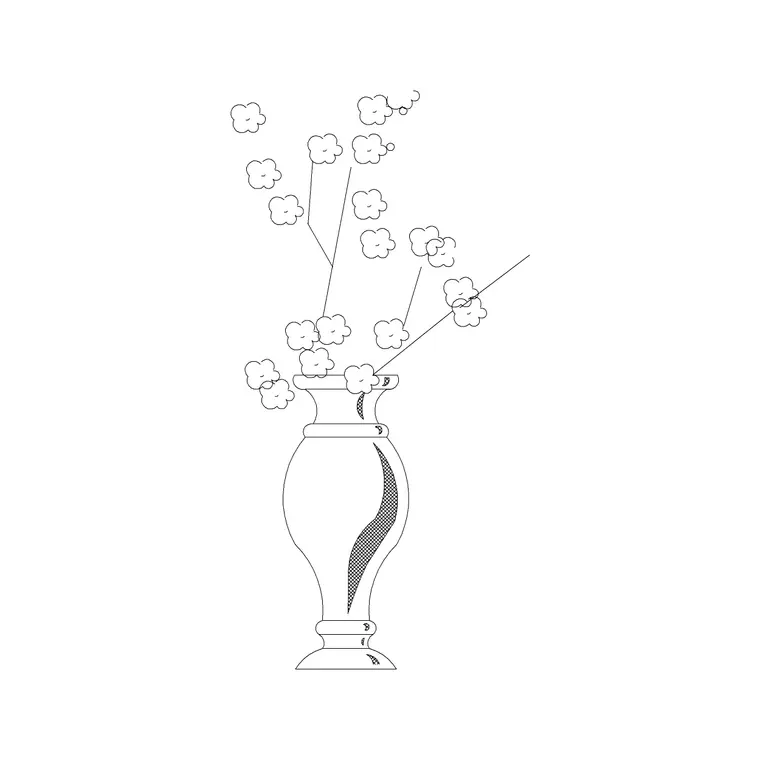
A decorative vase block captures the vessel's silhouette and, often, its contents. In elevation you get the profile — the base, the body curve and the rim — and, on planted versions, a spray of flowers, foliage or branches rising out of the neck. In plan you get the footprint: a circle for a round vase, an oval for a flared one, sometimes with a hint of the flower spread above.
The planting and the vessel usually sit on separate sub-layers, which is genuinely useful: you can keep the full floral arrangement for a lush presentation, or freeze the flowers and leave a clean empty vase for a more minimal scheme. Designer vases in the set lean to slim, sculptural silhouettes; the round-vase blocks read as classic bowl or fishbowl shapes that suit a coffee table or a wide console.
Plan and elevation: using both views
Reach for the plan block when you are styling a furniture layout from above — a vase centred on a dining table, clustered on a coffee table, or marking the end of a console run. At plan scale the vase is a small accent, but it signals styling intent and helps a layout read as a real, inhabited room rather than empty furniture.
Reach for the elevation block when you are drawing the room face-on. Here the vase's silhouette matters: a tall slim vase adds a vertical accent beside a low sofa, while a planted vase with branches fills awkward dead space above a sideboard. Several blocks here ship both views in one DWG, so a single download lets you style the same vase in plan and elevation and keep the two drawings consistent.
Typical vase sizes to design around
Vases span a wide range, so a few reference figures help. A small tabletop vase might be 80–150 mm across and 150–250 mm tall. A medium console vase runs 150–250 mm across and 300–450 mm tall. A large floor-standing vase — the kind that sits beside a fireplace or in a corner — can be 250–400 mm across and 600–1000 mm tall. Add the flowers and a planted arrangement can easily double the apparent height of the vessel.
When styling a surface, scale the vase to the furniture it sits on: a slim 350 mm vase suits a console, while a coffee table reads better with a low, wide bowl vase under 250 mm tall so it does not block sightlines across a seating group. Because the blocks are drawn full size, dropping one onto your furniture elevation shows immediately whether it overpowers or complements the piece beneath it.
How to insert and place the block
These vase blocks are drawn full size in millimetres. Insert at scale 1 in a millimetre drawing, 0.001 in a metre drawing, or set INSUNITS to millimetres so AutoCAD rescales on insertion. Use INSERT or drag the DWG from a tool palette, and pick the centre of the vase base as your insertion point so it sits cleanly on a surface line in elevation or a table centre in plan.
In elevation, snap the base of the vase to the top surface of the furniture so it rests on the console or table rather than floating. In plan, place it where you want the styled accent and rotate freely — a vase looks the same from any angle, so orientation is purely about composition. To style a long console, copy the vase, vary the scale of two or three instances, and group them at one end rather than spacing them evenly; asymmetry reads as deliberate styling.
Where decorative vase blocks are used
Vases appear across residential and commercial interiors: living-room coffee and console tables, dining tables, bedroom dressers, hallway consoles, reception and hotel-lobby desks, restaurant tables, spa reception areas and retail display surfaces. They are a staple of styled presentation elevations and concept boards, where a vase of flowers instantly warms an otherwise clinical drawing.
Pair vase blocks with the decorative-bottle, picture-frame and wall-art blocks in the accessories category to style a complete surface — a vase and a stack of books on a console beneath a piece of art, say. They also work alongside the planter blocks when you want a mix of cut-flower styling and living greenery in the same room. Because every block is free and licence-clear, the same vase carries from a quick concept sketch through to a fully detailed interior elevation set.
Styling tips and layer discipline
A vase is decor, so keep it on a dedicated styling or accessories layer, never on the furniture or building layers. That lets you switch between a bare 'as-built' elevation and a fully styled presentation view with a single layer toggle, and keeps the vases out of any furniture schedule or quantity take-off, since loose styling pieces are rarely part of the contract.
A couple of composition habits make vases work harder. First, vary heights: a tall slim vase next to a low bowl reads as a styled vignette, while two identical vases read as a showroom display. Second, mind the flowers in elevation — a tall branch arrangement is a quick way to fill empty wall space above a low sideboard without adding another piece of furniture or art. And because the floral content sits on its own sub-layer, you can show the client the same room both with a generous arrangement and with a restrained empty vase, letting them choose how lush the final styling should be.
Free download
Browse the full library — DWG & DXF, no signup.
Questions
Frequently asked
Do the vase blocks come in plan or elevation?+
Both. A vase reads well from above as a small circle or oval in plan, and from the side as a silhouette in elevation. Many blocks here ship both views in the same DWG so you can style a plan and a matching elevation.
Can I remove the flowers and keep just the vase?+
Yes. On planted versions the flowers and the vessel sit on separate sub-layers, so you can freeze the floral arrangement and leave a clean empty vase for a more minimal scheme.
What units are the vase blocks drawn in?+
Full size in millimetres. Insert at scale 1 in a millimetre drawing, 0.001 in a metre drawing, or set INSUNITS to millimetres so AutoCAD rescales automatically when you insert.
Are the decorative vase blocks free for commercial use?+
Yes. Every vase block downloads free in DWG and DXF with no signup, no watermark and no attribution requirement, and they are cleared for commercial project use.
Related downloads
Blocks for this guide
Related categories
Related guides
Block landing
Free Picture Frame CAD Blocks — DWG Download
Download free picture frame CAD blocks in DWG and DXF — framed photos drawn in elevation for AutoCAD interior drawings. No signup, commercial use OK.
Block landing
Free Wall Art & Painting CAD Blocks — DWG
Download free wall art and painting CAD blocks in DWG and DXF — abstract art and canvases for AutoCAD interior elevations. No signup, commercial OK.
Block landing
Free Planter Pot CAD Blocks — DWG Download
Download free planter pot CAD blocks in DWG and DXF — cement planters and pots with plants in plan and elevation for AutoCAD. No signup, commercial OK.