Block landing · wall art cad block
Free wall art and painting CAD blocks for AutoCAD
By Saumyajit Maity · Published 9 Dec 2023 · Updated 28 Apr 2026
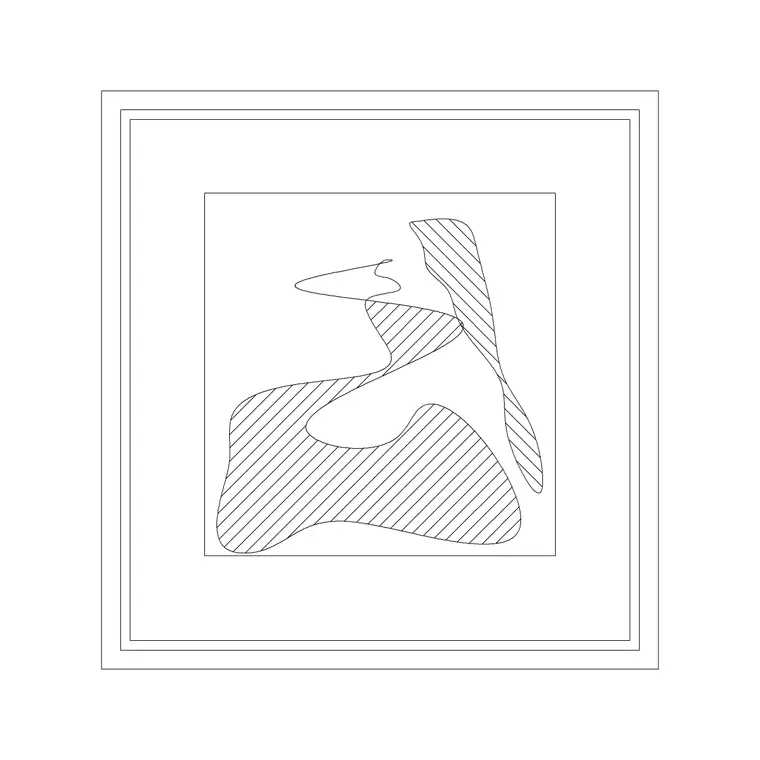
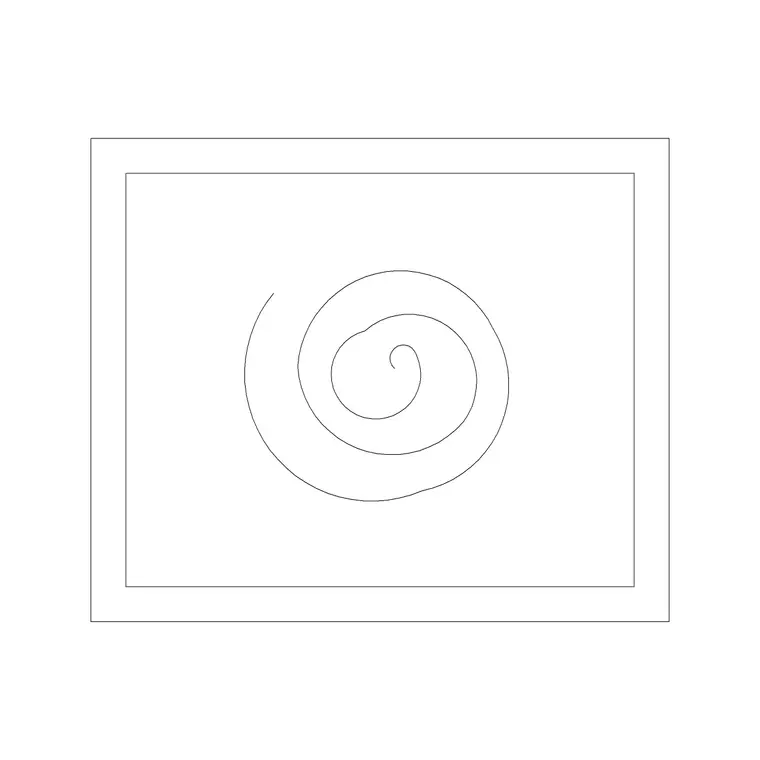
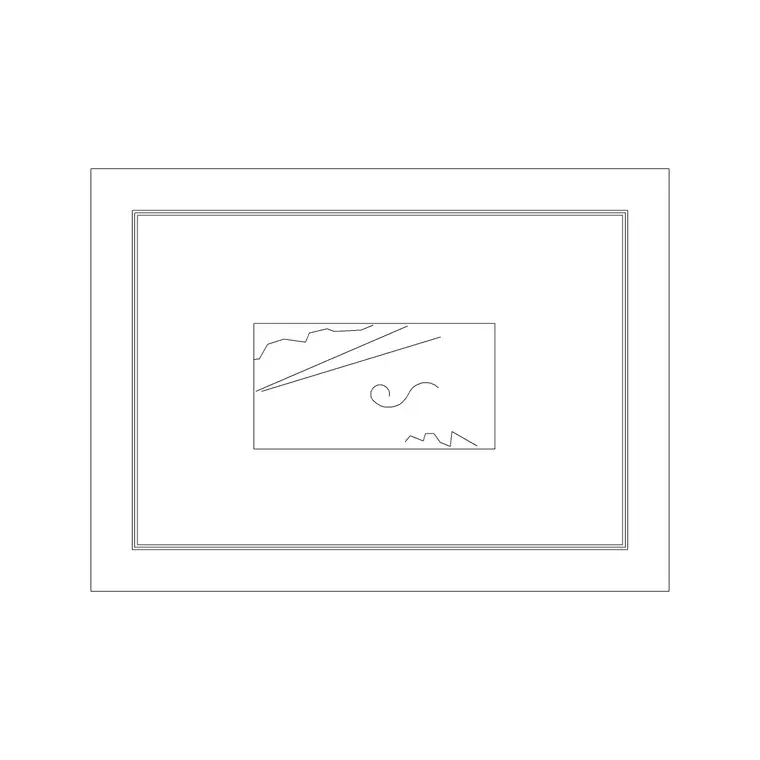
Wall art is what a designer reaches for when an elevation needs a focal point. Where a picture frame is modest and personal, a painting or large abstract canvas is a statement — it anchors a feature wall, fills the space above a sofa or sideboard, and gives a presentation drawing the single bold gesture that makes a client remember the room. This page collects free wall art and painting CAD blocks in DWG and DXF: abstract compositions, framed canvases, single large statement pieces and diptych or triptych sets, all drawn in elevation and ready for AutoCAD 2004 or later. Everything is free for personal and commercial use, with no signup and no watermark.
The distinction from a plain picture frame matters when you are choosing a block. Wall art tends to be larger, often frameless or thinly framed, and the composition inside the rectangle is doing the work — so these blocks put more line-work into the artwork itself. Use them to dress feature walls, hotel lobbies, restaurant interiors and gallery spaces, and to signal at a glance that a wall is the room's focal point.
Wall art versus a picture frame
It is worth being clear about the difference, because it changes which block you grab. A picture frame is a small, framed photograph or print hung in a group; a piece of wall art is a single larger work — a painting, a printed canvas, an abstract composition — usually hung alone or as a deliberate set, and often the largest object on the wall.
In CAD terms that means wall-art blocks are bigger, the internal graphic carries more of the drawing's interest, and the frame is either slim or absent (a gallery-wrapped canvas has no visible frame at all). When you want a wall to feel busy and personal, use frame blocks; when you want one confident focal point, use a wall-art block.
Views and what's included
These are elevation blocks. A typical wall-art download gives you the outer edge of the canvas or frame, an internal composition (abstract shapes, brush-stroke style line-work, or a simple landscape or figure), and — on framed pieces — a thin moulding profile. The internal artwork sits on its own sub-layer so you can keep it, simplify it to a light hatch, or remove it entirely and leave a clean rectangle for a more restrained presentation.
Multi-panel pieces (diptychs and triptychs) ship as a grouped block with consistent spacing between panels, typically 20–50 mm gaps, so the set reads as one composition. Explode the group if you want to fine-tune the spacing for a particular wall width. Like all decor elevation blocks, these carry no plan or section view — at interior-elevation scale, a canvas is effectively a flat rectangle on the wall.
Typical wall art sizes to design around
Statement art runs large. Useful ranges: a medium canvas around 600 x 800 mm to 900 x 1200 mm; a large feature piece 1000 x 1500 mm and up; an oversized lobby or stairwell work can reach 2000 mm or more on the long edge. A triptych is often three panels of 400–600 mm each, giving a total spread of 1.4–2.0 m across.
For placement above furniture, a rule that reads well is to make the art roughly two-thirds to three-quarters the width of the piece beneath it — a 2000 mm sofa carries a 1300–1500 mm work comfortably. Hang the bottom edge around 200–300 mm above the sofa back or sideboard top so the art and the furniture feel related rather than floating apart. Dropping the scaled block in lets you judge that relationship by eye instead of guessing.
How to insert and scale wall art
The blocks are drawn full size in millimetres. Insert at scale 1 in a millimetre drawing, 0.001 in a metre drawing, or set INSUNITS to millimetres so AutoCAD rescales automatically. Use INSERT or drag the DWG from a tool palette, and pick the centre of the piece as the insertion point so it scales evenly around its midpoint.
Because art is often sized to suit a specific wall, expect to scale these blocks more than most decor. Insert the piece, then SCALE it to the width the wall can carry, keeping the centre as the base point. For a feature wall, draw a centreline up the wall and snap the art's vertical centre to it so the composition sits dead-centre over the furniture below. Keep the art hung square — paintings do not tilt — so never rotate the block.
Where wall art blocks are used
Wall art appears wherever an interior wants a focal point: residential feature walls above sofas, beds and consoles; hotel lobbies, lift lobbies and corridors; restaurant and bar interiors; corporate receptions and boardrooms; spa and wellness spaces; and of course gallery and exhibition fit-outs where the art is the whole point. It is a fixture of presentation elevations and concept boards, where one strong piece communicates the intended mood faster than any note.
Combine these blocks with the picture-frame, mirror and decorative-vase blocks in the accessories category to compose a complete, layered wall — a large central artwork flanked by smaller frames, a vase on the console beneath. Because every block is free and licence-clear, the same artwork can carry from an early concept board through to the issued interior elevation set without any licensing worry.
Layering and value-engineering art out
Keep wall art on a dedicated decoration or art layer, separate from the building fabric and even from other accessories if your set is large. Decor is the first thing trimmed when a budget tightens, and statement art is often the most expensive single item on a wall, so a designer is routinely asked to show the room 'with and without the art'. A separate layer makes that a one-click toggle.
There is a presentation benefit too. Art is frequently a placeholder — the client will choose the actual piece later — so being able to swap one block for another, or freeze the layer to show a neutral elevation, keeps your drawing honest about what is specified versus what is suggested. If you tag each art block with a simple attribute (a position reference, say), you can even export an art schedule that the FF&E or art consultant picks up, turning the elevation into a lightweight brief for the people who source the real pieces.
Free download
Browse the full library — DWG & DXF, no signup.
Questions
Frequently asked
What's the difference between a wall art block and a picture frame block?+
A picture frame is a small framed photo or print, usually hung in a group. Wall art is a larger single statement piece — a painting or canvas — hung alone or as a set, with more of the drawing's interest in the artwork itself.
Are the wall art blocks free for commercial projects?+
Yes. Every block downloads free in DWG and DXF with no signup, no watermark and no attribution requirement, and they are cleared for commercial use.
How big should wall art be above a sofa?+
A good rule is roughly two-thirds to three-quarters the width of the sofa. A 2000 mm sofa carries a 1300–1500 mm piece comfortably, hung with its bottom edge about 200–300 mm above the sofa back.
Can I remove the artwork detail and leave an empty frame?+
Yes. The internal composition sits on its own sub-layer, so you can keep it, simplify it to a light hatch, or freeze it entirely to leave a clean rectangle for a more restrained presentation.
Related downloads
Blocks for this guide
Related categories
Related guides
Block landing
Free Picture Frame CAD Blocks — DWG Download
Download free picture frame CAD blocks in DWG and DXF — framed photos drawn in elevation for AutoCAD interior drawings. No signup, commercial use OK.
Block landing
Free Decorative Vase CAD Blocks — DWG Download
Download free decorative vase CAD blocks in DWG and DXF — designer vases and vases with flowers in plan and elevation for AutoCAD. No signup, commercial OK.
Block landing
Free Planter Pot CAD Blocks — DWG Download
Download free planter pot CAD blocks in DWG and DXF — cement planters and pots with plants in plan and elevation for AutoCAD. No signup, commercial OK.