Block landing · vase with plant cad block
Free vase with plant CAD blocks for AutoCAD
By Saumyajit Maity · Published 18 Aug 2024 · Updated 12 Apr 2026
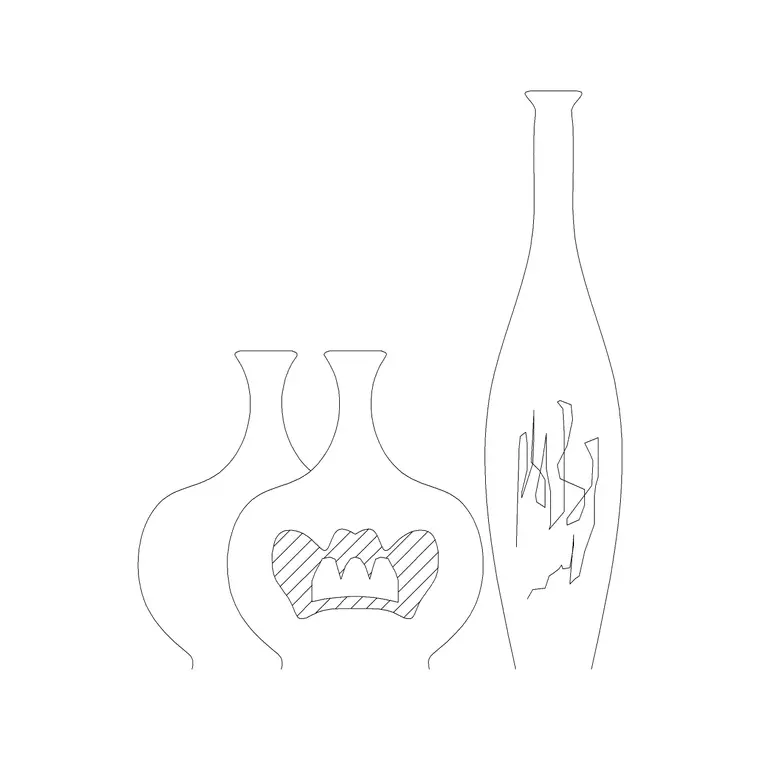
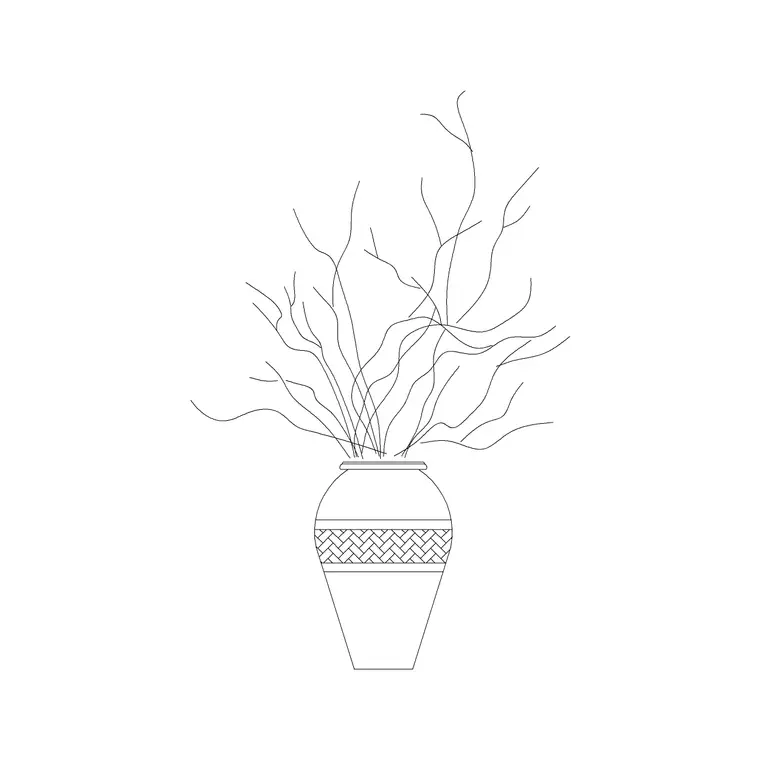
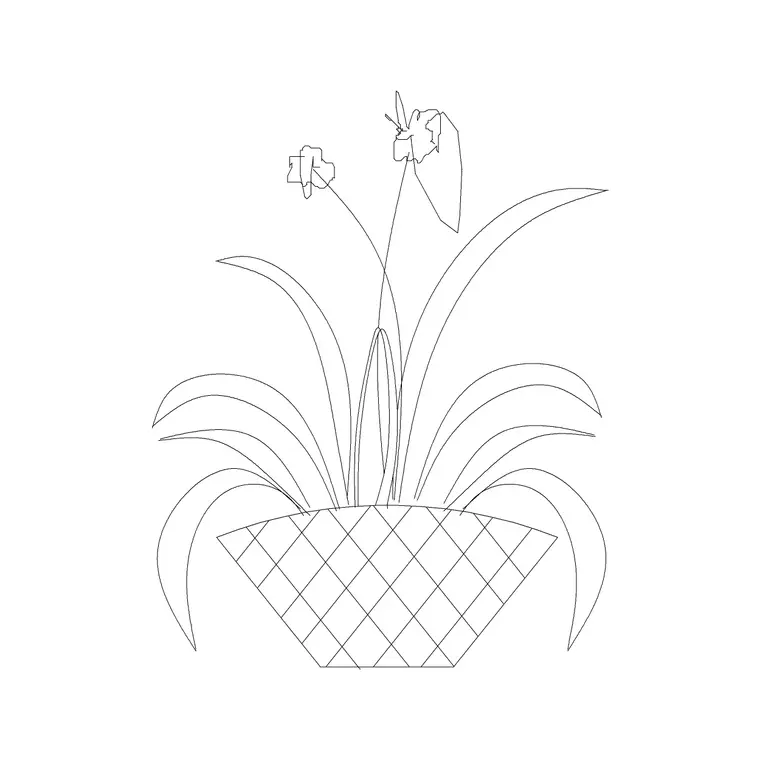
A vase with a plant is an interior accessory more than a landscape element — the decorative pot on a console table, the round bowl on a reception desk, the floor vase beside a sofa. On a furniture or interiors drawing, it is the small touch that makes a room read as styled rather than empty. This page gathers free vase with plant CAD blocks in DWG and DXF, drawn in plan and elevation at true millimetre size for AutoCAD 2004 or later. They are free for personal and commercial work, with no signup, no watermark and no attribution.
Use them to dress interior plans and elevations — reception areas, living rooms, hotel lobbies, restaurant tables, retail displays, office breakout spaces. Because the vase is drawn to scale, it sits believably on a table, shelf or floor without looking oversized or lost, and it reads correctly when you cut an interior elevation through the room.
A vase block versus a planter or a landscape plant
It is worth being clear about where this block belongs, because three plant containers can look similar but serve different drawings. A landscape plant block is a planting symbol for a bed; a planter-with-plant block is an outdoor hardscape container sized in hundreds of millimetres; a vase-with-plant block is a small decorative interior object, usually a few hundred millimetres at most, placed on furniture.
That scale and context shape the symbol. A vase block is detailed enough to read as a styled object close-up — a defined rim, a clear vessel profile, a contained plant or arrangement — because it is most often seen on interior elevations and presentation views rather than on a large site plan.
Plan and elevation in interiors
On a furniture layout you use the plan view: the vase rim seen from above on a table, shelf or floor, placed to dress the room. It is small, so it mostly signals 'styled here' on the plan.
The elevation view earns its keep on interior elevations — the wall-by-wall face-on drawings interior designers produce. Here the vase and its plant are seen at their real height on a console, a sideboard or the floor, contributing to the composition of the elevation. Several downloads ship both views, with the vessel and the plant on separate layers so you can recolour the vase or swap the planting without exploding the block.
Vase sizes to design around
Vases are small, so think in modest ranges. Table and desk vases: roughly 100–250 mm across and 150–400 mm tall, including the plant or arrangement. Console and sideboard vases: 200–350 mm across and 300–600 mm tall. Floor vases and large decorative pots: 300–500 mm across and 600–1200 mm tall, often holding a tall stem arrangement, branches or a single architectural plant.
These are design ranges, not fixed sizes — decorative vases come in endless shapes. What the scaled block gives you is a sense of proportion: a table vase that reads correctly against a 750 mm-high table, or a floor vase that sits at the right height beside a 400 mm seat, so the styling looks composed in both plan and elevation.
Inserting and placing vase blocks
The blocks are full size in millimetres. Insert at scale 1 in a millimetre drawing, or set INSUNITS to millimetres so AutoCAD rescales on insertion. Run INSERT, snap the insertion point to the centre of the vase base, and place it on the table, shelf or floor. Because these are styling touches, they are usually placed individually by hand rather than arrayed — though a row of identical table vases down a restaurant banquette or a retail shelf is a fair case for a path array.
Keep vases on a furniture or accessories layer so they can be toggled off for a clean technical plan and on for a presentation drawing. On an interior elevation, drop the elevation vase block onto the relevant furniture so its height reads correctly against the rest of the composition.
Where vase blocks are used
Vase-with-plant blocks belong in interiors work: residential living and dining rooms, hotel and restaurant interiors, reception and lobby areas, retail and showroom displays, office breakout and meeting spaces, and the styled vignettes on presentation boards. Interior designers use them to finish furniture plans and elevations; architects drop them into rooms to suggest occupation and scale; students use them to bring life to interior studio drawings.
Pair them with the accessories category for the matching containers, bowls and decorative objects, and with the trees-and-plants category when an interior calls for a larger indoor plant or a small tree rather than a tabletop arrangement.
Keeping interior accessories tidy
A small habit keeps interior drawings clean: put vases and other decorative accessories on their own layer, distinct from the structural furniture. That lets you produce a stripped-back furniture plan for coordination and a fully styled plan for the client from the same drawing, simply by freezing or thawing the accessories layer.
Because each vase is a block reference, you can count them with COUNT or QSELECT if a scheme is being styled to a budget, and attribute them with a product code for a styling or FF&E schedule. When a styled corner — a console with a vase, a lamp and a stack of books — works well, WBLOCK it as a reusable vignette so you can drop the whole composition into similar rooms rather than rebuilding it each time.
Free download
Browse the full library — DWG & DXF, no signup.
Questions
Frequently asked
What's the difference between a vase block and a planter block?+
A vase-with-plant block is a small decorative interior object — a few hundred millimetres at most — placed on furniture or the floor indoors. A planter block is a larger outdoor hardscape container sized in hundreds of millimetres for terraces and plazas. They suit different drawings.
Do vase blocks include an elevation view?+
Many do, and elevation is where they matter most, since interior designers show vases on wall-by-wall interior elevations. Plan views dress the furniture layout; elevation views show the vase at its real height. Both are listed on each download page.
What sizes are the vase blocks drawn at?+
From small table vases around 100–250 mm across to floor vases 300–500 mm across and up to 1200 mm tall with their arrangement. They are drawn full size in millimetres, so scale them to the piece you are styling with.
Are the vase CAD blocks free for commercial use?+
Yes. Every vase block downloads free in DWG and DXF with no signup, no watermark and no attribution requirement, and they are cleared for commercial project use.
Related downloads
Blocks for this guide
Related categories
Related guides
Block landing
Free Flower Plant CAD Blocks — DWG Download
Free flower plant CAD blocks in DWG and DXF — flowering annuals and perennials in plan and elevation for AutoCAD landscape plans. No signup, commercial OK.
Block landing
Free Flowering Shrub CAD Blocks — DWG Download
Free flowering shrub CAD blocks in DWG and DXF — ornamental shrubs in plan and elevation for AutoCAD planting and site plans. No signup, commercial OK.
Block landing
Free Herb Plant CAD Blocks — DWG Download
Free herb plant CAD blocks in DWG and DXF — herbs for kitchen gardens, raised beds and planters, in plan and elevation for AutoCAD. No signup, commercial OK.