Block landing · vase plant cad block
Free vase plant CAD blocks for AutoCAD
By Sumana Kumar · Published 22 Jun 2023 · Updated 14 May 2026
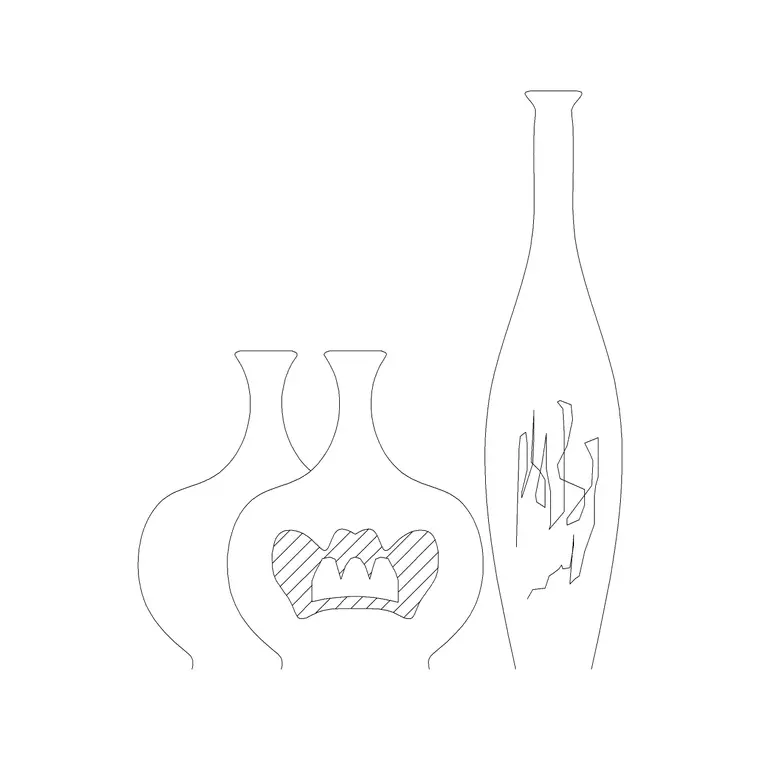
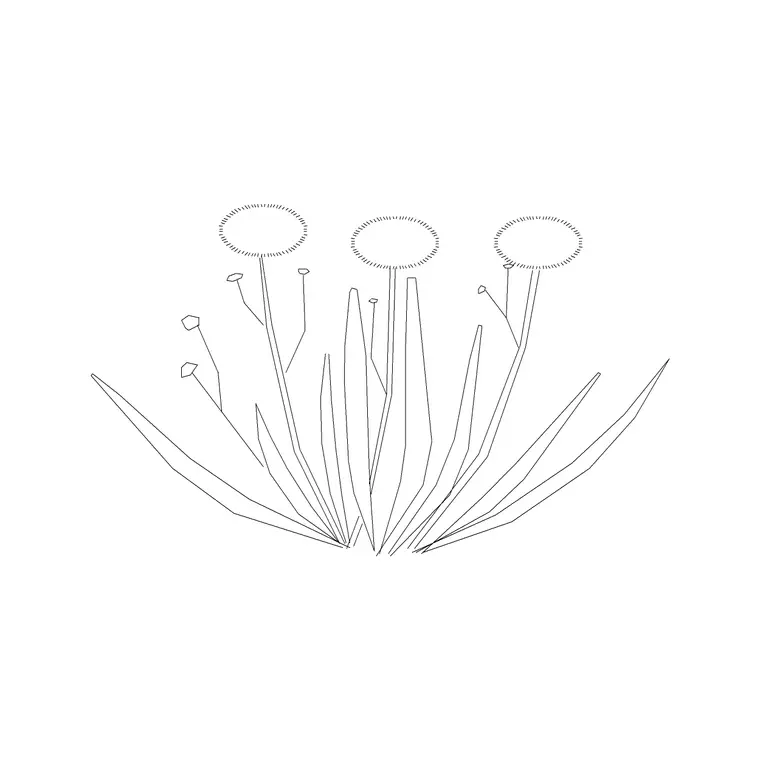
A vase with a plant or arrangement is a small but telling detail in an interior drawing — the styled vase on a reception desk, the tall floor vase by an entrance, the flower arrangement on a dining table that signals a finished, designed space. A vase-plant CAD block gives you that decorative element ready-made, in plan for layouts and elevation for the views people study. This page collects free vase-plant CAD blocks in DWG and DXF, drawn to scale and free for personal and commercial work, with no signup and no watermark.
Vase plants are firmly decorative-detail blocks, distinct from the structural greenery of trees or the functional planting of beds. They belong to interior styling: the soft furnishings, accessories and props that make an interior elevation or a presentation plan feel inhabited rather than empty. Use these blocks to dress reception areas, lobbies, dining and living spaces, retail displays and hospitality interiors — the places where a styled vase tells the viewer a real designer has been at work.
What a vase plant block is
A vase-plant block is a decorative vase together with its contents — a leafy plant, a flower arrangement, branches or grasses — drawn as a single styling element. In elevation it shows the vase shape (a tall cylinder, a rounded bowl, a fluted urn) with the arrangement rising from it; in plan it shows the vase rim with foliage spreading over it, similar to a small pot plant but read as an accessory rather than landscape planting.
The distinction from a plant pot is one of intent. A pot plant is greenery placed in a space; a vase plant is a styled object, often a cut-flower or branch arrangement, used to finish a setting. That's why these blocks lean decorative and varied — different vase forms and arrangements — so a designer can pick the one that suits the styling of the room.
Views and what's included
Vase-plant sets usually include both elevation and plan, because the element appears in both interior elevations and furnished plans. The elevation is the more important view here — interior elevations and presentation views are where a styled vase actually shows — but a top-view version lets you place the vase on a table or counter in a floor plan.
A typical set offers several vase forms and arrangements: a tall floor vase with branches, a table vase with flowers, a low bowl with foliage, a slim bud vase. The vase, the arrangement and any water line sit on sensible layers. Files target AutoCAD 2004 format and open in AutoCAD, AutoCAD LT, BricsCAD, DraftSight and free DWG viewers, so the styling reads the same wherever the drawing opens.
Typical vase plant sizing
Scale to the piece and where it sits. As references: a small table or bud vase stands roughly 0.15–0.3 m tall; a medium table arrangement 0.3–0.5 m; a tall floor vase with branches 0.8–1.2 m or more. In plan, the footprint is the vase rim plus any overhanging foliage — usually 0.1–0.4 m across depending on the arrangement.
Because these are styling elements, scale them to look right against the furniture they sit on rather than to any horticultural size. A table vase should read as a tasteful accent, not dominate the table; a floor vase should hold its own beside a sofa or in an entrance. Sizing by visual proportion to the surrounding furniture is exactly how an interior designer would judge the real piece.
How to insert and style with vase plants
Blocks are drawn full size in millimetres, so set insertion units to Millimeters (type UNITS) before placing. For a furnished plan, insert the top-view vase on a table, counter or shelf with the rim centre as the insertion point. For an interior elevation, insert the elevation vase sitting on the furniture's top surface, snapped to the surface line so it doesn't float.
Put vase plants on an accessories or styling layer with the other soft details, so you can produce a clean technical drawing by freezing them and a styled presentation drawing by thawing them. Use them sparingly and deliberately — a couple of well-placed vases read as styling, while a vase on every surface reads as clutter. That restraint is part of using them well.
Where vase plants are used
Vase plants belong on the drawings meant to look finished and inhabited: interior elevations, furnished floor plans, mood and presentation boards, and hospitality and retail interiors. They appear on reception desks and lobby tables, dining and coffee tables, mantelpieces and shelving, hotel and restaurant settings, and showroom or shop displays.
Interior designers and architects use them to style a space and signal a complete, considered design; visualisers use them as line-art accents in rendered views; students use them to lift presentation boards. They are not for technical, structural or landscape drawings, where they'd just be noise. Combine vase plants with furniture, lighting and accessory blocks to build the styled, lived-in interiors that presentation drawings call for.
Free download
Browse the full library — DWG & DXF, no signup.
Questions
Frequently asked
What's the difference between a vase plant and a pot plant block?+
A pot plant is permanent greenery placed in a space; a vase plant is a decorative styling element, usually a cut-flower or branch arrangement in a vase, used to finish an interior. Vase plants lean accessory and are placed sparingly for effect.
What views do vase plant blocks come in?+
Usually both. The elevation is the key view, since styled vases show in interior elevations and presentation drawings, while a top-view version lets you place the vase on a table or counter in a furnished floor plan.
Are the vase plant CAD blocks free for commercial use?+
Yes. They download free in DWG and, where available, DXF, with no signup, no watermark and no attribution requirement, and they are cleared for commercial project use.
What layer should I put vase plants on?+
Put them on an accessories or styling layer with the other decorative details, so you can freeze them for a clean technical drawing and thaw them for a styled presentation drawing from the same file.
Related downloads
Blocks for this guide
Popular blocks to download
Related categories
Related guides
Block landing
Free Flower Plant CAD Blocks — DWG Download
Free flower plant CAD blocks in DWG and DXF — flowering annuals and perennials in plan and elevation for AutoCAD landscape plans. No signup, commercial OK.
Block landing
Free Flowering Shrub CAD Blocks — DWG Download
Free flowering shrub CAD blocks in DWG and DXF — ornamental shrubs in plan and elevation for AutoCAD planting and site plans. No signup, commercial OK.
Block landing
Free Herb Plant CAD Blocks — DWG Download
Free herb plant CAD blocks in DWG and DXF — herbs for kitchen gardens, raised beds and planters, in plan and elevation for AutoCAD. No signup, commercial OK.