Block landing · van cad block
Free van CAD blocks for AutoCAD
By Sumana Kumar · Published 14 Feb 2026 · Updated 30 Mar 2026
The van is the vehicle that makes a building work behind the scenes. Wherever goods are delivered, trades arrive, or a service yard is planned, a scaled van block is how you prove the loading, the turning and the parking all function for a real commercial vehicle rather than a car. This page collects free van CAD blocks in DWG and DXF — panel vans and delivery vans — in plan and elevation, drawn at true millimetre dimensions for AutoCAD 2004 and later. Every file is free for personal and commercial work, with no signup, no watermark and no attribution required.
Vans demand more space than cars in every dimension, and the rear and side doors change how a loading bay works. The footprint tests bay length and yard manoeuvring; the height matters under canopies and barriers; and the door positions govern where the vehicle has to stop to unload. Use these blocks to design loading bays and service yards, to plan trade and delivery parking, and to add a working commercial vehicle to a streetscape or industrial site plan.
What a van block represents
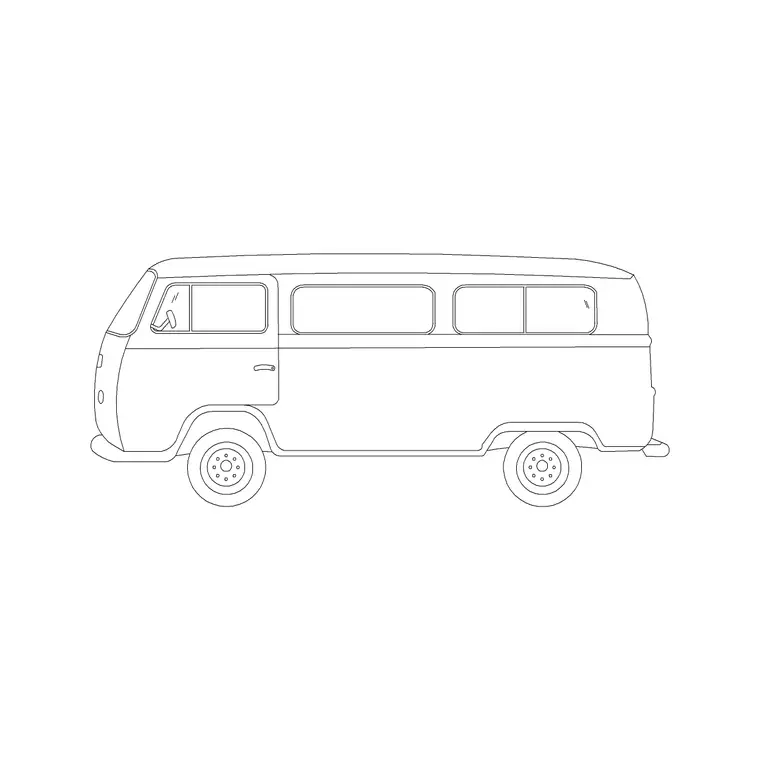
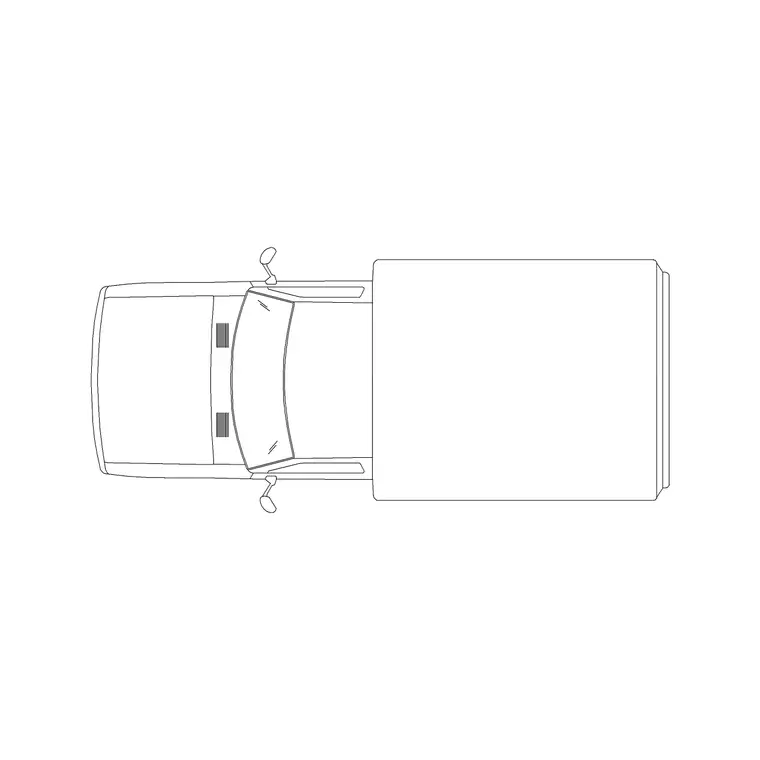
A van block represents the light commercial vehicle: small car-derived vans, medium panel vans and large long-wheelbase, high-roof vans. In plan the footprint is long and boxy, often with the wheels set well toward the corners. In elevation the tall, flat-sided body and high roof dominate, with the rear barn doors or roller, and sometimes a sliding side door, marking where loading happens.
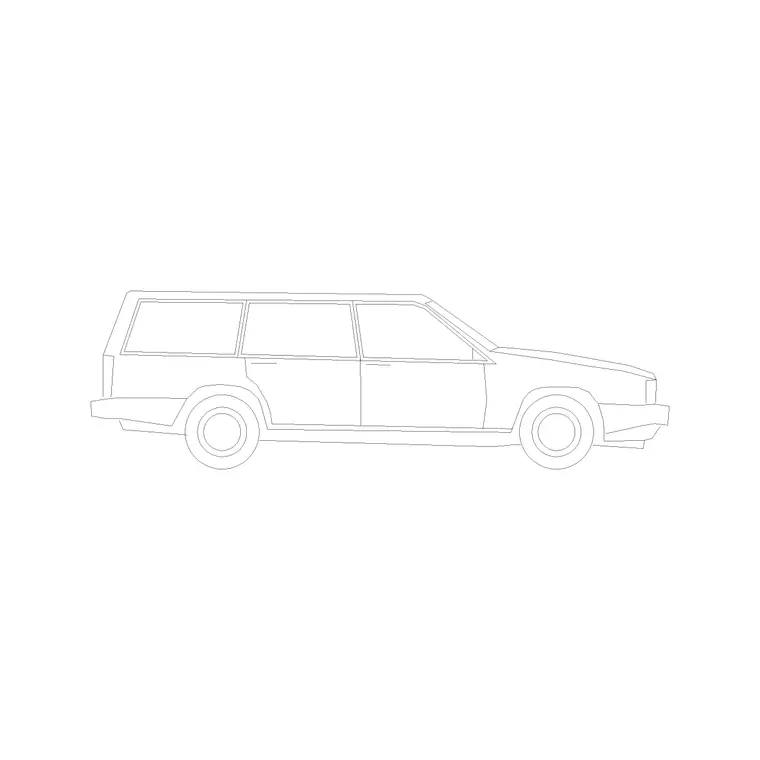
The blocks here span the size range and come in plan and side elevation as clean references, with the body, wheels and glasshouse on separable layers. The van works both as a realistic test vehicle for loading and service-yard design, and as a subject in fleet, depot and commercial-streetscape drawings.
Van dimensions to design around
Design against the wide range vans cover. A small van runs roughly 4000–4500 mm long and 1700–1800 mm wide; a medium panel van around 4800–5400 mm long and 1900–2000 mm wide; a large long-wheelbase van past 5500–6000 mm long, with high-roof versions reaching 2500–2800 mm tall. Standard-roof vans sit around 1900–2100 mm tall.
Those figures drive the design. A medium or large van overhangs a standard car bay, so dedicated commercial bays or a service yard are usually needed. The height is critical under canopies, in basements and at height barriers — a high-roof van will not clear a barrier set for cars. Drop the scaled van block in and the bay length, the yard turning room and the headroom under a canopy all become direct checks.
Designing loading bays and service yards
The van is the vehicle a service yard is built around. Lay out the yard so a van can enter, turn, reverse onto the loading point and leave without conflict — and the only honest way to test that is to swing a real van block through the moves. The rear and side door positions tell you where the vehicle must stop relative to the dock or store entrance, so model them, not just the body box.
For on-street and forecourt deliveries, the van block shows whether a designated loading bay is long enough and whether a delivery vehicle blocks the carriageway or the footway while unloading. Getting this right at design stage avoids the familiar real-world problem of vans double-parking because the planned bay was sized for a car.
Inserting plan and elevation
Van blocks are drawn full size in millimetres. Insert at scale 1 in a millimetre drawing, 0.001 in a metre drawing, or set INSUNITS to millimetres so AutoCAD rescales on insertion if your template differs.
For the plan, place the insertion point at the centre and check the long footprint against bay or dock length before arraying or rotating. For a turning study, position the van at each stage of the manoeuvre to trace the swept path. For the elevation, snap to the kerb or ground line so the tall body sits correctly under a canopy or barrier. Keep vans on a dedicated commercial-vehicle layer so they freeze and thaw cleanly.
Where van blocks are used
Vans appear across commercial and industrial work. Loading bays and service yards at retail, warehouse and office buildings. Trade-counter and builder's-merchant parking. Depot and fleet layouts. On-street and forecourt delivery bays. Industrial-estate and logistics site plans. Commercial streetscapes where a working van sets the right tone.
They are also a sensible inclusion in mixed parking studies that must accommodate trade and delivery traffic, setting the bay-length and headroom bound that cars do not reach. Mix vans with cars, an MPV and a small truck from the vehicles category to show realistic commercial and mixed traffic in a yard or street scene.
Van versus truck, MPV and car
The van sits between cars and trucks, and the distinctions matter. It is larger than an MPV and is a goods vehicle, so it belongs in loading and service drawings rather than family drop-offs — where the MPV is the people-carrier equivalent. It is smaller than a rigid truck or HGV, so for heavy goods deliveries and large service vehicles you step up to a truck block; the van is for light commercial work. It is far larger than a car, so use a car block only for staff and visitor parking, not for deliveries.
Matching the vehicle to the task keeps the drawing honest: vans for trades and parcels, trucks for bulk and heavy loads, cars and MPVs for people. All sit in the vehicles category so you can assemble the right commercial fleet for each yard, bay or street.
Free download
Browse the full library — DWG & DXF, no signup.
Questions
Frequently asked
What size van should I design a loading bay for?+
It depends on the traffic, but a medium panel van around 4800–5400 mm long and 1900–2000 mm wide is a common test vehicle, stepping up to a large long-wheelbase, high-roof van where bigger deliveries are expected. Model the actual van and its doors to size the bay.
Why does van height matter so much?+
Standard-roof vans run 1900–2100 mm tall and high-roof versions reach 2500–2800 mm, so a barrier or canopy set for cars will stop them. Check the van's roof height against any covered or barriered access in your design.
Do the van blocks come in plan and elevation?+
Yes. The set includes plan-view footprints for loading, yard and parking work and side elevations for streetscapes and depot drawings, suitable for swept-path and clearance checks.
Are the van CAD blocks free for commercial use?+
Yes. Every van block downloads free in DWG and, where available, DXF, with no signup, no watermark and no attribution requirement, and they are cleared for commercial project use.
Related downloads
Blocks for this guide
Related categories
Related guides
Block landing
Free Car Plan View CAD Block — DWG Download
Download a free car plan-view CAD block in DWG and DXF — the top-down footprint for parking layouts and site plans. AutoCAD 2004+, no signup.
Block landing
Free Car Elevation CAD Block — DWG Download
Download a free car elevation CAD block in DWG and DXF — side and front views for streetscapes, showrooms and presentations. AutoCAD 2004+, no signup.
Block landing
Free Sedan Car CAD Blocks — DWG Download
Download free sedan car CAD blocks in DWG and DXF — saloon and luxury sedans in plan and elevation for parking and showrooms. AutoCAD 2004+, no signup.