Block landing · umbrella cad block
Free umbrella CAD blocks in DWG and DXF
By Saumyajit Maity · Published 24 Feb 2026 · Updated 30 May 2026
An umbrella is a small prop that does a precise job: it signals an entrance, a cloakroom or a wet-weather threshold. Stood in a stand by a door, hung on a hook in a lobby or lined up in a retail rack, an umbrella tells the viewer this is where people arrive and leave. This page collects free umbrella CAD blocks in DWG and DXF — folded umbrellas for a stand and hanging umbrellas for a hook — ready for AutoCAD 2004 or later, free for personal and commercial use with no signup and no watermark.
The two styles cover the common cases: a closed, furled umbrella that stands upright in an umbrella stand, and a hung umbrella shown by its crook handle on a rail or hook. They suit entrance and lobby elevations, hotel and office reception details, cloakroom drawings and retail or homeware shopfits. Each is a real block reference you can copy, mirror, rotate and recolour onto a styling layer, so a full stand or a single hung umbrella both come from the same lightweight downloads.
Folded and hanging: what each block shows
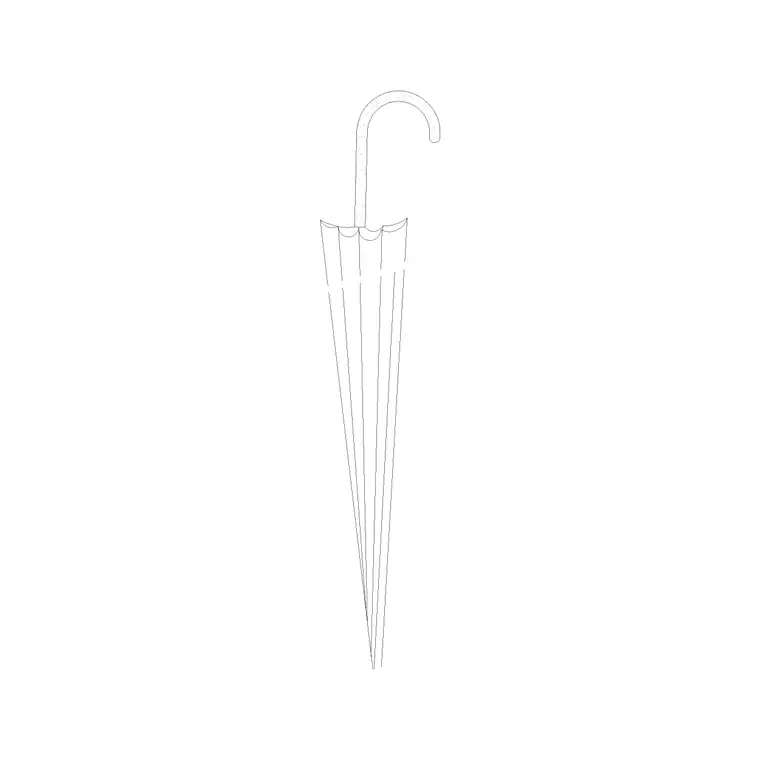
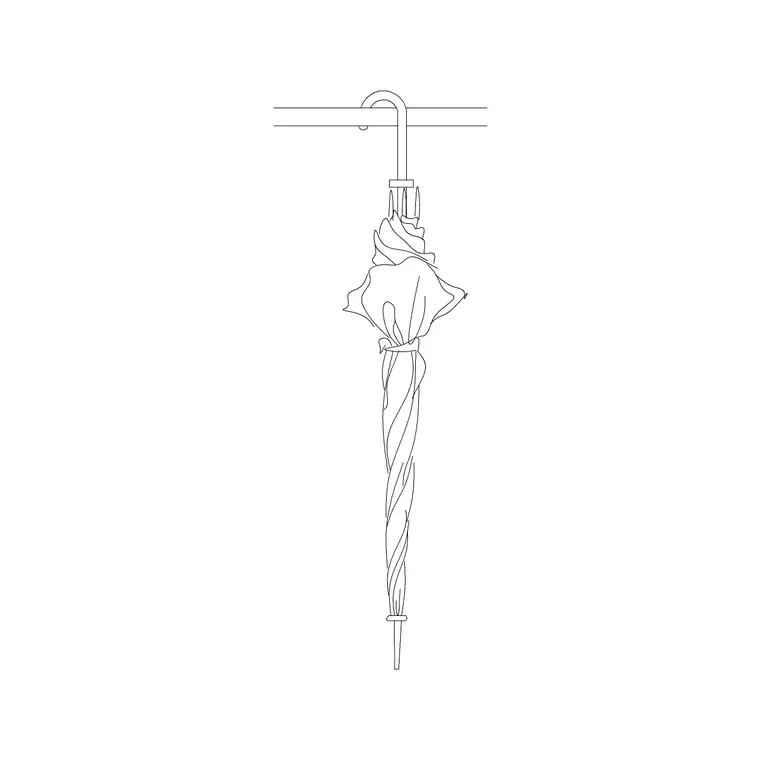
The folded umbrella block draws a closed, furled umbrella standing upright: a slim tapered bundle of canopy wrapped around the shaft, narrowing to a tip at the bottom and a crook or straight handle at the top — the form it takes in a stand by a door. The hanging umbrella block shows the umbrella by its crook handle hooked over a rail, the closed canopy dangling below, as it would hang in a cloakroom or lobby.
Both are elevation blocks with simple, clean linework — the shaft, the wrapped canopy, the handle — so they read clearly at the scale of an entrance detail without fuss. As single block references they copy, mirror and rotate as one object, so you can fill a stand with several furled umbrellas, hang a row on a rail, or place a single one as a threshold cue, all from the same files.
An elevation prop for thresholds
Umbrellas are entrance and threshold props, shown in elevation and detail. You stand the folded block in an umbrella stand on an entrance or lobby elevation, hang the hanging block on a cloakroom rail, or line a few in a retail display. The view is elevation because the umbrella's slim, recognisable form reads from the side; in plan a furled umbrella is just a small circle in a stand.
When you set out an entrance, reception or cloakroom in plan, draw the stand, mat and rail as plan geometry, and bring the umbrella blocks onto the matching elevation and detail sheets where they signal the wet-weather function. A single umbrella stand by a door is one of those small touches that makes an entrance elevation read as a real, used threshold.
Umbrella sizes to draw against
Use these ranges to keep an entrance detail believable. A full-length closed umbrella is around 850–950 mm long from tip to handle and slim — roughly 40–60 mm across the furled canopy. A compact or telescopic umbrella, closed, is much shorter, around 250–350 mm. A golf umbrella is longer and a touch chunkier than a standard one.
Those figures set the fixtures around it: an umbrella stand is typically 250–350 mm across and 450–600 mm tall so a full-length umbrella stands with its handle clear above the rim, and a cloakroom hook for a hung umbrella sits around 1500–1700 mm so the canopy hangs clear of the floor. Because the blocks are drawn to these real sizes, dropping one into a stand or onto a hook shows immediately that it sits and hangs correctly.
Inserting and placing the umbrellas
The umbrellas are drawn full size in millimetres. Insert at scale 1 in a millimetre drawing, 0.001 in a metre drawing, or set INSUNITS to millimetres so AutoCAD rescales on insertion. Use INSERT or drag the DWG from a tool palette, and snap the insertion point to the stand for a folded umbrella or to the rail line for a hanging one.
To fill a stand, place the folded block a few times with slight rotations and mirrors so the umbrellas read as a casual cluster rather than identical sticks. For a cloakroom, ARRAY the hanging block along the rail at a sensible pitch. Keep the umbrellas on a styling layer with a light lineweight so they freeze out for a clean entrance or joinery drawing and thaw in for the presentation.
Who uses umbrella blocks
Architects and interior designers use umbrella blocks to dress entrance lobbies, reception areas and cloakrooms so the threshold reads as a real arrival point. Hospitality and workplace designers add them to hotel and office reception details where a guest's umbrella and stand signal service. Retail and homeware shopfit designers stock umbrella racks and displays so the fixture reads as merchandised.
They pair naturally with other entrance and accessories blocks — coats on a rail, a laptop bag, a console table — to build a complete arrival vignette, and with furniture and people blocks for the surrounding lobby. A folded umbrella in a stand beside a coat rail is a compact way to tell the whole story of a wet-weather entrance.
Layering and reuse
Treat umbrellas as styling props: keep them on a dedicated prop or FF&E layer separate from the stand, rail and architecture, with a lighter lineweight so they read as soft content. That lets one file issue a clean entrance or cloakroom elevation (umbrellas frozen off) and a dressed presentation elevation (umbrellas thawed on) without duplicating geometry.
When you compose an arrival vignette you reuse — a stand of furled umbrellas, a coat rail and a console — WBLOCK the arrangement as one reusable assembly so a dressed entrance drops into the next project in a single insert. Edit the source assembly later and every placement updates together, keeping the entrance details consistent across a whole drawing set.
Free download
Browse the full library — DWG & DXF, no signup.
Questions
Frequently asked
Are the umbrella CAD blocks free for commercial use?+
Yes. The folded and hanging umbrella blocks download free in DWG and, where available, DXF, with no signup, no watermark and no attribution requirement, and they are cleared for commercial entrance, retail and interior drawings.
Do you have both a standing and a hanging umbrella?+
Yes. One block draws a closed, furled umbrella that stands upright in a stand, and another shows an umbrella hung by its crook handle from a rail or hook, so you can dress both a stand and a cloakroom rail.
What size is the umbrella drawn at?+
A full-length closed umbrella is drawn around 850–950 mm long and slim. A uniform scale takes it down to a compact 250–350 mm telescopic umbrella or up to a longer golf umbrella if your scene needs it.
How tall should an umbrella stand be?+
An umbrella stand is typically 250–350 mm across and 450–600 mm tall so a full-length umbrella stands with its handle clear above the rim. The block is drawn to real size, so dropping it into the stand shows immediately that it sits correctly.
Related downloads
Blocks for this guide
Related categories
Related guides
Block landing
Free Picture Frame CAD Blocks — DWG Download
Download free picture frame CAD blocks in DWG and DXF — framed photos drawn in elevation for AutoCAD interior drawings. No signup, commercial use OK.
Block landing
Free Wall Art & Painting CAD Blocks — DWG
Download free wall art and painting CAD blocks in DWG and DXF — abstract art and canvases for AutoCAD interior elevations. No signup, commercial OK.
Block landing
Free Decorative Vase CAD Blocks — DWG Download
Download free decorative vase CAD blocks in DWG and DXF — designer vases and vases with flowers in plan and elevation for AutoCAD. No signup, commercial OK.