Block landing · truck cad block
Free truck and loading vehicle CAD blocks for AutoCAD
By Saumyajit Maity · Published 26 May 2025 · Updated 17 Feb 2026
When a drawing has to prove that a delivery actually works — that the lorry can reach the dock, turn in the yard and clear the gate — you need a scaled truck block, not a guess. Trucks and loading vehicles are the largest road vehicles most building projects have to accommodate, and getting their geometry right is the difference between a service yard that functions and one that traps a vehicle on day one. This page collects free truck and loading vehicle CAD blocks in DWG and DXF — rigid trucks, mini trucks and loading vehicles — in plan and elevation, drawn at true millimetre dimensions for AutoCAD 2004 and later. Every file is free for personal and commercial work, with no signup, no watermark and no attribution required.
Trucks demand serious space: long footprints, wide turning circles and tall bodies that interact with gates, canopies and bridges. Use these blocks to design loading docks and service yards, to run swept-path and turning-circle checks, and to confirm that the access route — gate width, ramp gradient, headroom — works for the largest vehicle the site must take.
What a truck block represents
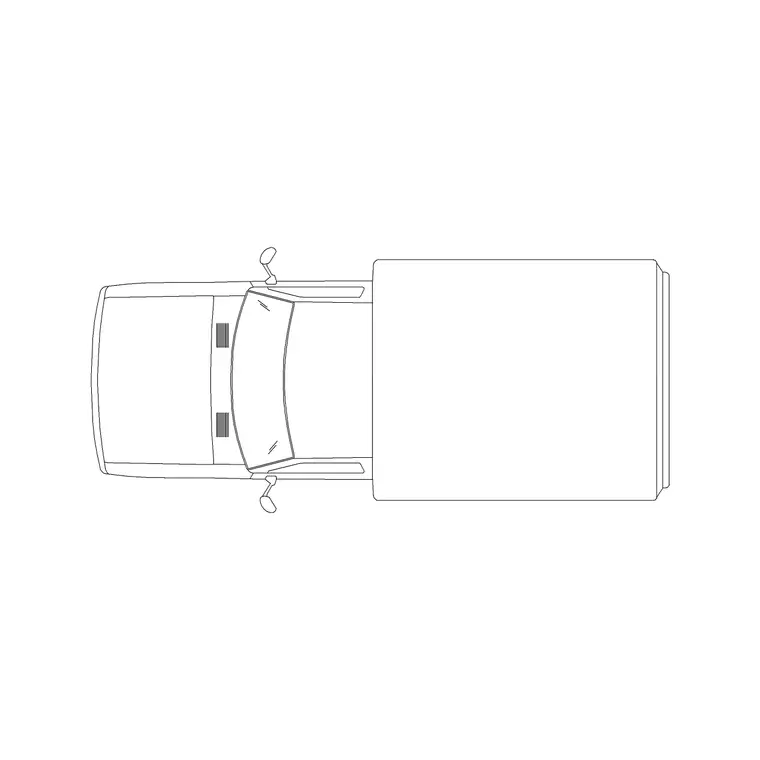
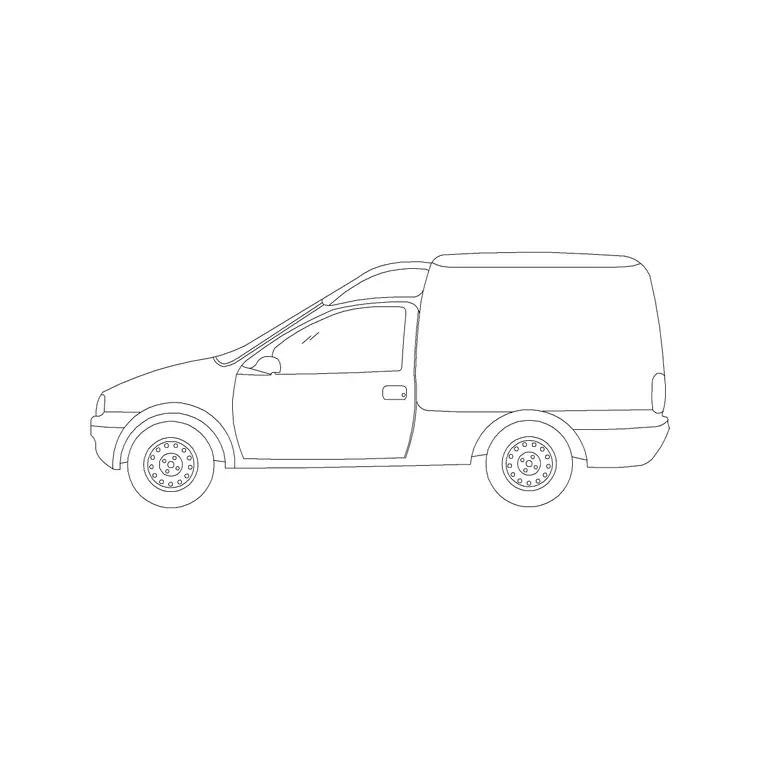
These blocks cover the range from small loading vehicles up to rigid trucks. A mini truck or light loading vehicle is the compact end — a small tipper or flatbed used on tight sites and for local deliveries. A rigid truck is the larger two- or three-axle goods vehicle that backs onto a loading dock. In plan the footprint is long and rectangular, with axle and wheel positions that matter for swept paths; in elevation the tall, slab-sided body and high cab dominate.
The blocks here are clean references with the body, wheels and cab on separable layers. They serve both as the test vehicle for loading and access design and as a subject in industrial, depot and logistics drawings. For the very largest articulated vehicles a dedicated swept-path template is the specialist tool, but a rigid truck block covers the great majority of building-project deliveries.
Truck dimensions to design around
Design against generous ranges, because trucks vary widely by class. A mini truck or light loading vehicle runs roughly 4500–5500 mm long and 1800–2000 mm wide. A small rigid truck reaches 6000–7000 mm long; a large two- or three-axle rigid truck pushes 8000–10000 mm long and around 2400–2550 mm wide. Cab and body height commonly sits around 2500–3500 mm, with box-bodied and curtain-sided vehicles toward the upper end.
Those figures govern the whole access design. The length and width set the turning circle and the dock approach; the height sets the gate, canopy and bridge clearance; the wheelbase sets the swept path through a bend. Drop the scaled truck block in and the dock fit, the yard turning room and the overhead clearance all become explicit, checkable geometry rather than an optimistic assumption.
Running swept-path and dock checks
The real value of a truck block is in the manoeuvre. To check a turning circle or a loading approach, place the truck at each stage of the move — entering the gate, swinging into the yard, reversing onto the dock — and trace the path its body and wheels sweep. Because the rear of a long vehicle cuts inside the front on a turn, this swept path is wider than the truck itself, and only a scaled block placed through the move reveals where it clips a kerb, a column or a parked car.
For the dock itself, align the truck's rear with the dock leveller or door and confirm the body length fits the bay and the apron in front gives enough room to straighten up. Doing this on the drawing, with a correctly-sized truck, is how a service yard is proven before anything is built.
Inserting the truck block
Truck blocks are drawn full size in millimetres. Insert at scale 1 in a millimetre drawing, 0.001 in a metre drawing, or set INSUNITS to millimetres so AutoCAD rescales on insertion if your template differs.
Use INSERT or a tool palette, place the insertion point at the centre or a known reference point for plan work, and rotate or copy the block through each stage of a turning study. For the elevation, snap to the ground line so the tall body sits correctly against a gate or canopy whose height you are checking. Keep trucks on a dedicated heavy-vehicle layer so they freeze and thaw independently of the car and van blocks in the same drawing.
Where truck and loading-vehicle blocks are used
Trucks appear wherever bulk or heavy goods move. Loading docks and service yards at warehouses, supermarkets, factories and distribution centres. Construction-site logistics and access plans. Waste and recycling layouts, where the collection vehicle sets the geometry. Industrial-estate and port site plans. Gate, ramp and bridge clearance studies.
They are essential in any access drawing that must demonstrate a delivery vehicle can reach and serve the building. Mix a truck with vans, a forklift if you have one, and the relevant cars from the vehicles category to show the full range of vehicles a busy yard handles, with the truck setting the controlling dimensions for turning and clearance.
Truck versus van and the limits of the block
The truck is the heavy end of the road-vehicle range, and choosing it over a van is a decision about load and access. Use a van for light commercial work — parcels, trades, small deliveries — and step up to a truck block when the site takes rigid lorries, tippers or bulk deliveries. The truck's far larger turning circle and clearance demands are exactly why it must drive the yard and gate design rather than a van.
Know the block's limits, too. A rigid truck block covers most building-project deliveries, but a full articulated lorry or a specialist abnormal load needs a dedicated swept-path template and often a transport consultant. For those cases the block is the starting point, not the final word. For everything up to a large rigid truck, the loading-vehicle blocks here, used through proper swept-path checks, give a reliable answer. All sit in the vehicles category alongside the lighter vehicles.
Free download
Browse the full library — DWG & DXF, no signup.
Questions
Frequently asked
What size truck should I design a service yard for?+
It depends on the deliveries, but a large two- or three-axle rigid truck of 8000–10000 mm long and around 2500 mm wide is a common controlling vehicle. For light work a mini truck or van suffices; for articulated vehicles, use a specialist swept-path template.
How do I check a truck can turn into a yard?+
Place the scaled truck block at each stage of the manoeuvre and trace the swept path its body and wheels follow. Because the rear cuts inside the front on a bend, the swept path is wider than the truck, revealing where it would clip kerbs or columns.
What overhead clearance does a truck need?+
Rigid trucks commonly run 2500–3500 mm tall, with box and curtain-sided bodies toward the upper end. Check the truck's roof height against every gate, canopy, bridge and barrier on the access route, since car-height limits will stop it.
Are the truck CAD blocks free for commercial use?+
Yes. Every truck and loading-vehicle block downloads free in DWG and, where available, DXF, with no signup, no watermark and no attribution requirement, and they are cleared for commercial project use.
Related downloads
Blocks for this guide
Related categories
Related guides
Block landing
Free Car Plan View CAD Block — DWG Download
Download a free car plan-view CAD block in DWG and DXF — the top-down footprint for parking layouts and site plans. AutoCAD 2004+, no signup.
Block landing
Free Car Elevation CAD Block — DWG Download
Download a free car elevation CAD block in DWG and DXF — side and front views for streetscapes, showrooms and presentations. AutoCAD 2004+, no signup.
Block landing
Free Sedan Car CAD Blocks — DWG Download
Download free sedan car CAD blocks in DWG and DXF — saloon and luxury sedans in plan and elevation for parking and showrooms. AutoCAD 2004+, no signup.