Block landing · suspended ceiling lamp cad block
Free suspended ceiling lamp CAD blocks in DWG and DXF
By Sumana Kumar · Published 5 Jun 2026 · Updated 28 Jun 2026
A suspended ceiling lamp is the fitting that hangs on a rod or cable below the slab, and it turns up on almost every reflected ceiling plan an architect or services engineer draws. This page gathers a free suspended ceiling lamp CAD block in DWG and DXF, drawn at true millimetre size so the moment it lands on the page you can read the drop length, the shade diameter and the spacing between fittings. Every file downloads free for personal and commercial work, with no signup, no watermark and no attribution.
What sets a suspended fitting apart from a flush downlight is that it occupies vertical space, so it has to be coordinated against ceiling height, head clearance over a table and the run of any beams or ductwork above. Because the block is to scale, you can drop it onto a reflected ceiling plan, check that the bottom of the shade clears a 2100 mm doorway or sits the right distance above a worktop, and array a row of them down a corridor without guessing.
What a suspended ceiling lamp block actually is
A suspended ceiling lamp hangs from the structural soffit on a rigid rod, a cable or a chain, with the light source and shade sitting some distance below the ceiling. In a drawing it is distinct from a recessed downlight (which sits flush) and a surface-mounted batten (which clamps to the slab) precisely because of that drop. The block therefore needs to communicate two things: the footprint of the shade seen from above, and the vertical drop seen from the side.
The download here is built as a clean block reference rather than loose lines, so you copy it, rotate it and array it as one object. The ceiling rose, the suspension rod and the shade sit on sensible sub-elements so you can recolour or thin the suspension line independently of the shade outline when you tidy a presentation drawing.
Views and what's included
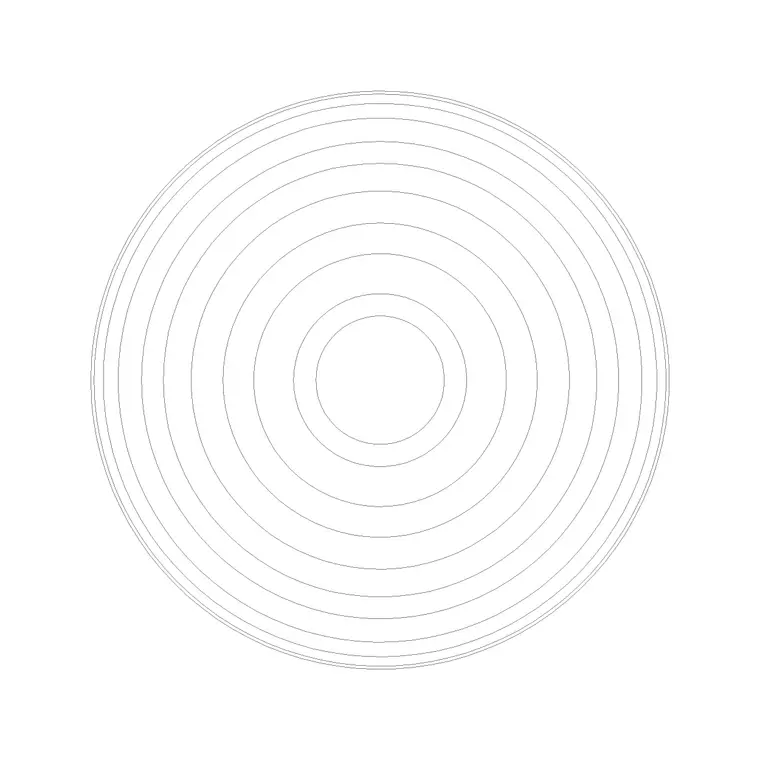
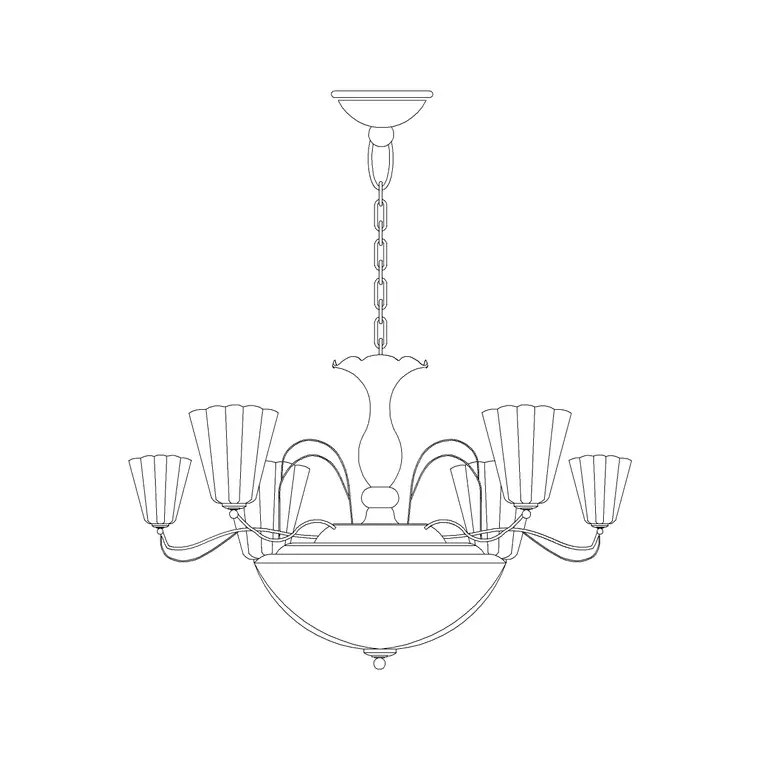
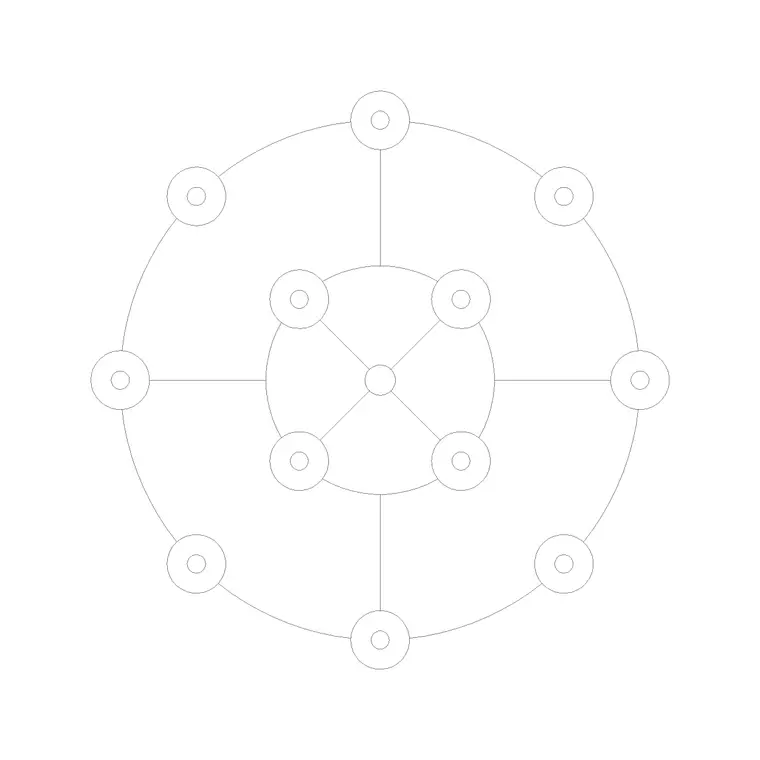
Lighting blocks earn their keep on three different drawings, so the file is drawn with that in mind. The plan / reflected-ceiling-plan view shows the shade as a circle or square seen from below, which is what you array across a ceiling grid and tag with a luminaire reference. The elevation (or side) view shows the full assembly — rose, rod and shade — at its real drop, which is what you place in an interior elevation or a section to prove head clearance.
Where a fitting ships both views they live in the same DWG, so a single download covers both the reflected ceiling plan and the room elevation. Explode or freeze the view you don't need for a given sheet.
Typical sizing to design around
Reach for these ranges when you place the block; they are typical, not fixed, so always confirm against the real luminaire schedule. Shade diameter for a single suspended lamp commonly runs 250–450 mm. Drop length is highly adjustable — anywhere from roughly 300 mm in a low-ceiling room to 900 mm or more over a stairwell or double-height space — and is usually specified as 'bottom of shade above finished floor' rather than a fixed rod length.
Over a dining or worktop, the underside of the shade typically sits 700–900 mm above the surface so it lights the table without blocking sightlines. In circulation, keep the bottom of any suspended fitting above 2000–2100 mm so nobody walks into it. Because the block is scaled, dropping it in and dimensioning to the floor turns these into a glance rather than a calculation.
How to insert and place the block
The block is drawn full size in millimetres. In a millimetre drawing, insert at scale 1 and it lands at real size; in a metre template insert at 0.001, or set INSUNITS to millimetres so AutoCAD rescales on insertion automatically and you avoid the 'lamp the size of a room' mistake.
Run INSERT (or drag the DWG from a tool palette), snap the insertion point to the centre of the ceiling rose, and place it on the ceiling grid. For the elevation view, snap the rose to the ceiling line so the drop reads correctly against the floor. Put the fitting on a dedicated lighting layer — many offices use an E-LITE or M-LITE convention — so you can freeze the electrical layer for a clean architectural plan and thaw it for the services set.
Where suspended ceiling lamps are used
Suspended fittings appear over dining tables, kitchen islands and breakfast bars; down the centre of corridors and lobbies; over reception desks and meeting tables; and in double-height spaces, stairwells and atria where the long drop is part of the design. They suit residential, hospitality and commercial work equally, which is why the block is one of the most-arrayed items on a lighting layer.
Pair it with the other lighting blocks — wall lights for the perimeter, recessed downlights for general illumination — to build a complete reflected ceiling plan. On the services side, the same scaled symbol lets the electrical engineer coordinate the circuit, the switch drops and the dimming zones against the architect's layout.
Keeping lighting on the right layer
A small discipline pays off across the whole project: keep every suspended lamp on a dedicated lighting layer with its own colour and lineweight, never on layer 0. That lets you produce a clean reflected ceiling plan by thawing only the lighting and the ceiling grid, and an uncluttered architectural plan by freezing it — both from the same drawing.
If you tag each fitting with a luminaire-type attribute (a code such as SL-01), you can extract a lighting schedule straight from the drawing for the electrical contractor and the cost plan. When a layout repeats — a row of identical pendants over a long counter — array the block rather than copying by hand, so a later change to the definition with BEDIT updates every instance at once.
Free download
Browse the full library — DWG & DXF, no signup.
Questions
Frequently asked
Is the suspended ceiling lamp CAD block free to use commercially?+
Yes. It downloads free in DWG and, where available, DXF, with no signup, no watermark and no attribution requirement, and it is cleared for commercial project use.
Does the block show the drop length, or just the plan symbol?+
Where a fitting ships both views, the elevation/side view in the same DWG shows the full assembly at its real drop so you can prove head and worktop clearance, while the plan view gives the reflected-ceiling-plan symbol you array and tag.
What height should a suspended lamp hang above a table?+
Typically the underside of the shade sits around 700–900 mm above a dining or work surface so it lights the table without blocking sightlines. The block is to scale, so insert it and dimension to the floor to confirm against your own design.
What units is the block drawn in?+
Full size in millimetres. Insert at scale 1 in a millimetre drawing, 0.001 in a metre drawing, or set INSUNITS to millimetres so AutoCAD rescales automatically on insertion.
Related downloads
Blocks for this guide
Related categories
Related guides
Block landing
Free Lighting Fixtures CAD Blocks — DWG Download
Download free lighting fixtures CAD blocks in DWG and DXF — chandeliers, wall lights, downlights and pendants in plan and elevation for AutoCAD.
Block landing
Free Table Lamp CAD Blocks — DWG Download
Download free table lamp CAD blocks in DWG and DXF — classical and decorative table lamps in plan and elevation for AutoCAD 2004+. No signup, commercial-use OK.
Block landing
Free Floor Lamp CAD Blocks — DWG Download
Download free floor lamp CAD blocks in DWG and DXF — straight and arc floor lamps in plan and elevation for AutoCAD 2004+. No signup, free for commercial use.