Block landing · street light cad block
Free street light CAD blocks in DWG and DXF
By Sumana Kumar · Published 11 Oct 2022 · Updated 25 Apr 2026
A street light is an external, column-mounted fitting that belongs to the world of site plans, road layouts and landscape masterplans rather than interiors — and because it stands tall on a pavement or verge, it appears in both plan (the column base and outreach) and elevation (the full lit height). This page collects free street light CAD blocks in DWG and DXF: traditional lamp posts, long-outreach road lights and modern street lighting columns, all drawn at true millimetre dimensions for AutoCAD 2004 or later. Everything is free for personal and commercial work, with no signup and no watermark.
Street lights are an external-works item, so they share a drawing with kerbs, footways, planting and parking rather than furniture. Use these blocks to lay out road lighting along a carriageway, light a car park or pedestrian route, dress an urban masterplan, or add scale and realism to a landscape or architectural elevation. Because the column height and spacing matter to the design, having a scaled block makes setting out a lighting run straightforward.
Street lights as an external-works block
A street light is unlike the interior lighting blocks in scale and context: it is metres tall, it stands on a base in the ground, and it shares the drawing with the highway and the landscape. In plan it reads as a column base with an outreach arm indicating which way the lantern overhangs the carriageway or footway — useful for setting out a lighting run on the correct side of the road. In elevation it is a full-height column from the foundation to the lantern, which is what gives a street scene or landscape elevation its sense of scale.
Because street lighting is set out at intervals along a route, the block is a unit you array along a centreline rather than a one-off. The column, the outreach and the lantern sit on separate elements so you can simplify the symbol for a small-scale masterplan or detail it for a street section.
Views and what's included
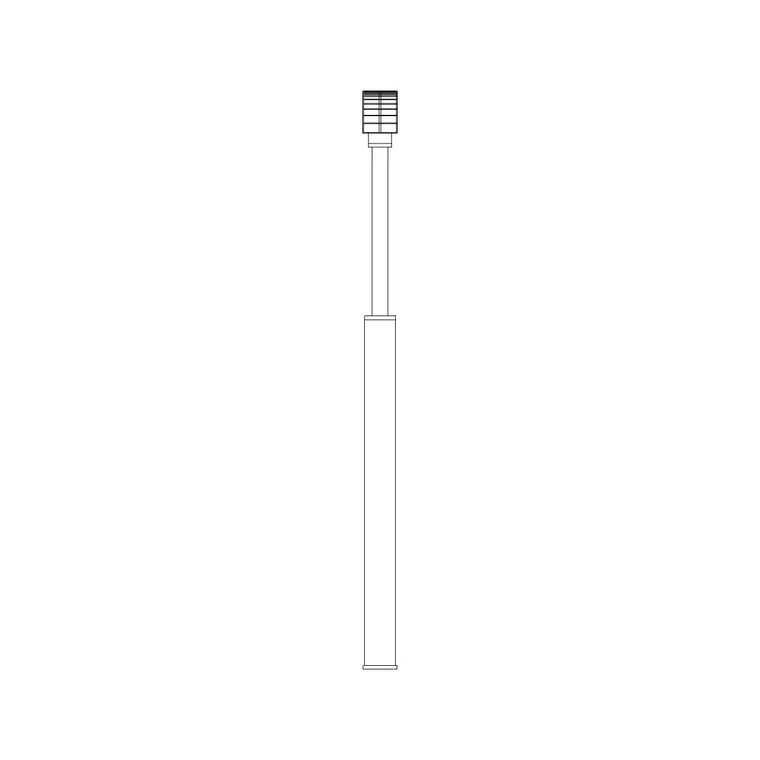
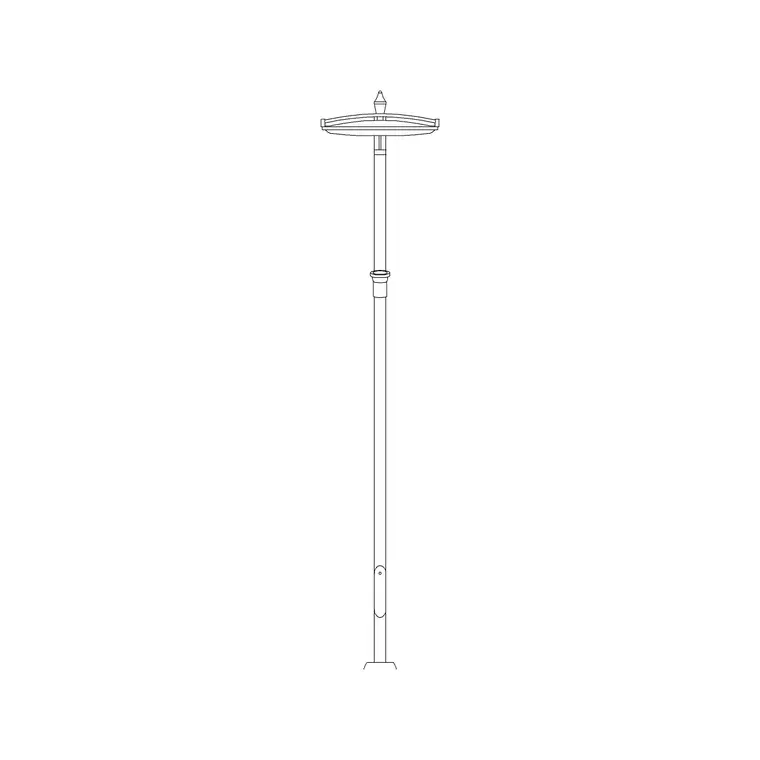
Street light downloads here pair a plan symbol — the base and outreach seen from above — with a full-height elevation showing the column, bracket and lantern. The traditional lamp-post blocks suit heritage and parkland settings; the long-outreach and modern column blocks suit roads and contemporary urban schemes.
Where both views sit in one DWG, insert the plan symbol for the site layout and the elevation for street sections and presentation views. The lantern, the outreach arm and the column are separate elements so you can recolour or freeze the decorative detail without losing the setting-out base in plan.
Typical street light dimensions to design around
Use these ranges as you scale a column. Mounting height (ground to lantern): commonly around 4–6 m for residential roads and footways, 8–10 m and up for distributor and main roads and large car parks. Heritage and pedestrian-scale lamp posts sit lower, often 3–4 m. Outreach (the horizontal reach of the bracket over the carriageway): from near zero on a vertical post to a metre or more on a long-outreach road light.
Spacing follows the mounting height: lighting columns are set out at intervals related to their height and the light they throw, so taller columns sit farther apart. The scaled block lets you array columns along the route at sensible centres and check that the outreach throws light over the correct lane or path. Keep the columns a safe margin back from the carriageway edge and clear of underground services and tree canopies.
How to insert and array the block
These street light blocks are drawn full size in millimetres. Insert at scale 1 in a millimetre drawing, 0.001 in a metre drawing, or set INSUNITS to millimetres so AutoCAD rescales on insertion — important here, since a street light is metres tall and a units slip is obvious.
Run INSERT or drag the DWG from a tool palette, snap the plan base to the verge or footway, and rotate it so the outreach overhangs the carriageway. Then use a path array (ARRAYPATH) along the road centreline or footway to repeat the column at your chosen spacing, which keeps the run even around bends. Because each column is a single block reference, you can adjust the lantern or column once in the definition and update the whole lighting scheme.
Where street light blocks are used
Street lights appear in road and highway layouts, residential street design, car park lighting, pedestrian and cycle routes, urban masterplans, parks and public realm schemes, and as context in landscape and architectural elevations. They are an external-works and civil item, coordinated with kerbs, drainage, footways, parking and planting. On a site plan they often need to avoid clashing with tree positions and underground services, which is a coordination the scaled block helps with.
Pair the street light blocks with tree, paving and vehicle blocks to build a complete external scene, and with people blocks to give a street elevation human scale. As licence-clear blocks they suit civil and landscape drawing sets, urban design boards and student masterplans.
Setting out a lighting run along a road
Street lighting is a setting-out exercise, and the scaled block is what turns a design intent into a buildable layout. Working along the road centreline, you array the columns at spacing suited to their mounting height, staggered or single-sided depending on the carriageway width, and you keep each column clear of junctions, accesses and crossings where a column would obstruct sightlines. Placing the scaled plan block lets you see the outreach reaching over the correct lane and confirm the column sits in the verge rather than the running surface.
Coordination is the other half of the job. A lighting column has a foundation and a buried cable route, so its position has to dodge other underground services, tree root zones and drainage. Drawing the columns as blocks on a dedicated lighting layer lets you overlay them on the services and tree plans and resolve the clashes before they reach site. The same blocks then carry into a street section or a presentation elevation, where the full-height column gives the scene its scale — so one library of street light blocks serves the technical setting-out and the visual presentation from the same source.
Free download
Browse the full library — DWG & DXF, no signup.
Questions
Frequently asked
What mounting height should I draw a street light at?+
It depends on the road: around 4–6 m for residential streets and footways, 8–10 m or more for main roads and large car parks, and lower for heritage and pedestrian-scale posts. The scaled block lets you set the height and array columns at suitable spacing.
What does the outreach arm on the plan symbol mean?+
It shows the horizontal reach of the bracket and which way the lantern overhangs the carriageway or footway. Rotating the block so the outreach faces the road sets the light over the correct lane, which is part of laying out a lighting run.
How do I space street lights along a curved road?+
Use a path array (ARRAYPATH): select the street light block, then the road centreline or footway as the path, and set the spacing. AutoCAD distributes the columns evenly around the bends, keeping the run consistent.
Are the street light blocks free for commercial projects?+
Yes. Every block downloads free in DWG and, where available, DXF, with no signup, no watermark and no attribution requirement, and they are cleared for commercial use.
Related downloads
Blocks for this guide
Popular blocks to download
Related categories
Related guides
Block landing
Free Lighting Fixtures CAD Blocks — DWG Download
Download free lighting fixtures CAD blocks in DWG and DXF — chandeliers, wall lights, downlights and pendants in plan and elevation for AutoCAD.
Block landing
Free Table Lamp CAD Blocks — DWG Download
Download free table lamp CAD blocks in DWG and DXF — classical and decorative table lamps in plan and elevation for AutoCAD 2004+. No signup, commercial-use OK.
Block landing
Free Floor Lamp CAD Blocks — DWG Download
Download free floor lamp CAD blocks in DWG and DXF — straight and arc floor lamps in plan and elevation for AutoCAD 2004+. No signup, free for commercial use.