Curated pack · 2d cad blocks
Free 2D CAD block pack for AutoCAD
By Saumyajit Maity · Published 27 May 2023 · Updated 17 Apr 2026
Most production drafting is 2D, and 2D blocks are deliberately light, fast and universally compatible — which is exactly why a focused 2D pack is so useful. This free 2D CAD block pack gathers clean, flat DWG and DXF symbols across the categories you use most: furniture, trees and plants, people, vehicles and doors, drawn in plan and elevation and ready to insert into AutoCAD 2004 or later. Everything is free for personal and commercial work, with no signup and no watermark.
The appeal of 2D blocks is that they keep your drawings small, open in everything, and never bog down a layout the way heavy 3D geometry can. A 2D symbol stores a handful of lines and arcs, not a mesh, so a plan with hundreds of them stays responsive, plots cleanly, and survives the trip to a contractor's free DWG viewer or a laser cutter's CAM software intact. For schematic design, construction documentation and the vast majority of everyday drafting, 2D is not a limitation — it is the right tool.
This pack is built around that reality. Every block is flat, scaled and tidy, so it drops straight into a working drawing and does its job without the overhead, the rendering quirks or the compatibility headaches that 3D content brings.
What a 2D CAD block is — and why it's the workhorse
A 2D CAD block is a flat symbol made from lines, arcs, circles and text with no Z-depth — geometry that lives entirely in the drawing plane. That flatness is the point. A 2D block is tiny in file terms, it plots predictably to paper, and it opens in any program that reads DWG or DXF, from full AutoCAD to AutoCAD LT, BricsCAD, DraftSight and free online viewers.
Most real drafting work is 2D. Floor plans, elevations, sections, details and the whole construction documentation set are 2D drawings, and they are assembled almost entirely from 2D blocks. A 3D model has its place in visualisation and clash detection, but when you are producing the drawings a building actually gets built from, 2D blocks are what you place — which is why a clean, well-scaled 2D library is the single most useful thing a drafter keeps on hand.
What's in the 2D pack
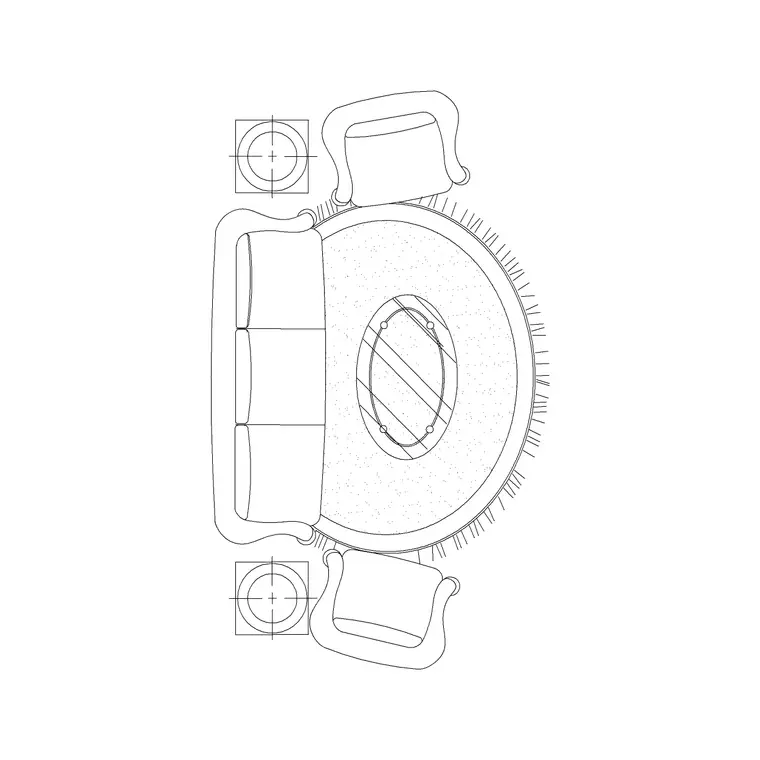
The pack spans the everyday kit, all as flat 2D symbols. Furniture: sofas and seating, beds, tables and desks in plan, plus front views for elevations. Trees and plants: canopies in plan for site work and trees in elevation for sections and streetscapes. People: figures in plan for occupancy and scale, and standing figures in elevation. Vehicles: cars and similar in plan for parking layouts. Doors: plan symbols with their swing and elevation leaves with frames.
Because the set is cross-category and consistently 2D, a single download lets you furnish a plan, dress an elevation and set out a parking bay without ever loading heavy geometry. Each block is drawn to true millimetre size, so it is ready to test against a real room or site the moment it lands.
How to use the 2D set across a drawing
In plan, lay the architectural shell first, then drop the 2D furniture footprints, the door swings and the people figures to build and check the layout. The door swing symbol is a small but important 2D convention: it shows which way a leaf opens, so you can confirm it doesn't foul furniture or block a route. In elevation, set a floor line and stand the front-view furniture, the elevation trees and the figures on it at true height.
Keep families on their own layers — furniture, planting, openings, people, vehicles — so the same 2D drawing yields a clean structural plan or a fully dressed presentation simply by freezing and thawing. Because the blocks are flat and light, you can array and mirror freely: a row of parking bays, a repeated workstation, a hedge of identical shrubs — all without inflating the file.
Per-item notes for 2D blocks
Door blocks are the clearest example of 2D drafting convention: the plan symbol typically draws the leaf and a quarter-circle swing arc, which is information, not decoration — it tells anyone reading the plan how the door behaves. The elevation door block carries the leaf, frame and handle line instead. Tree blocks come in both plan canopies and elevation profiles; pick the view that matches the drawing and scale the canopy or height to the species.
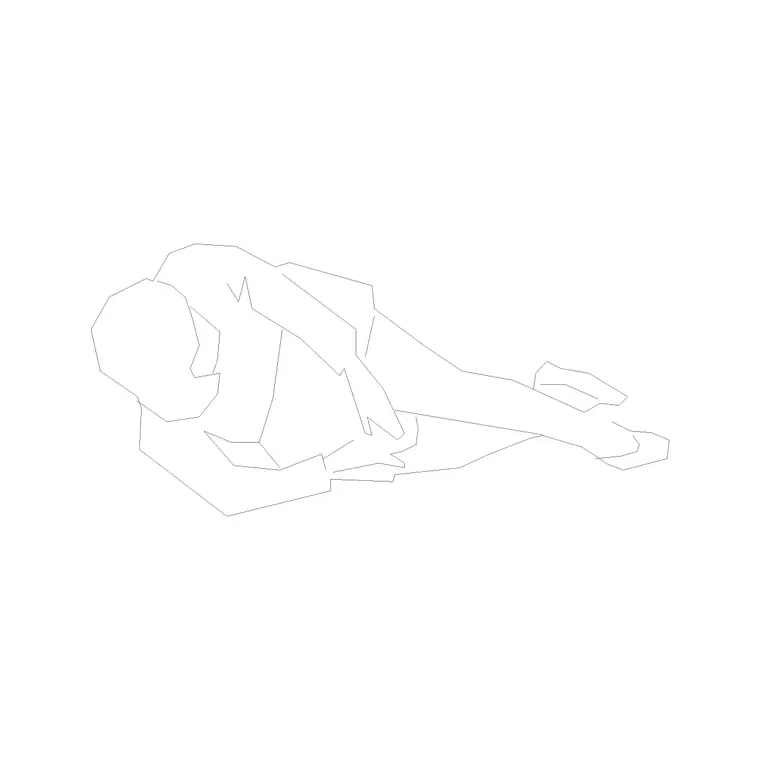
Furniture blocks often ship both views in one file, so a sofa gives you a footprint for the plan and a front view for the elevation. People figures are intentionally simple line outlines — at 2D they read cleanly on a busy sheet and serve as scale markers. Vehicle plans are drawn to a true parking envelope, which makes them a setting-out tool rather than just a graphic.
2D versus 3D blocks — choosing the right one
The choice comes down to what the drawing is for. Use 2D blocks for plans, elevations, sections, details and any construction documentation — they are lighter, more compatible and faster to work with, and they are all a drawing set needs. Use 3D blocks only when you genuinely need volume: a rendered visualisation, a clash-detection model, or a walkthrough. For most jobs, that moment never arrives, and reaching for 3D content on a 2D drawing just bloats the file for no benefit.
There is also a compatibility angle. 2D DWG and especially 2D DXF travel everywhere — to older software, to free viewers, to laser cutters and CNC routers that only care about flat outlines. 3D geometry is far less portable. So when in doubt, and certainly when you are handing a file to an unknown program or a machine, 2D is the safe, universal choice. This pack keeps everything flat for exactly that reason.
Who reaches for a 2D pack
Architects and technicians use 2D blocks for the entire production drawing set, from concept plans to construction details. Interior designers use the 2D furniture and door symbols to study and present layouts. Engineers and services designers use flat blocks to coordinate on a common, lightweight base. Makers and fabricators use 2D outlines as the starting point for laser and CNC work, where flat geometry is all the machine wants.
Every block is free and licence-clear, so the pack suits a live commission, a student project or a quick concept equally. Pair it with the furniture, trees-and-plants and doors categories to widen the 2D library further, and keep the set in a structured folder so you can drag any symbol straight onto a drawing.
Free download
Browse the full library — DWG & DXF, no signup.
Questions
Frequently asked
What is a 2D CAD block?+
A 2D CAD block is a flat symbol made from lines, arcs and text with no depth. It is the standard content for plans, elevations and sections, and it stays small and opens in virtually any program that reads DWG or DXF.
Are 2D blocks better than 3D for everyday drafting?+
For production drawings — plans, elevations, sections and details — yes. 2D blocks are lighter, more compatible and faster to work with. Reach for 3D only when you genuinely need volume, such as a render or a clash model.
Will the 2D blocks open in free CAD viewers and older software?+
Yes. Flat 2D DWG and DXF are the most portable CAD content there is. The files target AutoCAD 2004 and later and open in AutoCAD LT, BricsCAD, DraftSight, free DWG viewers and CAM software.
Are the 2D blocks free for commercial use?+
Yes. Every block downloads free in DWG and DXF with no signup, no watermark and no attribution requirement, and they are cleared for commercial project use.
Related downloads
Blocks for this guide


Related categories
Related guides
Curated pack
Free Plan View CAD Block Pack — DWG & DXF
Free plan view CAD block pack in DWG and DXF — furniture, trees, people and vehicles drawn from above for AutoCAD floor plans. No signup, commercial OK.
Curated pack
Free Elevation CAD Block Pack — DWG & DXF
Free elevation CAD block pack in DWG and DXF — trees, doors, furniture and figures drawn face-on at real heights for AutoCAD elevations. No signup.
Curated pack
Free DXF Block Pack for Laser Cutting & CNC
A free DXF block pack for laser cutting and CNC — clean 2D outlines in DXF, ready for laser, plasma and router CAM software. No signup, free for commercial use.