Block landing · palm tree cad block
Free palm tree CAD blocks for AutoCAD
By Saumyajit Maity · Published 12 Oct 2024 · Updated 10 Jun 2026
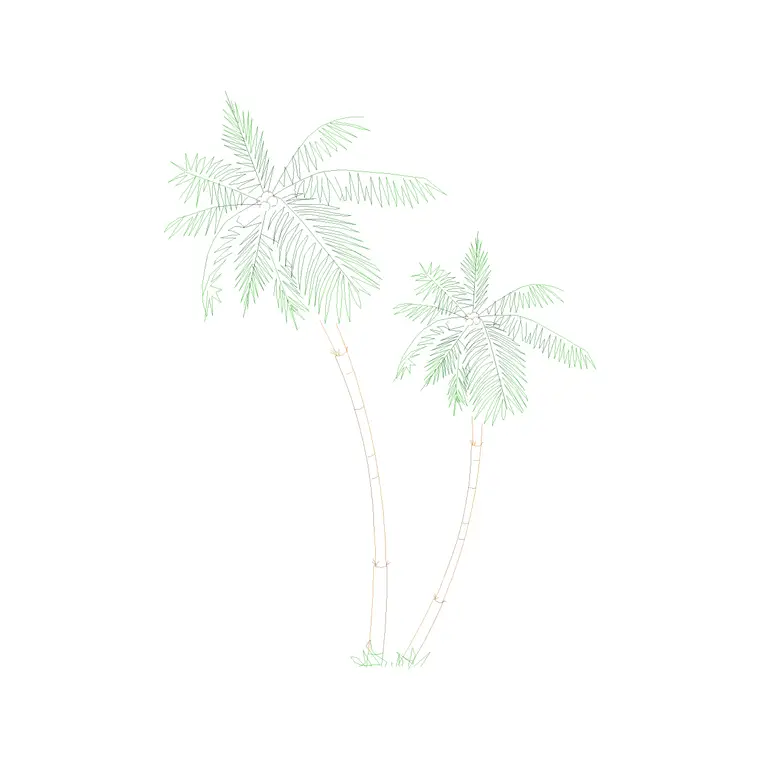
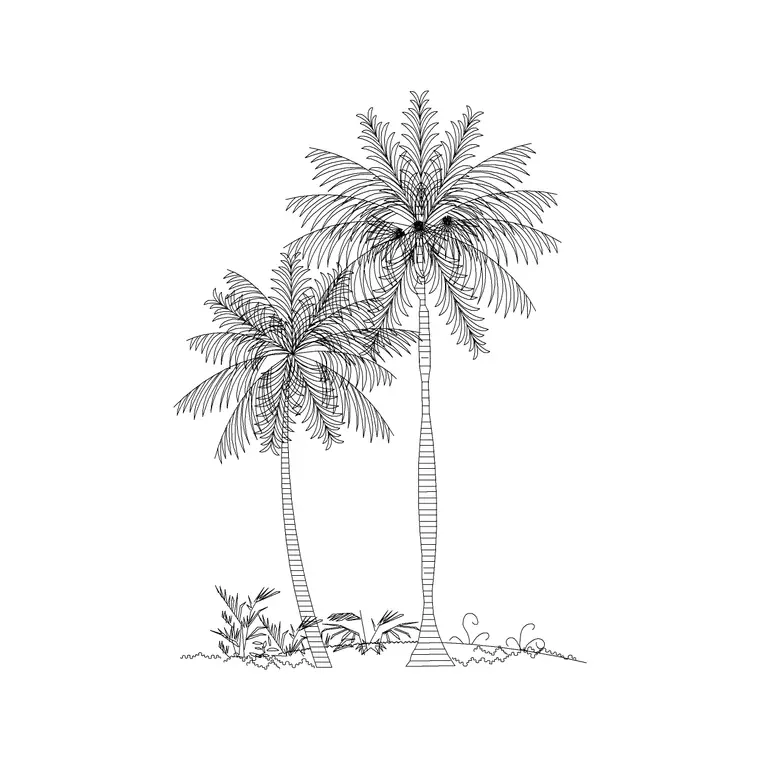
Palms behave nothing like a broadleaf tree on a drawing, so they get their own block. In elevation a palm is a tall, slender trunk topped by a crown of arching fronds; in plan it is a tight star of radiating leaves rather than a broad solid circle. That distinctive shape is exactly why a generic tree symbol looks wrong in a resort, coastal or tropical scheme — and why a dedicated palm block matters. This page collects free palm tree CAD blocks in DWG and DXF, drawn to scale in both views and ready for AutoCAD 2004 or later, free for personal and commercial use with no signup or watermark.
Palms also carry a strong sense of place. Drop a row of them down a boulevard and the drawing instantly reads as a warm-climate, often high-end, environment — which is precisely why they appear so often on hotel, marina, leisure and Gulf-region landscape drawings. Getting the proportions right is what keeps that impression credible rather than cartoonish.
How a palm differs from a broadleaf tree
The defining feature of a palm is a clear, slender trunk with the foliage held only at the very top. In elevation this gives a tall, bare stem and a fountain-like crown of fronds, very different from the rounded mass of a broadleaf canopy. In plan, the palm reads as a star or rosette of distinct fronds radiating from a central point, leaving gaps between leaves rather than a filled circle.
That open structure matters on a plan: because a palm crown is not a solid mass, it casts a lighter shade footprint and screens far less than a broadleaf of the same height. Using a proper palm symbol rather than a generic circle keeps your shading, screening and spacing decisions honest, not just the graphics.
Single, double and multi-stem palms
Palms come in several forms and the blocks reflect them. A single-stem palm is the classic tall specimen — date palm, royal palm, Washingtonia. A double or clustered palm shares a base with two or more stems of differing heights, common in feature planters and resort entrances. Multi-stem and fan palms sit lower and wider, reading almost as a large shrub in plan.
These variants are not interchangeable on a drawing. A pair of mismatched-height stems from a double-palm block gives a feature planting a natural, designed look; a single tall stem suits a formal avenue. Pick the form that matches the design intent, and keep a couple of each in your library so a tropical scheme does not end up as rows of identical clones.
Palm dimensions to design around
Palms run tall and narrow. Use these reference figures: a typical landscape palm stands 4–10 m overall, with tall specimens such as royal or Washingtonia palms reaching 15–20 m and beyond. The clear trunk before the crown is often 3–8 m, which is far higher than a broadleaf's clear stem. The frond crown spread is usually modest, around 3–6 m, so palms can be planted closer together than their height alone might suggest.
In plan, size the frond star to that crown spread rather than to the trunk. Because palms are slender, an avenue of them can sit on a tighter spacing than broadleaf trees — one reason they suit narrow boulevards and promenades where a spreading canopy would not fit.
Inserting palms in plan and elevation
Palm blocks are drawn full size in millimetres. Set INSUNITS to millimetres (or insert at 0.001 in a metre drawing) so the palm arrives at true height and spread. For elevations and sections, snap the trunk base onto your ground line; for site and landscape plans, snap the insertion to the centre of the frond star where the trunk meets the ground.
To line a promenade or resort drive, copy the palm along the path and vary the height and frond rotation slightly between instances — even a formal palm avenue looks more convincing with small variation. For a clustered feature, combine a double-palm block with a couple of single palms of different heights to build a believable group rather than a repeating stamp.
Where palm blocks are used
Palm blocks belong to warm-climate and aspirational schemes: resort and hotel landscapes, marina and waterfront promenades, poolside and leisure layouts, themed retail and hospitality frontages, and Gulf-region and Mediterranean masterplans where palms are the default street tree. They appear on both the working planting plan and the presentation render, because their silhouette is so recognisable that it sells the scheme on sight.
Keep palms on the planting layer alongside the rest of the trees, and pair these blocks with the broadleaf, ornamental and shrub blocks in the trees-and-plants category so a mixed scheme — palms as feature planting, broadleaf and shrubs as background — reads correctly in both plan and elevation.
Keeping a palm scheme believable
The quickest way to make a palm drawing look fake is uniformity: identical heights, identical frond rotations, perfectly equal spacing. Real palm planting almost always mixes heights — a designed cluster of, say, a tall, a medium and a low palm reads far better than three matched specimens. Vary the scale and spin the frond crown on each insertion so no two palms align.
Match the plan and elevation too: a palm shown as a tall slender stem in section should read as a tight frond star, not a broad circle, in plan. When a feature group works, WBLOCK it as a reusable cluster — a designed palm grouping you can drop into the next resort entrance or pool deck without rebuilding it frond by frond.
Free download
Browse the full library — DWG & DXF, no signup.
Questions
Frequently asked
Do the palm tree blocks include both plan and elevation views?+
Many do. Palms ship with an elevation showing the tall trunk and frond crown for sections, and a plan showing the frond star from above for site plans. Where a block includes both, they are in the same DWG.
Why use a palm block instead of a generic tree symbol?+
A palm has a slender trunk and an open frond crown, not a solid canopy, so it reads, shades and screens completely differently from a broadleaf tree. A dedicated palm symbol keeps both the graphics and the spacing honest.
Are the palm tree CAD blocks free for commercial use?+
Yes. Every palm block downloads free in DWG and, where available, DXF, with no signup, no watermark and no attribution requirement, and is cleared for commercial project use.
How far apart should I space palm trees?+
Palms are slender, so they can sit closer than broadleaf trees of the same height — often based on their 3–6 m frond spread rather than total height. Vary heights across a group for a natural, designed look.
Related downloads
Blocks for this guide
Popular blocks to download
Related categories
Related guides
Block landing
Free Flower Plant CAD Blocks — DWG Download
Free flower plant CAD blocks in DWG and DXF — flowering annuals and perennials in plan and elevation for AutoCAD landscape plans. No signup, commercial OK.
Block landing
Free Flowering Shrub CAD Blocks — DWG Download
Free flowering shrub CAD blocks in DWG and DXF — ornamental shrubs in plan and elevation for AutoCAD planting and site plans. No signup, commercial OK.
Block landing
Free Herb Plant CAD Blocks — DWG Download
Free herb plant CAD blocks in DWG and DXF — herbs for kitchen gardens, raised beds and planters, in plan and elevation for AutoCAD. No signup, commercial OK.