Block landing · necklace cad block
Free necklace and jewellery CAD blocks for AutoCAD
By Saumyajit Maity · Published 28 Sep 2023 · Updated 13 Apr 2026
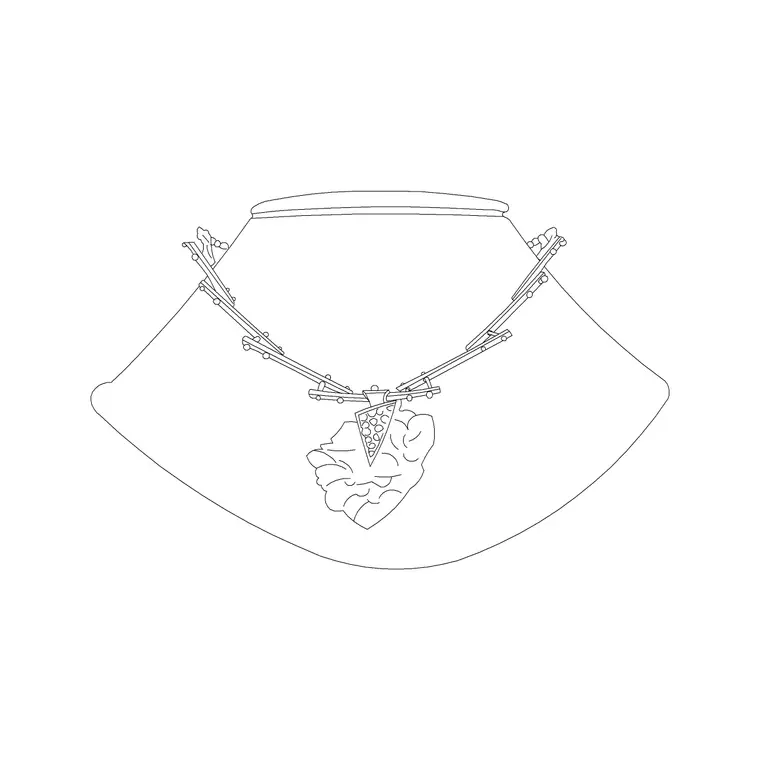
Jewellery is the smallest scale of accessory you will draw, and a necklace block is the one that makes a jewellery shopfit or a styled dressing table feel real. Draped on a bust, laid in a display case or hung on a stand, a necklace tells the viewer exactly what a fixture is for. This page collects free necklace and jewellery CAD blocks in DWG and DXF — necklaces drawn in clean elevation — ready for AutoCAD 2004 or later, free for personal and commercial use with no signup and no watermark.
These blocks belong in close-scale drawings: jewellery and watch retail shopfits, display-case and counter details, dressing-table and vanity vignettes, and interior presentation sheets where a small luxe detail lifts the scene. Each is a real block reference you can copy, mirror, scale and recolour onto a styling layer, so a row of necklaces on a display wall or a single piece on a console both come from the same lightweight file.
What the necklace block shows
The block is an elevation of a necklace: the chain or strand drawn as a curving loop, often with a pendant or a graduated line of beads at the centre to give it weight and read as gold or jewellery rather than just a wire. Drawn draped — as it would hang on a display bust or a stand — the curve is what makes it instantly recognisable.
The linework is deliberately fine and simple, because jewellery is used at very close scales where heavy detail would clog the drawing. As a single block reference the necklace copies and mirrors as one object, so you can repeat it down a display wall, vary the drape with a mirror, or pair it with a pendant or earring block to dress a whole case from a few downloads.
A close-scale elevation and detail symbol
Necklaces live in elevation and detail drawings. You place them on a jewellery shopfit elevation, a display-case or counter detail, a bust or stand in a window, or a dressing-table vignette. The scale is intimate — typically 1:10, 1:5 or a full detail — because a necklace is too small to register on a room plan.
That means the block does its real work on the close-up sheets: the counter elevation that shows how pieces are presented, the display-wall detail, the styled vanity surface. When you set out a jewellery store in plan, draw the cases and counters as plan geometry and reserve the necklace and jewellery blocks for the matching elevations and details where the merchandise reads.
Necklace sizes and display heights
Use these rough ranges so a jewellery drawing stays honest. A choker sits high and short, with an internal drop of roughly 100–150 mm; a princess-length necklace drapes to around 200–250 mm; longer matinee and opera strands hang 300–450 mm and beyond. As drawn flat or draped on a bust, the loop reads at those drops.
Those figures set the display geometry: a necklace bust or T-bar stand is typically 150–250 mm tall to show a piece at its natural drape, and a display case riser is stepped so back rows read above front ones. Because the block is drawn to a believable necklace size, it keeps the rest of a case — earring cards, ring rolls, pendants — in honest proportion when you compose the detail.
Inserting and composing a display
The necklace is drawn full size in millimetres. Insert at scale 1 in a millimetre drawing, 0.001 in a metre drawing, or set INSUNITS to millimetres so AutoCAD rescales on insertion. Use INSERT or drag the DWG from a tool palette, and snap the insertion point to the bust, stand or case line so the necklace hangs or lies correctly.
To compose a display, place a few pieces at slightly different drops and mirror some so the arrangement reads as a curated case rather than a repeat. A small uniform scale moves the same block between a choker and a longer strand. Keep the jewellery on a styling layer with a fine lineweight so it can be frozen for a clean joinery or counter drawing and thawed for the presentation.
Who uses jewellery blocks
Jewellery and watch retailers, and the shopfit designers who work for them, use necklace blocks to merchandise display cases, counters and window busts so a store elevation reads as stocked with pieces. Interior designers add them to dressing tables, vanities and bedroom vignettes where a draped necklace styles the surface. Visualisers drop them into presentation details where a touch of jewellery signals luxury.
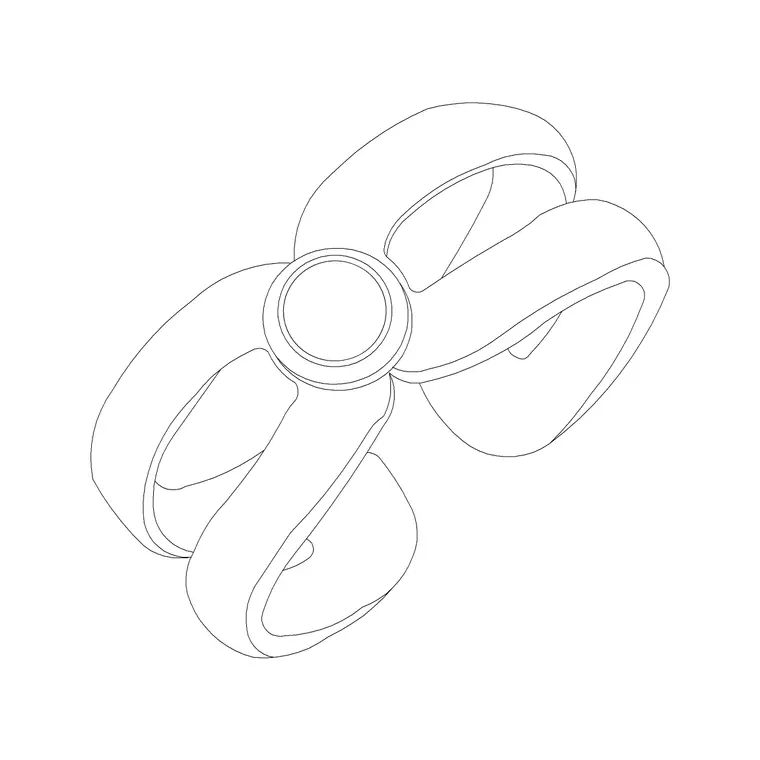
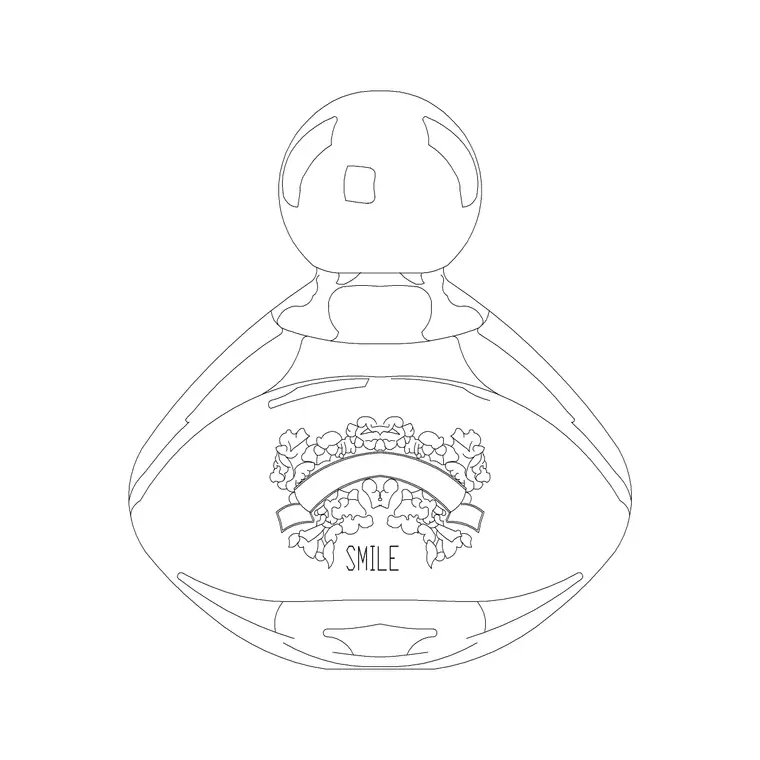
They pair naturally with the other small accessories blocks — rings, perfume bottles and handbags — to build a complete dressing-table or boutique vignette. On a jewellery counter detail, a necklace on a bust beside a ring on a roll and a perfume bottle quickly tells the full retail story with very little linework.
Layering and reuse for jewellery
Fine props like jewellery should sit on their own styling or display layer, separate from the casework, glass and lighting, with a light lineweight so the delicate linework reads cleanly. That keeps the technical counter or case drawing legible when the jewellery is frozen, while the presentation version thaws it on — one file, two outputs.
When you build a display you reuse — a bust with a necklace, a ring roll and a pendant card — WBLOCK the arrangement as a styling assembly so a dressed jewellery case drops into the next shopfit in a single insert. Edit the source assembly later and every placement updates, which keeps a multi-case store drawing consistent across all its elevations.
Free download
Browse the full library — DWG & DXF, no signup.
Questions
Frequently asked
Are the necklace and jewellery blocks free to use commercially?+
Yes. Every jewellery block downloads free in DWG and, where available, DXF, with no signup, no watermark and no attribution requirement, and they are cleared for commercial retail and interior drawings.
Is the necklace drawn in plan or elevation?+
Elevation, drawn as it drapes on a bust or stand, because a necklace reads from the front. It is a close-scale detail symbol used on jewellery shopfit elevations, case details and dressing-table vignettes rather than on room plans.
What drop length should I draw a necklace at?+
A choker drops around 100–150 mm, a princess length around 200–250 mm, and matinee or opera strands 300–450 mm or more. A small uniform scale moves the same block between these lengths to suit your display.
What scale do jewellery blocks suit?+
Close scales — roughly 1:10, 1:5 or full detail — on counter, case and bust elevations. A necklace is too small to register on a whole-room plan, so the block lives on the detail and presentation sheets.
Related downloads
Blocks for this guide
Related categories
Related guides
Block landing
Free Picture Frame CAD Blocks — DWG Download
Download free picture frame CAD blocks in DWG and DXF — framed photos drawn in elevation for AutoCAD interior drawings. No signup, commercial use OK.
Block landing
Free Wall Art & Painting CAD Blocks — DWG
Download free wall art and painting CAD blocks in DWG and DXF — abstract art and canvases for AutoCAD interior elevations. No signup, commercial OK.
Block landing
Free Decorative Vase CAD Blocks — DWG Download
Download free decorative vase CAD blocks in DWG and DXF — designer vases and vases with flowers in plan and elevation for AutoCAD. No signup, commercial OK.