Block landing · laptop bag cad block
Free laptop bag CAD block in DWG and DXF
By Saumyajit Maity · Published 26 Aug 2022 · Updated 12 May 2026
A laptop bag is a small but telling prop. Drop one beside a desk, hang it on a locker hook or set it on a retail shelf and the drawing immediately reads as a working, professional environment rather than an empty room. This page offers a free laptop bag CAD block in DWG and DXF — a structured laptop or messenger bag drawn in clean elevation — ready for AutoCAD 2004 or later, free for personal and commercial use with no signup and no watermark.
Unlike a fashion handbag, a laptop bag signals work, commute and tech, so it earns its place in office fit-outs, co-working layouts, electronics and luggage shopfits, and lifestyle presentation scenes. It is a real block reference you can copy, mirror, scale and recolour onto a styling layer — so the same download works whether you are dressing a hot-desk, stocking a retail shelf or adding a touch of life to an interior view.
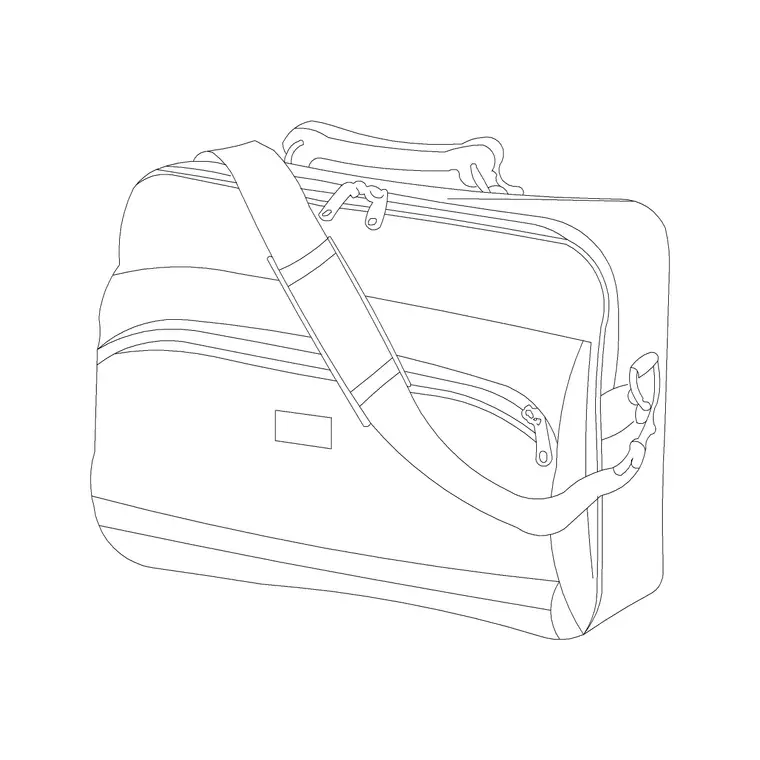
What the laptop bag block looks like
The block is an elevation of a structured carry bag: a roughly rectangular body deep enough to read as holding a laptop, a top carry handle, and a longer shoulder or messenger strap shown arching or hanging to the side. A flap or zip line across the front and a couple of seam lines give it the businesslike, padded look that distinguishes a laptop bag from a soft tote.
The detailing is kept clean so the bag reads at presentation scale without cluttering a busy office elevation. As a single block reference it copies, mirrors and rotates as one object, so you can show it standing on the floor beside a desk, lying flat on a shelf, or hanging from a hook depending on the scene — all from the same download with a quick rotate.
Where a laptop bag fits the drawing
This is a prop block, so it lives in elevation and detail views that show how a workspace is used. Place it on the floor beside a workstation, on a hot-desk to signal an occupied seat, on a coat-and-locker hook in a staff area, or along a shelf in an electronics, luggage or commuter-goods shopfit. The view is elevation or a close detail, because that is where the bag's shape and strap read.
In plan it is a small footprint you might show on a styled top-view of a desk or shelf, but you rarely dimension it — its role is to dress the elevation and the presentation scene. When you lay out an office in plan, draw the desks and lockers as plan geometry and bring the laptop bag in on the elevations and visuals where it sets the working tone.
Laptop bag sizes to design around
Use these ranges to keep an office or retail elevation believable. A laptop bag body typically runs around 380–450 mm wide to suit 14–17 inch laptops, 280–340 mm tall, and 80–120 mm deep — deeper than a document folio because of the padded sleeve. A top handle adds roughly 80–120 mm above the body; a messenger strap, shown hanging, extends well below.
Those figures tell you what a locker hook, a coat rail or a retail shelf needs to accommodate: a shelf around 450 mm deep displays a laptop bag flat with room to spare, and a hook set at a typical 1500–1700 mm leaves a bag hanging clear of the floor. Because the block is drawn to real proportions, dropping it into the scene shows immediately whether it fits the fixture you have placed it on.
Inserting and placing the block
The laptop bag is drawn full size in millimetres. Insert at scale 1 in a millimetre drawing, 0.001 in a metre drawing, or set INSUNITS to millimetres so AutoCAD rescales on insertion. Use INSERT or drag the DWG in from a tool palette, and snap the insertion point to the surface you want it on — the floor line beside a desk, a shelf line, or a hook.
To show the bag in different roles, rotate it: upright on the floor, flat on a shelf, or hung from a strap on a hook. A small uniform scale tweaks it between a slim sleeve bag and a chunkier commuter bag. Keep it on a styling layer with a light lineweight so it can be frozen for technical drawings and thawed for the presentation views where it does its work.
Who uses the laptop bag block
Office and workplace designers use it to make hot-desks, lockers and breakout areas read as genuinely used rather than staged-empty. Co-working and commercial fit-out teams add it to presentation visuals to signal a mobile, professional workforce. Retail designers stock electronics, luggage and commuter-goods shopfits with it so the shelving reads as merchandised.
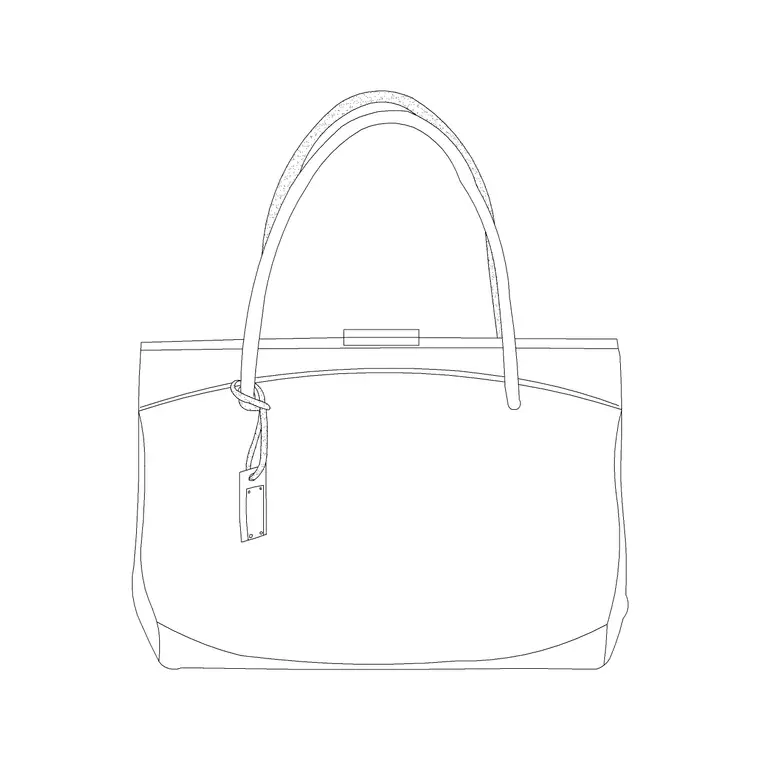
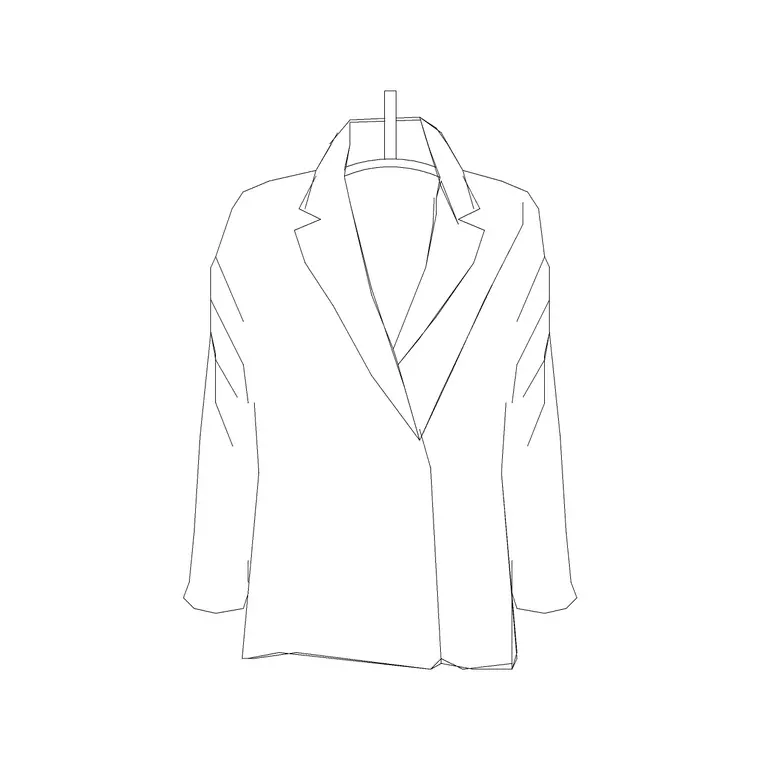
It complements the other accessories blocks — handbags, suits and coats — when you want a mix of work and lifestyle props, and pairs with office furniture blocks for the desk, chair and locker it sits beside. In a workplace vignette, a laptop bag leaning against a chair leg does as much to sell "someone works here" as a person block, with far less linework.
Layering and reuse
Treat the laptop bag as content, not construction: keep it on a styling or FF&E layer separate from the furniture and joinery, with a lighter lineweight so it reads as a soft prop. That separation lets one file produce a clean technical elevation (bag frozen off) and a dressed presentation view (bag thawed on) without any duplicate geometry.
If you assemble a styled workstation you reuse often — desk, chair, monitor and a laptop bag leaning against it — WBLOCK the group as one reusable assembly so a furnished hot-desk drops into the next layout in a single insert. Edit the source assembly later and every placed instance updates together, keeping a multi-floor office drawing set consistent.
Free download
Browse the full library — DWG & DXF, no signup.
Questions
Frequently asked
Is the laptop bag CAD block free for commercial use?+
Yes. The laptop bag block downloads free in DWG and, where available, DXF, with no signup, no watermark and no attribution requirement, and it is cleared for commercial office, retail and interior drawings.
Is the laptop bag drawn in plan or elevation?+
Mainly elevation, since the bag's body, handle and strap read face-on. A small footprint can sit on a styled plan or top-view of a desk, but the elevation block is the one that dresses office and retail drawings.
What size laptop bag does the block represent?+
The body is drawn around 380–450 mm wide, 280–340 mm tall and 80–120 mm deep — sized for typical 14–17 inch laptops. A small uniform scale adjusts it between a slim sleeve bag and a chunkier commuter bag.
Can I show the bag hanging on a hook?+
Yes. Rotate the block so the strap reads as hanging and snap it to a hook line, typically 1500–1700 mm above floor so the bag hangs clear. You can also lay it flat on a shelf or stand it on the floor beside a desk.
Related downloads
Blocks for this guide
Related categories
Related guides
Block landing
Free Picture Frame CAD Blocks — DWG Download
Download free picture frame CAD blocks in DWG and DXF — framed photos drawn in elevation for AutoCAD interior drawings. No signup, commercial use OK.
Block landing
Free Wall Art & Painting CAD Blocks — DWG
Download free wall art and painting CAD blocks in DWG and DXF — abstract art and canvases for AutoCAD interior elevations. No signup, commercial OK.
Block landing
Free Decorative Vase CAD Blocks — DWG Download
Download free decorative vase CAD blocks in DWG and DXF — designer vases and vases with flowers in plan and elevation for AutoCAD. No signup, commercial OK.