Block landing · landscaping plant cad block
Free landscaping plant CAD blocks for AutoCAD
By Saumyajit Maity · Published 6 May 2026 · Updated 21 Jun 2026
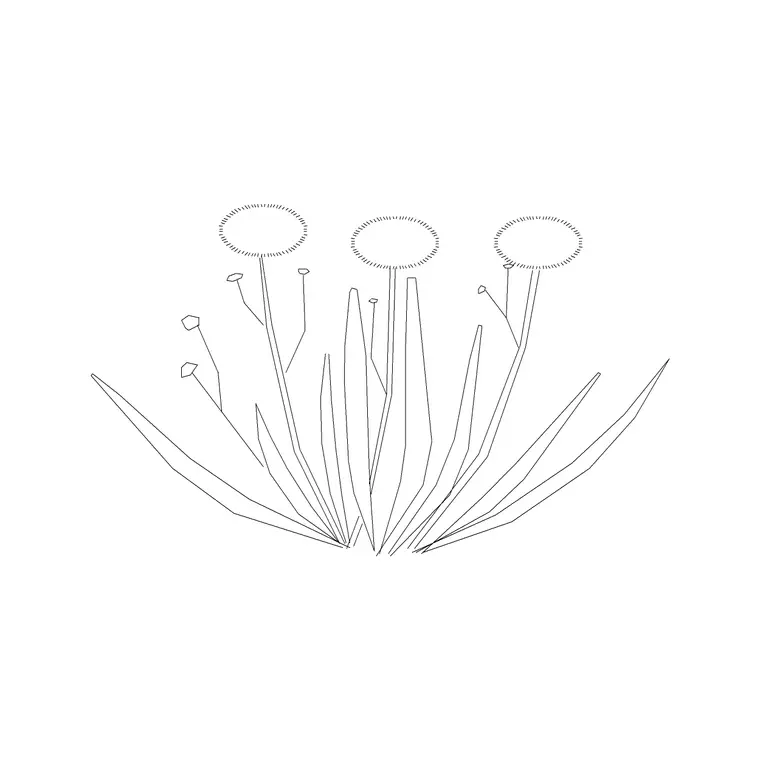
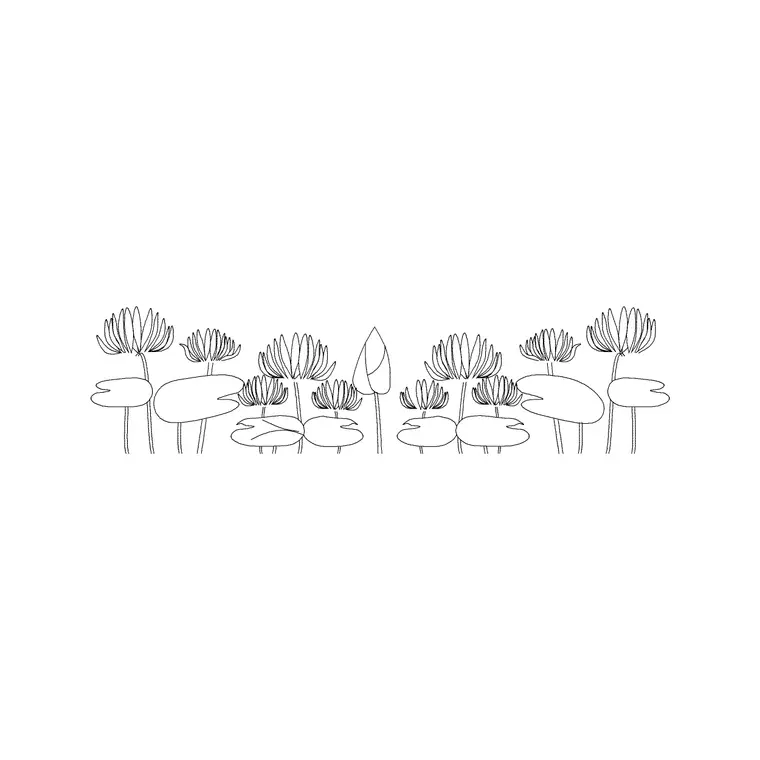
Not every plant on a drawing needs to be a named species — a great deal of landscape work calls for a clean, general-purpose planting symbol that simply says 'soft landscape here'. A landscaping plant block is that workhorse: a versatile, well-drawn planting symbol you can mass, edge and array to build the softscape of a site plan quickly. This page collects free landscaping plant CAD blocks in DWG and DXF, drawn in plan and elevation at true millimetre size for AutoCAD 2004 or later. They are free for personal and commercial work, with no signup, no watermark and no attribution.
Use them to fill planting beds, define soft edges, screen and soften built elements, and dress a site or landscape plan to the level of detail the drawing stage needs. Because they are scaled, they let you set realistic plant centres and read coverage at a glance — whether you are blocking out a concept or detailing a final planting layout.
The general-purpose planting symbol
A landscaping plant block sits one step up in abstraction from a species block. Where a flower or shrub block represents a particular kind of plant, a landscaping plant block is a clean, neutral symbol that stands for soft landscape generally — ideal for concept plans, early-stage layouts, and drawings where the species mix is still open or simply not the point.
That versatility is the value. One well-drawn symbol, scaled and massed, can block out an entire scheme's planting before a single species is chosen, and the same block can carry through to a detailed plan where a planting key, rather than the symbol itself, names what goes where.
Plan and elevation across drawing stages
In plan you mass these blocks into beds and drifts to show where planting sits relative to paving, buildings and boundaries — the core of any site or landscape plan. Plan symbols are what you array across a bed, run along an edge or scatter to suggest naturalistic cover.
In elevation, a general planting block reads as a low-to-medium mound of foliage you can place along the base of a building or a boundary in a street section or presentation view. Several downloads ship both views, drawn on clean layers so you can adjust the symbol's complexity to suit whether the drawing is a broad masterplan or a detailed planting layout.
Matching the symbol to the drawing scale
How much detail a planting symbol should carry depends on the scale of the plan. On a large site masterplan at, say, 1:500 or 1:1000, a simple, lightly-textured symbol reads best — fine detail turns to mud at that size. On a detailed planting plan at 1:100 or 1:200, you can use a richer symbol that gives the bed more character. A good landscaping plant block is drawn so it works across that range, or ships in both simple and detailed forms.
Spacing follows the layer of planting the symbol stands for: low ground-level planting at roughly 200–400 mm centres, medium mixed planting at 400–700 mm, and larger massed planting at 700 mm and up. Set the array centre to the layer you are representing and the bed fills realistically.
Inserting, massing and arraying
The blocks are full size in millimetres. Insert at scale 1 in a millimetre drawing, or set INSUNITS to millimetres so AutoCAD rescales on insertion. Run INSERT, snap to the plant centre, and place the first symbol. To fill a bed, a rectangular array on a triangular offset gives natural-looking massed cover; a path array along a bed edge runs a band of planting down a border.
For a less mechanical result, vary scale and rotation slightly between instances so the massed planting doesn't read as a stamped grid. Where a scheme mixes planting types, use a couple of different general symbols on the same layer to suggest variety without committing to species. Hatch grass or ground-cover zones beneath the planting layer to complete the softscape.
Who uses landscaping plant blocks
These versatile blocks are used right across landscape and architecture. Landscape architects use them to block out concepts and to detail planting plans; architects use them to show soft landscape on site plans and to give context to elevations; urban designers use massed planting to structure public spaces; civil and infrastructure teams use them to indicate soft verges and SuDS planting; students use them throughout studio work where scaled, licence-clear planting matters.
Pair them with the trees-and-plants category for the structural trees, shrubs and ground cover that complete a scheme, and with the accessories category where planting sits in containers rather than open ground.
Layering, counts and a reusable softscape
Put the planting on a dedicated layer — many offices use a convention like L-PLANT — so the softscape has its own colour, lineweight and on/off control. A clean planting layer lets you produce a structural plan by freezing planting and a full landscape drawing by thawing it, and it keeps the soft and hard landscape clearly separated across the drawing set.
Because each plant is a block reference, COUNT and QSELECT tally the planting, and attributed blocks extract into a schedule even before species are fixed (by zone or by type). It is worth setting up the planting layer convention once and saving it into a template so every new landscape drawing starts consistent. When a massed bed reads well, WBLOCK it as a reusable group and carry the softscape into the next, similar scheme rather than re-massing it.
Free download
Browse the full library — DWG & DXF, no signup.
Questions
Frequently asked
What is a landscaping plant block used for?+
It is a versatile, general-purpose planting symbol for building the softscape of a site or landscape plan — massing beds, defining soft edges and dressing a drawing — without committing to a specific species, which makes it ideal for concept and early-stage work.
How detailed should the planting symbol be?+
Match it to the drawing scale: a simple symbol for large masterplans at 1:500–1:1000, where fine detail would turn to mud, and a richer symbol for detailed planting plans at 1:100–1:200. A good block works across that range or ships in both forms.
How do I space landscaping plants when arraying?+
Set the array centre to the planting layer the symbol represents — roughly 200–400 mm for low planting, 400–700 mm for medium, and 700 mm and up for larger massed planting — and use a triangular offset for natural-looking cover.
Are the landscaping plant CAD blocks free for commercial use?+
Yes. Every block downloads free in DWG and DXF with no signup, no watermark and no attribution requirement, and they are cleared for commercial project use.
Related downloads
Blocks for this guide

Related categories
Related guides
Block landing
Free Flower Plant CAD Blocks — DWG Download
Free flower plant CAD blocks in DWG and DXF — flowering annuals and perennials in plan and elevation for AutoCAD landscape plans. No signup, commercial OK.
Block landing
Free Flowering Shrub CAD Blocks — DWG Download
Free flowering shrub CAD blocks in DWG and DXF — ornamental shrubs in plan and elevation for AutoCAD planting and site plans. No signup, commercial OK.
Block landing
Free Herb Plant CAD Blocks — DWG Download
Free herb plant CAD blocks in DWG and DXF — herbs for kitchen gardens, raised beds and planters, in plan and elevation for AutoCAD. No signup, commercial OK.