Block landing · lamp shade cad block
Free decorative lamp shade CAD blocks in DWG and DXF
By Saumyajit Maity · Published 10 Apr 2024 · Updated 1 Jan 2026
A decorative lamp shade is the part of a light fitting that shapes its silhouette and softens its glow — the drum, the tapered empire, the decorative pleated or patterned shade — and a scaled lamp shade CAD block lets you swap or detail the shade on a lamp or pendant without redrawing the whole fitting. This page collects free decorative lamp shade CAD blocks in DWG and DXF: drum, cone, empire and decorative shades in plan and elevation, drawn at true millimetre dimensions for AutoCAD 2004 or later. Everything is free for personal and commercial work, with no signup and no watermark.
A lamp shade is a small but expressive component: change the shade and the same base reads as classical or contemporary, soft or crisp. Use these blocks to detail table lamps, floor lamps and pendants in interior elevations, to show shade options on a presentation drawing, and as a building element when you compose your own lamp blocks from a base and a shade.
The lamp shade as a component block
Most lighting blocks are whole fittings, but a lamp shade block is deliberately a component — the shade alone, ready to sit on a base, a stem or a pendant cord. That makes it useful in two ways: as a quick way to change the look of an existing lamp block in an elevation, and as a building element when you compose your own fittings from a base plus a shade.
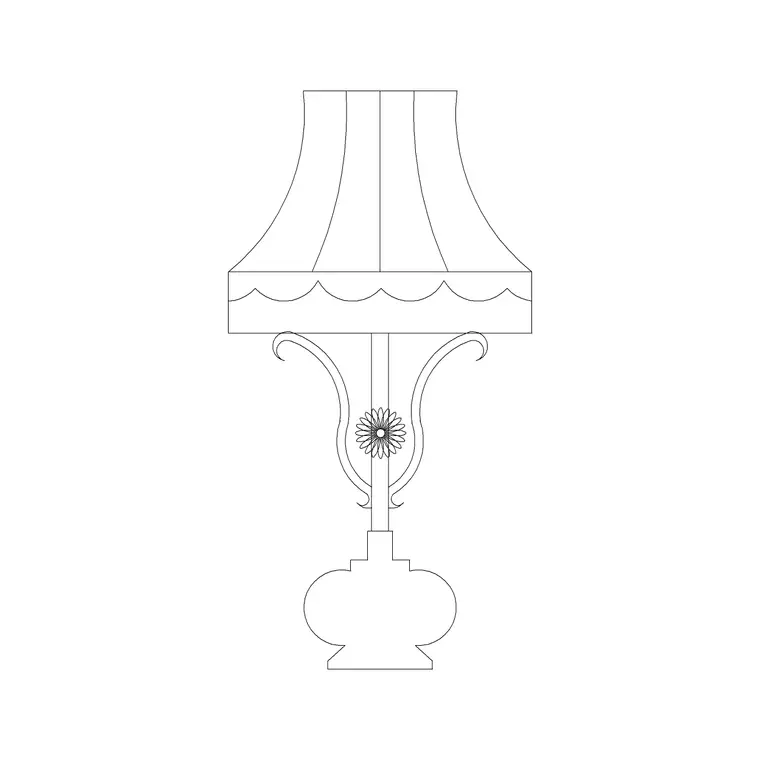
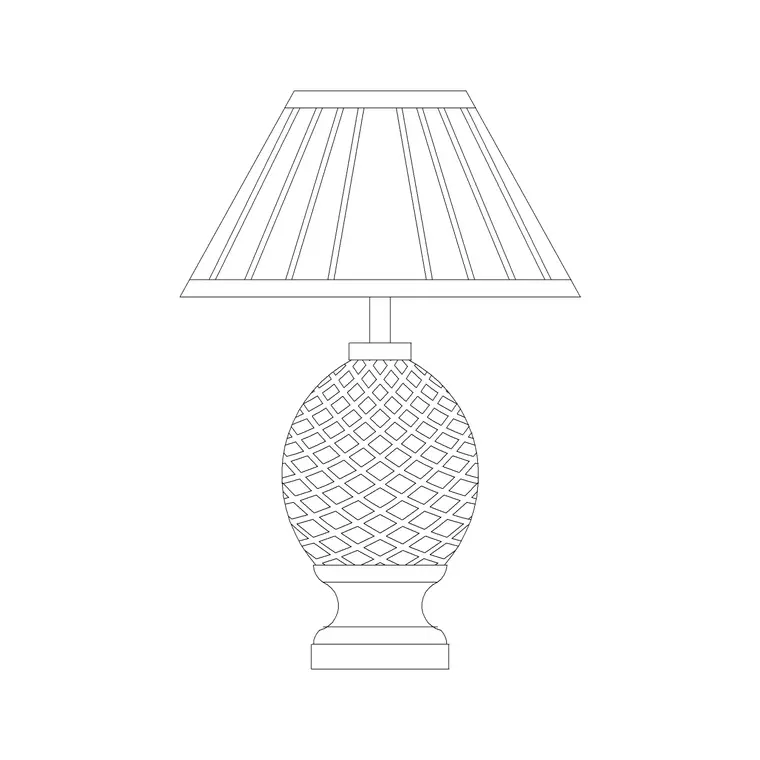
In elevation the shade carries the silhouette — a straight-sided drum, a tapered empire or cone, a decorative pleated or scalloped profile — which is the part of a lamp the eye reads first. In plan it is a simple top circle or oval indicating the shade footprint on a surface or under a ceiling. The shade sits on its own element so you can recolour or hatch it to suggest a fabric or finish without affecting any base it meets.
Shade shapes and what they signal
Shade shape is a strong style cue, and the blocks here cover the common profiles. A drum shade — straight sides, equal top and bottom diameter — reads clean and contemporary, equally at home on a table lamp or a pendant. An empire or cone shade — wider at the bottom than the top — reads traditional and is the classic shape on a turned table lamp. A tapered or coolie shade, very wide and shallow, suits a large floor or feature lamp. Decorative shades — pleated, scalloped, patterned — push the fitting toward a period or boutique look.
Because the shade so strongly sets the character, swapping the shade block on the same base is a fast way to test a scheme's direction in an elevation. The base says little; the shade says contemporary, classical or decorative at a glance.
Typical lamp shade dimensions to design around
Use these ranges as you scale a shade to its fitting. Table-lamp shades: top diameter roughly 150–250 mm, bottom diameter 250–400 mm, height 180–280 mm. Floor-lamp shades: larger, bottom diameter 350–500 mm, height 220–320 mm. Pendant shades: drum or cone, diameter 200–400 mm for a domestic pendant. Decorative and feature shades vary widely with the design.
Proportion to the base is what matters. A shade that is too small perches awkwardly and a shade too large overwhelms the stem, so the rough convention is that the shade reads in balance with the height and footprint of the lamp it sits on. Drawing the scaled shade block on the scaled base in elevation lets you judge that balance immediately, and try a couple of shade options against the same base.
How to insert and combine the block
These lamp shade blocks are drawn full size in millimetres. Insert at scale 1 in a millimetre drawing, 0.001 in a metre drawing, or set INSUNITS to millimetres so AutoCAD rescales on insertion.
Run INSERT or drag the DWG from a tool palette, snap the shade's lower-centre to the top of a lamp base or the end of a pendant cord, and it sits in place as a single block reference. To build your own lamp, combine a base block and a shade block, then WBLOCK the pair as a new reusable fitting. To restyle an existing lamp in an elevation, swap one shade block for another at the same insertion point. Because each shade is a block, a later change to its definition updates every lamp that uses it.
Where lamp shade blocks are used
Lamp shade blocks appear wherever lamps and pendants are detailed: residential interior elevations, hospitality and hotel schemes, boutique retail, and any presentation drawing where the lighting look is being communicated. They are most useful in elevation and presentation work, and as a kit-of-parts for drafters who build their own lamp blocks from bases and shades.
Pair the shade blocks with table lamp, floor lamp, standing lamp and pendant blocks to compose or restyle fittings, and use them across the lighting layer of an interior elevation. As licence-clear blocks they suit presentation packs, FF&E drawings, mood-and-layout boards and student schemes.
Restyling and composing lamps from a kit of parts
Treating the shade as a separate block turns lamp drawing into a kit-of-parts exercise, which is both faster and more flexible. Rather than maintaining a dozen near-identical complete lamp blocks, you can keep a handful of bases and a handful of shades and combine them as a scheme demands — a turned classical base with an empire shade for a traditional room, the same base with a drum shade for a transitional look, a slim contemporary base with a coolie shade for a modern one. Composing on the page and WBLOCKing the result builds your library exactly to the project.
In presentation work the component approach pays off when a client is choosing between options. You can show the same lamp base carrying two or three different shades side by side in an elevation, swapping only the shade block, so the decision is about the shade and nothing else changes. Keeping the shades on the lighting or accessory layer, and tagging the composed fittings for the FF&E schedule, means this flexibility costs nothing in coordination — the restyled or composed lamp behaves like any other block in the drawing.
Free download
Browse the full library — DWG & DXF, no signup.
Questions
Frequently asked
Is a lamp shade block a whole lamp or just the shade?+
Just the shade — a component block designed to sit on a separate base, stem or pendant cord. That lets you swap shades on an existing lamp in an elevation or compose your own fitting from a base block plus a shade block.
Which shade shape suits which style?+
A drum shade reads contemporary, an empire or cone reads traditional, a wide coolie suits large floor and feature lamps, and pleated or patterned shades push toward a period or boutique look. Swapping the shade block restyles the lamp instantly.
Can I combine a shade block with a base block?+
Yes. Snap the shade's lower-centre to the top of a base or pendant cord, then WBLOCK the pair as a new reusable lamp block. This kit-of-parts approach lets you build a lamp library to suit each project.
Are the lamp shade blocks free for commercial use?+
Yes. Every block downloads free in DWG and, where available, DXF, with no signup, no watermark and no attribution requirement, and they are cleared for commercial project use.
Related downloads
Blocks for this guide
Popular blocks to download
Related categories
Related guides
Block landing
Free Lighting Fixtures CAD Blocks — DWG Download
Download free lighting fixtures CAD blocks in DWG and DXF — chandeliers, wall lights, downlights and pendants in plan and elevation for AutoCAD.
Block landing
Free Table Lamp CAD Blocks — DWG Download
Download free table lamp CAD blocks in DWG and DXF — classical and decorative table lamps in plan and elevation for AutoCAD 2004+. No signup, commercial-use OK.
Block landing
Free Floor Lamp CAD Blocks — DWG Download
Download free floor lamp CAD blocks in DWG and DXF — straight and arc floor lamps in plan and elevation for AutoCAD 2004+. No signup, free for commercial use.