Curated pack · interior accessories cad blocks
Free interior accessories CAD blocks for AutoCAD
By Saumyajit Maity · Published 24 May 2026 · Updated 18 Jun 2026
The accessories are what make an interior drawing look like a room someone lives in rather than a furniture diagram. This free interior accessories pack gathers the small decorative blocks you reach for most — vases, lamps, clocks, books, plants, bowls and styling props — drawn in both plan and elevation, in DWG and ready to insert into AutoCAD 2004 or later. Everything is free for personal and commercial work, with no signup, no watermark and no attribution needed.
Use the pack to dress shelves, console tables, sideboards and coffee tables in interior plans and elevations. Because the blocks are drawn at believable real-world sizes, a table lamp lands at the right height on a side table and a vase sits in proportion on a console, so the drawing reads as styled rather than scattered with placeholder shapes.
Accessories are the layer that sells an interior scheme to a client. A living-room elevation with a lamp, a stack of books and a couple of vases on the shelving reads as a considered, finished space; the same elevation bare reads as unfinished joinery. Keeping the accessories on their own layer means you can lean on that styling for the presentation and strip it back to clean furniture and joinery for the construction drawing.
What's in the interior accessories pack
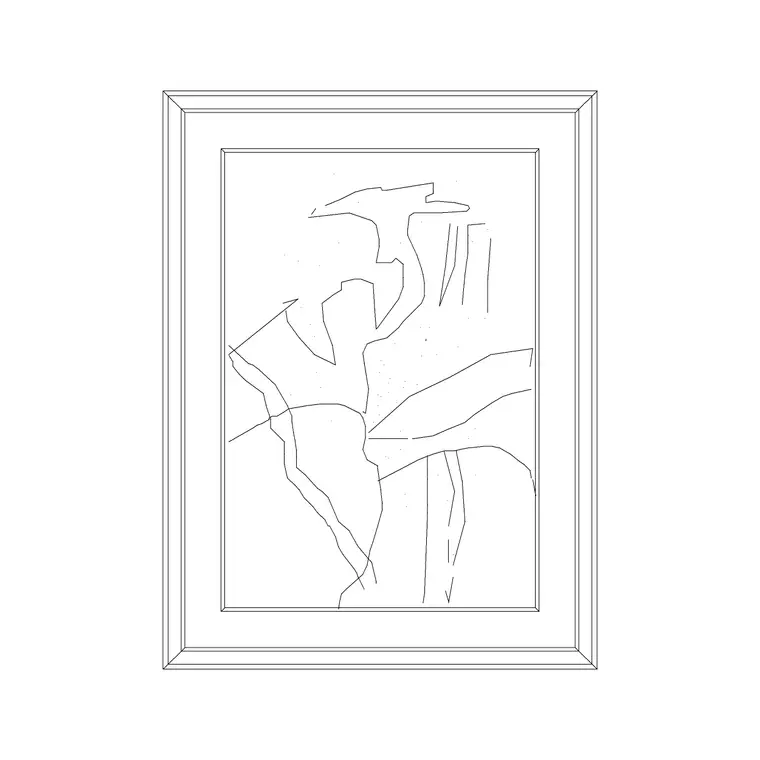
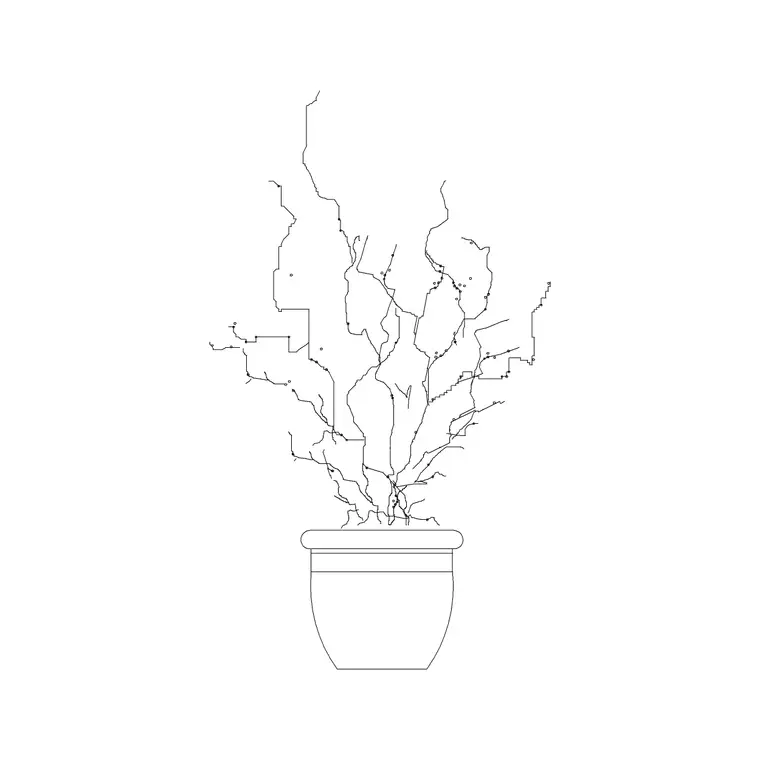
The pack covers the decorative kit that styles a room. Lighting accessories: table lamps and floor lamps in plan and elevation. Surface decor: vases, bowls, jugs, candles, trays and stacks of books for shelves and tabletops. Soft touches: cushions, throws and small indoor plants. Wall-adjacent props: clocks and small framed pieces that sit on a shelf rather than the wall.
Because accessories are seen up close in elevations, the blocks carry enough outline to read as what they are — a lamp shade, a vase profile, a book stack — without being so heavy they clutter the sheet. Each is a single block reference you can copy, scale and mirror, so you can style a shelf with a few inserts and vary the arrangement from one bay to the next.
How to style a room with the accessories
Treat accessories as a styling layer, not as part of the furniture. Put them on something like A-FURN-ACCS so you can thaw them for the client elevation and freeze them for the joinery drawing. Style in groupings rather than singly — a lamp, a book stack and a small plant together read as a vignette, where one isolated object reads as a stray symbol.
Work the rule of odd numbers and varied heights the way a stylist would: a tall lamp, a medium vase and a low bowl on a console make a balanced composition. In plan, accessories mostly indicate occupancy of a surface; in elevation they do the real styling work, so spend your effort there on the shelves and tabletops the client will actually see in the presentation.
Per-item notes: lamps, vases and books
Table lamps are dimension-led because they have to sit on a surface and clear the eye-line; a table lamp typically stands 400–650 mm tall, so it reads correctly on a 550–650 mm side table without towering over the seating. Floor lamps run taller, roughly 1.4–1.8 m, and work in the corner of a seating-area elevation.
Vases and bowls vary widely, so scale them to the surface — a console vase might be 250–450 mm tall, a tabletop bowl far smaller. Book stacks are about proportion rather than precision: a short stack of three or four reads better on a shelf than a single book. Keep all of these as block references so a later restyle is a matter of swapping and nudging blocks rather than redrawing.
Plan and elevation accessories
In plan, accessories are mostly there to show that a surface is used and to balance a furniture layout — a lamp footprint on a side table, a centrepiece on a dining table. They stay simple because from above they're just small outlines. The real value is in elevation, where the lamp, vase and book stack are seen face-on and do the styling that makes a scheme look finished.
When you draw an interior elevation, the heights matter: a table lamp should clear a seated person's eye-line, a clock should sit at a readable height, and a shelf vignette should respect the shelf spacing. Many accessory blocks ship both views, so you can place the plan footprint and build the matching styled elevation from the same download.
Who uses the interior accessories pack
Interior designers and architects use accessories on every presentation interior, but the pack also suits students building portfolio elevations, stagers showing a furnished scheme, and anyone producing a client-facing visual where a bare room won't sell the idea. It works for living rooms, bedrooms, studies, hotel suites, retail vignettes and showroom displays.
Pair the accessories with the furniture, wall-decor and bedroom blocks elsewhere in the library to dress a complete room — a sofa with cushions, a console with a lamp and vase, art on the wall above. Because everything here is free and licence-clear, you can build a styling kit once and reuse it to finish every interior you draw.
Keeping accessories from cluttering the drawing
Accessories are small but numerous, so they're the layer most likely to clutter a sheet if you let them. Keep them as block references, group them into vignettes, and resist the urge to fill every surface — a few well-placed objects read as styled, while a crowded shelf reads as noise. Build a favourite vignette once as a block and reuse it across similar elevations.
Give the accessories layer a light lineweight so it sits behind the joinery and furniture rather than competing with them. Freeze that layer for the construction and joinery drawings, where the client styling is irrelevant, and thaw it for the presentation set. If you restyle, swapping block references is far faster than redrawing, and the underlying furniture and joinery stay untouched.
Free download
Browse the full library — DWG & DXF, no signup.
Questions
Frequently asked
Are these interior accessory CAD blocks free for commercial work?+
Yes. The whole pack downloads free in DWG with no signup, no watermark and no attribution requirement, cleared for commercial interior presentations and construction sets.
Do the accessories come in plan and elevation?+
Yes. You get plan footprints for furniture layouts and face-on elevation blocks for the styled interior elevations where most of the decorative work happens. Where a block carries both views they're in the same DWG.
What height should a table lamp block be?+
Around 400–650 mm tall so it sits well on a 550–650 mm side table and clears a seated eye-line. The blocks are drawn full size in millimetres, so in a millimetre drawing they insert at the right height without scaling.
How do I keep accessories from cluttering an elevation?+
Group them into vignettes rather than scattering single objects, vary their heights, and leave some surfaces clear. Keep them on a light-lineweight styling layer you can freeze for the construction drawing and thaw for the presentation.
Related downloads
Blocks for this guide

Related categories
Related guides
Curated pack
Free Bedroom Accessories CAD Block Pack
Free bedroom accessories CAD block pack in DWG — lamps, plants, rugs, cushions and styling for AutoCAD bedrooms. No signup, commercial-use OK.
Block landing
Free Flower Plant CAD Blocks — DWG Download
Free flower plant CAD blocks in DWG and DXF — flowering annuals and perennials in plan and elevation for AutoCAD landscape plans. No signup, commercial OK.
Block landing
Free Flowering Shrub CAD Blocks — DWG Download
Free flowering shrub CAD blocks in DWG and DXF — ornamental shrubs in plan and elevation for AutoCAD planting and site plans. No signup, commercial OK.