Block landing · hedge cad block
Free hedge CAD blocks for AutoCAD
By Sumana Kumar · Published 30 Aug 2024 · Updated 11 May 2026
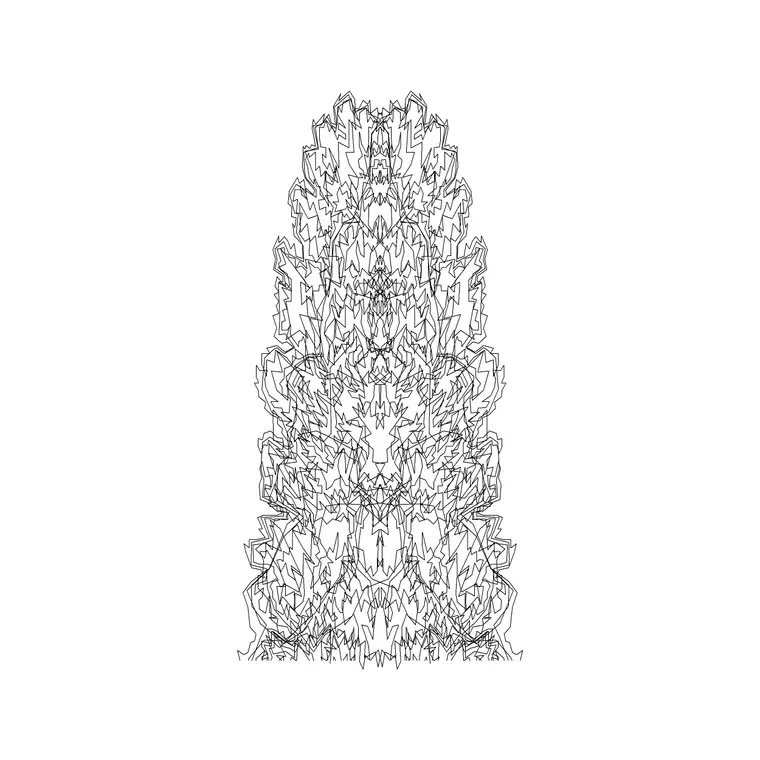
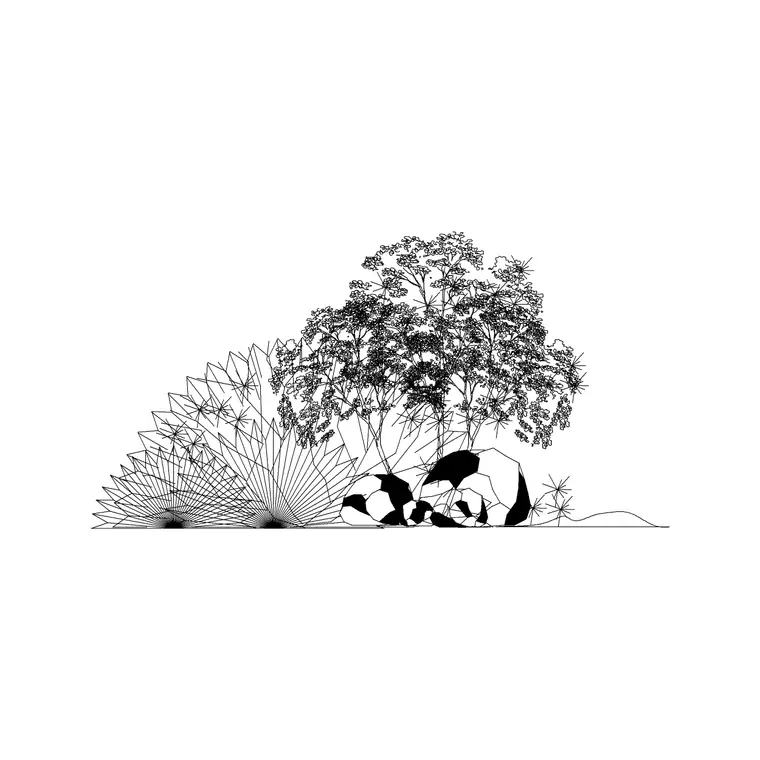
A hedge is a row of shrubs grown together into a continuous, linear barrier, and on a drawing it behaves quite differently from a single shrub or tree. It is fundamentally a line element — it follows a boundary, edges a path, or divides a space — so a hedge block is built to run along a length rather than sit at a point. In plan a hedge is a textured band or double line; in elevation it is a continuous wall of foliage at a set height. This page collects free hedge CAD blocks in DWG and DXF, drawn to scale and ready for AutoCAD 2004 or later, free for personal and commercial use with no signup or watermark.
Hedges are one of the most useful planting elements precisely because they are linear. They define boundaries, screen views, frame spaces and channel movement — all jobs that depend on the hedge running continuously along a line. Drawing a hedge as a proper band rather than a string of separate shrub symbols keeps that linear, space-defining quality clear on the plan.
Why a hedge is a line, not a point
A single shrub block is placed at a point; a hedge is drawn along a path. That difference shapes how the block works: a hedge symbol is designed to be stretched, arrayed or run along a polyline so it follows the boundary or edge it defines. In plan it usually reads as a band of foliage texture between two lines, or a continuous wavy edge, marking a width and a route across the drawing.
That linear nature is the whole point. A hedge's job — enclosure, screening, division — comes from its continuity, so the symbol has to read as an unbroken run. The blocks here are built to flow along a length, so you can trace a boundary or a path edge and have the hedge follow it cleanly rather than assembling it from disconnected shrubs.
Hedge dimensions to design around
Use these reference figures: a low edging or formal hedge is roughly 0.3–1 m tall, a typical garden boundary hedge 1–2 m, and a tall screening hedge or hedgerow 2–4 m or more. Width is usually modest — often 0.4–1 m for a clipped hedge, wider for an informal hedgerow. The length, of course, is whatever the boundary or edge requires.
Height is the key design figure because it determines what the hedge does. A knee-high hedge edges and guides without blocking views; a head-height hedge gives privacy and encloses; a tall hedge screens completely. Draw the hedge at the height it needs to be for its job, and on a section that height makes clear whether it screens a particular view or merely defines an edge.
Running a hedge along a boundary
Hedge blocks are drawn full size in millimetres. Set INSUNITS to millimetres (or insert at 0.001 in a metre drawing) so the band lands at the right width and height. The most efficient way to lay a hedge is along a path: draw the boundary or edge as a polyline, then use a path array (ARRAYPATH) to run a hedge unit along it, or stretch a hedge band to the boundary outline.
For a hedge that turns corners or follows a curve, the path array distributes the foliage texture evenly around the bends. In elevation, run the hedge along your ground line at its design height as a continuous foliage band. Keep the hedge on the planting layer so it can be read as part of the landscape and toggled with the rest of the planting.
Formal hedges, informal hedgerows and boundaries
Hedges range from crisp to wild, and the drawing should reflect which you mean. A formal clipped hedge — box, yew, beech — is drawn as a neat, even band with straight edges, reading as an architectural, designed element. An informal or native hedgerow is looser and wider, drawn with an irregular, mixed-texture edge that reads as countryside or naturalistic boundary planting.
The distinction matters on site plans, especially at boundaries. A formal hedge marks a designed edge within a scheme; a hedgerow often marks an existing field boundary being retained, which — like a mature tree — can be a planning constraint and an ecological asset. Drawing the two differently makes clear at a glance whether a boundary line is new formal planting or a retained natural feature.
Where hedge blocks are used
Hedges appear on residential garden plans, boundary and site-edge drawings, public-realm and parkland layouts, car-park screening, and any scheme using planting to enclose, divide or screen. They are common on plans where a boundary needs to be soft and green rather than a wall or fence, and on drawings retaining existing hedgerows.
Keep hedges on the planting layer, and pair these blocks with the shrub, tree and groundcover blocks in the trees-and-plants category. A typical garden plan uses hedges for the boundaries and divisions, shrubs to fill the beds within, and trees for structure above — and the hedge is the linear element that holds the whole composition's edges together.
Hedges as screening and enclosure on a section
The clearest way to prove a hedge does its job is in section. If a hedge is meant to screen a view — a car park from a house, a road from a garden — drawing it at its design height against the thing it screens shows immediately whether the screen works or whether a view slips over the top. A plan alone cannot make that argument; the section can.
The same goes for enclosure and privacy. A head-height hedge drawn on a section between two spaces demonstrates the privacy it gives in a way a plan band cannot. Because the hedge blocks here are drawn to a real height, dropping one onto a section turns a screening or enclosure claim into something you can see and check, which is exactly the evidence a design review or planning submission wants.
Free download
Browse the full library — DWG & DXF, no signup.
Questions
Frequently asked
How is a hedge block different from a shrub block?+
A shrub is placed at a point; a hedge is a linear element drawn as a continuous band along a boundary or path. A hedge block is built to be stretched or path-arrayed along a length so it follows the line it defines.
Are the hedge CAD blocks free for commercial use?+
Yes. Every hedge block downloads free in DWG and, where available, DXF, with no signup, no watermark and no attribution requirement, and is cleared for commercial project use.
How tall should I draw a hedge?+
Draw it at the height it needs for its job: roughly 0.3–1 m for a low edging hedge, 1–2 m for a boundary hedge, and 2–4 m or more for a tall screening hedge or hedgerow. The height determines whether it screens or merely edges.
How do I make a hedge follow a curved boundary?+
Draw the boundary as a polyline and use a path array (ARRAYPATH) to run the hedge unit along it, or stretch a hedge band to the boundary outline. The path array distributes the foliage texture evenly around curves and corners.
Related downloads
Blocks for this guide
Popular blocks to download
Related categories
Related guides
Block landing
Free Flower Plant CAD Blocks — DWG Download
Free flower plant CAD blocks in DWG and DXF — flowering annuals and perennials in plan and elevation for AutoCAD landscape plans. No signup, commercial OK.
Block landing
Free Flowering Shrub CAD Blocks — DWG Download
Free flowering shrub CAD blocks in DWG and DXF — ornamental shrubs in plan and elevation for AutoCAD planting and site plans. No signup, commercial OK.
Block landing
Free Herb Plant CAD Blocks — DWG Download
Free herb plant CAD blocks in DWG and DXF — herbs for kitchen gardens, raised beds and planters, in plan and elevation for AutoCAD. No signup, commercial OK.