Block landing · guitar cad block
Free guitar and musical instrument CAD blocks
By Sumana Kumar · Published 8 Apr 2026 · Updated 6 Jun 2026
A guitar is a strong, instantly readable shape, which makes it one of the best props for bringing a music room, a studio or an instrument shop to life on the page. Hang one on a wall, stand it in a corner or line a rack of them along a shopfit and the drawing tells its story without a label. This page collects free guitar CAD blocks in DWG and DXF — both acoustic and electric guitars drawn in clean elevation — ready for AutoCAD 2004 or later, free for personal and commercial use with no signup and no watermark.
The two body styles cover most needs: the full hollow body and round sound-hole of an acoustic, and the slimmer, contoured solid body, cutaway and hardware of an electric. They suit music-retail shopfits, recording-studio and rehearsal-room interiors, home music corners and entertainment-space presentation sheets. Each is a real block reference you can copy, mirror, rotate and recolour onto a styling layer, so a wall of guitars or a single instrument on a stand both come from the same lightweight downloads.
Acoustic and electric: what each block shows
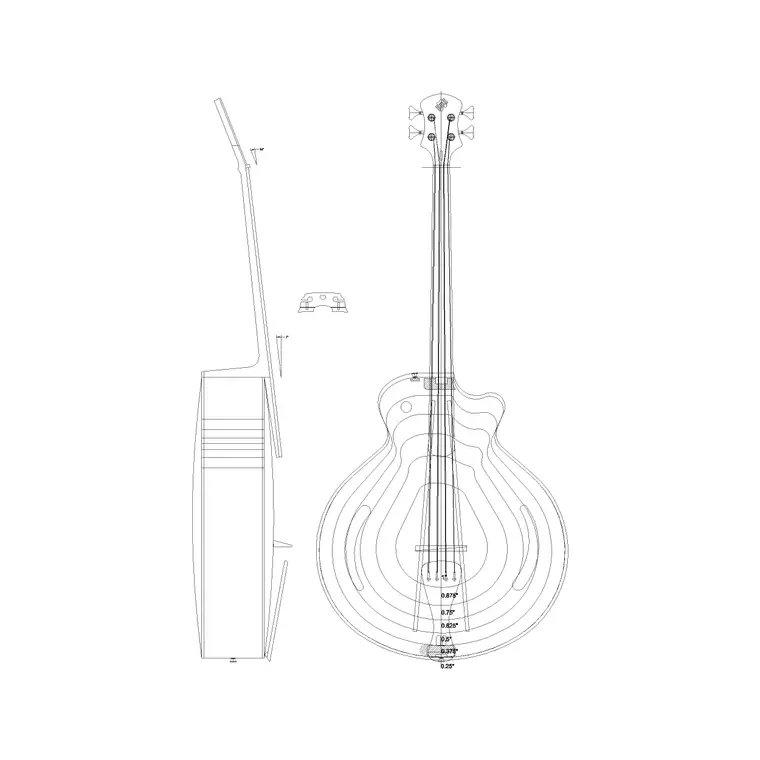
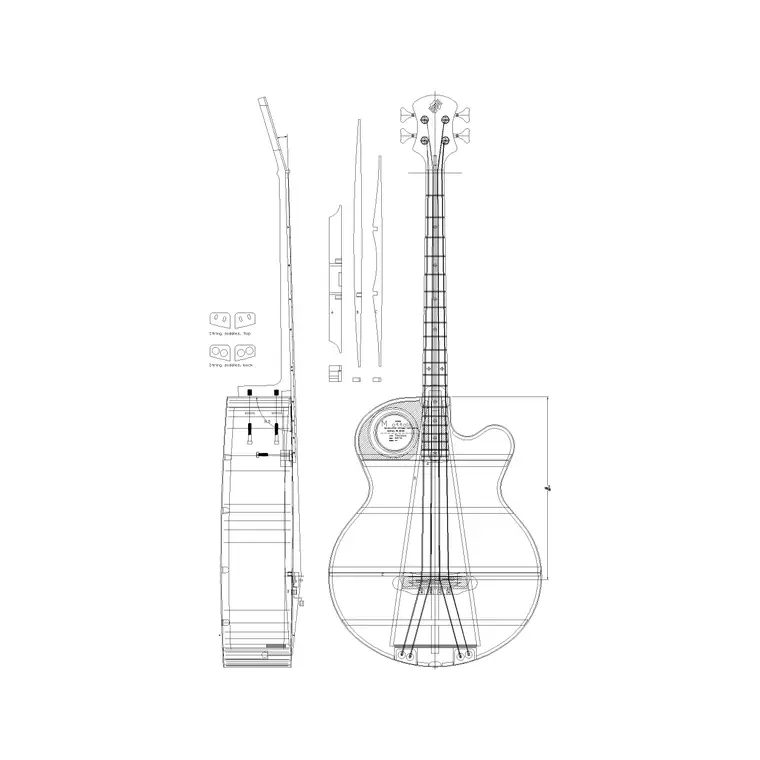
The acoustic guitar block draws the classic dreadnought-style silhouette: a deep, waisted hollow body with a round sound hole and a bridge, a long fretted neck and a headstock with tuning pegs. The electric guitar block draws a slimmer solid body with one or two cutaways, pickup and bridge hardware suggested on the face, a thinner neck and a distinctive headstock — the Yamaha-style electric and acoustic blocks here give you one of each.
Both are elevation drawings shown face-on, with enough internal line — the sound hole or pickups, the bridge, the fret markers, the tuners — to read clearly as a guitar at presentation scale without turning busy. As single block references they copy, mirror and rotate as one object, so you can stand a guitar upright on a stand, hang it from a wall hook, or lay it flat, all from the same file with a quick rotate.
Elevation is where a guitar reads
A guitar is a flat, graphic object best shown in elevation — face-on, the way it hangs on a wall or stands on a stand. That is the view for music-shop wall displays, studio interior elevations, rehearsal-room layouts and home music corners. From plan, a guitar is just a thin sliver, so the block lives in elevation and the occasional side detail.
When you lay out a music shop or studio in plan, draw the racks, stands and wall fixings as plan geometry, then bring the guitar blocks onto the elevations where the instruments are displayed. A guitar wall is one of the most effective elevation features you can draw — a grid of hung instruments reads unmistakably as a music retailer.
Guitar sizes to design around
Use these ranges to keep a music drawing honest. A full-size acoustic (dreadnought) is around 1000–1050 mm in total length, with a body roughly 400 mm across the lower bout and 110–125 mm deep. A full-size electric is a little shorter overall, around 950–1000 mm long, with a slimmer body around 320–340 mm wide and far thinner front to back. Classical and smaller-scale guitars run a touch shorter.
Those figures set the display geometry: a wall-hung guitar needs roughly 450 mm of clear width and over a metre of drop, so wall hangers are spaced accordingly; a floor stand has a footprint of around 250–350 mm. Because the blocks are drawn to these real lengths, hanging one on a wall elevation shows immediately whether it clears its neighbour and the fixtures above and below.
Inserting and displaying the guitars
The guitars are drawn full size in millimetres. Insert at scale 1 in a millimetre drawing, 0.001 in a metre drawing, or set INSUNITS to millimetres so AutoCAD rescales on insertion. Use INSERT or drag the DWG from a tool palette, and snap the insertion point to the wall-hanger line, the stand or the floor depending on how the instrument is shown.
To build a guitar wall, place one and ARRAY it across the wall at the hanger spacing, mixing the acoustic and electric blocks and mirroring some so the display reads as varied stock rather than clones. Rotate the block to stand a guitar on a floor stand or lean it in a corner. Keep the guitars on a styling layer with a light lineweight so they freeze out for a clean shopfit drawing and thaw in for the presentation.
Who uses guitar blocks
Music retailers and the shopfit designers who work for them use guitar blocks to fill wall displays and floor racks so an instrument-shop elevation reads as stocked. Studio and rehearsal-room designers add them to interior elevations to signal a working music space. Interior designers and architects drop them into home music corners, teen bedrooms, entertainment rooms and hospitality venues where live music is part of the brief.
Guitars are versatile scene-setters that pair with furniture blocks (a stool, an amp shown as a simple box, a sofa) to build a music-room vignette, and with people blocks for scale and life. Because the silhouette is so recognisable, even a single hung guitar does a lot of work telling the viewer what a room is for.
Layering and reuse
Treat guitars as styling content: keep them on a dedicated prop or FF&E layer separate from the wall fixings, racks and architecture, with a lighter lineweight so they read as soft display objects. That lets one file produce a clean technical shopfit elevation (guitars frozen off) and a dressed presentation elevation (guitars thawed on) with no duplicate geometry.
When you compose a guitar wall you like — a balanced grid of acoustics and electrics at a good rhythm — WBLOCK the whole display as one reusable assembly so a stocked guitar wall drops into the next music-shop drawing in a single insert. Edit the source assembly later and every placement updates together, keeping a multi-elevation shopfit drawing consistent.
Free download
Browse the full library — DWG & DXF, no signup.
Questions
Frequently asked
Are the guitar CAD blocks free for commercial use?+
Yes. The acoustic and electric guitar blocks download free in DWG and, where available, DXF, with no signup, no watermark and no attribution requirement, and they are cleared for commercial retail, studio and interior drawings.
Do you have both acoustic and electric guitars?+
Yes. There is a hollow-body acoustic block with the round sound hole and a slimmer solid-body electric block with cutaway and hardware, so you can mix both on a music-shop wall or studio elevation.
What size is a full guitar drawn at?+
An acoustic is drawn around 1000–1050 mm overall with a body near 400 mm across; an electric is around 950–1000 mm long with a slimmer body. Classical and smaller-scale guitars are a little shorter; a uniform scale adjusts the block if needed.
Can I hang the guitar on a wall in elevation?+
Yes. Snap the block to your wall-hanger line and the guitar hangs face-on; a full-size instrument needs roughly 450 mm of clear width and over a metre of drop, so space the hangers to suit. Rotate the block to stand it on a floor stand instead.
Related downloads
Blocks for this guide
Related categories
Related guides
Block landing
Free Picture Frame CAD Blocks — DWG Download
Download free picture frame CAD blocks in DWG and DXF — framed photos drawn in elevation for AutoCAD interior drawings. No signup, commercial use OK.
Block landing
Free Wall Art & Painting CAD Blocks — DWG
Download free wall art and painting CAD blocks in DWG and DXF — abstract art and canvases for AutoCAD interior elevations. No signup, commercial OK.
Block landing
Free Decorative Vase CAD Blocks — DWG Download
Download free decorative vase CAD blocks in DWG and DXF — designer vases and vases with flowers in plan and elevation for AutoCAD. No signup, commercial OK.