Block landing · bollard light cad block
Free garden and bollard light CAD blocks for AutoCAD
By Sumana Kumar · Published 9 Dec 2023 · Updated 5 Feb 2026
A garden or bollard light is the low-level fitting that marks the edge of a path, lights a planting bed or guides people across a terrace — a short post, typically knee- to waist-height, casting light downward and outward at ground level. This page offers a free garden and bollard light CAD block in DWG and DXF, drawn to scale so its compact footprint and low mounting height read correctly on a landscape or external-works drawing. It is free for personal and commercial work, with no signup and no watermark.
Unlike a tall street column, a bollard light is about ground-level effect: the dimensions that matter are its small plan footprint, its low height and the spacing that gives an even pool of light along a path. Drop the scaled block onto a landscape plan and you can array the bollards down a path edge, set them back from the paving line, and space them so the light pools overlap, all from geometry rather than estimation.
What a garden or bollard light block is
A bollard light is a short vertical post — round, square or tapered — with the light source housed in or near the top, throwing light downward and outward to wash a path, a step or a planting bed. Garden lighting in this family also includes low spike or path lights that sit even closer to the ground. The unifying feature for drawing purposes is that these are low, small-footprint fittings placed in runs through external landscape.
The block is a single clean reference — post and head as one object you place, rotate and array along a path or bed edge. Because landscape lighting is laid out as evenly-spaced runs, the block arrays cleanly along a path so a line of bollards down a walk sits at a controlled, repeatable spacing rather than scattered by eye.
Views and what's included
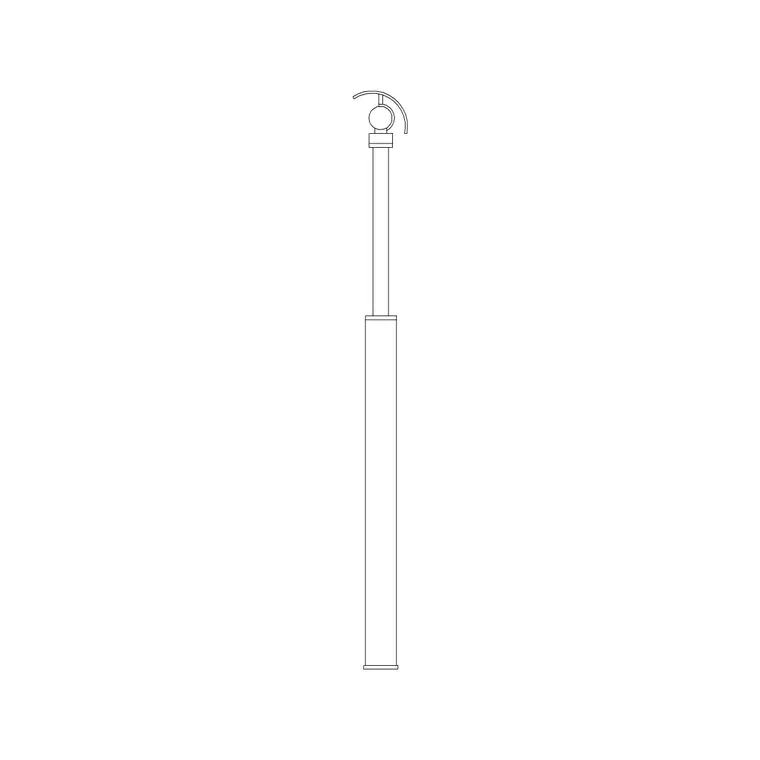
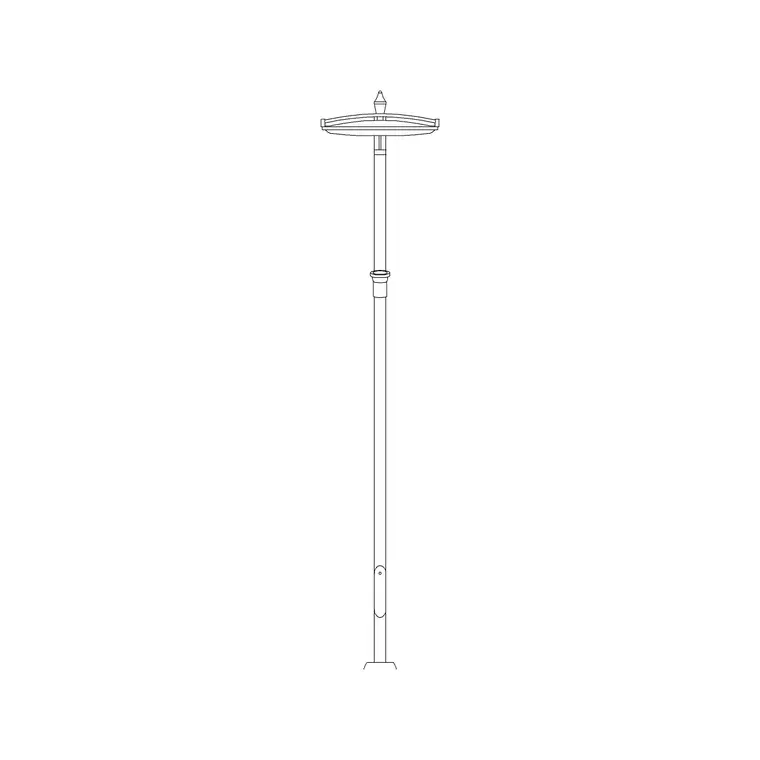
The plan view shows the small bollard footprint — a circle or square — seen from above, which is what you array along a path edge or scatter through a bed on a landscape plan, and tag with a fitting reference. The elevation (front/side) view shows the short post at its real height, which you place in a garden section or a terrace elevation to read the bollard against steps, planting and the people walking past.
Where both views ship in one DWG, a single download serves the landscape lighting plan and the section. The plan view does most of the work here because garden lighting is fundamentally a layout exercise — the question is usually 'where and how often', and that is answered on plan.
Typical sizing to design around
Treat these as typical ranges and confirm against the chosen fitting. Bollard lights commonly stand around 400–1000 mm tall — knee- to hip-height — with a slim plan footprint, often 80–200 mm across the post. Lower path and spike lights sit nearer the ground still. The spacing that gives an even wash depends on the fitting's output and beam, but landscape bollards are often placed in the order of a few metres apart so their pools of light overlap along the path; take the real spacing from the lighting design.
Set-back from the paving edge matters so the bollard sits in the planting or the margin rather than the walking surface, and so it clears the swept path of any maintenance machinery. Because the block is scaled, insert it, dimension the height on the section and the set-back and spacing on the plan, and these read directly.
How to insert, space and array
The block is drawn full size in millimetres; insert at scale 1 in a millimetre drawing, 0.001 in a metre template, or set INSUNITS to millimetres so AutoCAD rescales on insertion. Run INSERT, snap the base to the chosen point in the planting margin, and rotate if the head is directional.
To line a path, offset a line from the paving edge by the set-back, then ARRAY the bollard along it — a path array (ARRAYPATH) follows a curved walk, a rectangular array suits a formal grid. For a naturalistic garden scheme you can vary the spacing slightly by hand rather than keeping it metronomic. Keep the fittings on a dedicated external-lighting or landscape-lighting layer so they freeze for a clean planting plan and thaw for the lighting plan.
Where garden and bollard lights are used
Bollard and garden lights belong along garden and park paths, across terraces and patios, around courtyards and entrance approaches, through planting beds and rockeries, and down the edges of driveways and car-park margins. They give low-level, glare-free guidance light that defines a route without the scale or the cost of full street columns, which is why landscape architects use them constantly.
Use the bollard light alongside the rest of the external palette — paving, trees, shrubs and street furniture — to build a coordinated external-works and landscape-lighting drawing. On a coordinated set the same scaled symbol lets the lighting designer place the bollards to wash the path evenly while the landscape architect keeps each fitting clear of the planting pits and the irrigation, and the civil engineer routes the low-voltage cabling beneath.
Layering, spacing and scheduling
Keep garden and bollard lights on a dedicated external- or landscape-lighting layer with their own colour and lineweight, so the lighting reads separately from the planting and the hard landscape and can be toggled for each drawing in the set. Set the spacing from the lighting design and array the block along an offset line so the run is even and the set-back consistent — eyeballing a long path of bollards rarely stays straight.
Tag each fitting with a reference attribute — a code such as BL-01 — so the run schedules straight from the drawing for the landscape contractor and the cost plan. Because the fittings sit over cable runs and planting pits, accurate placement keeps the lighting coordinated with the soft landscape and the buried services. Where a run repeats, array rather than copy, so a change of fitting type updates everywhere through the block definition.
Free download
Browse the full library — DWG & DXF, no signup.
Questions
Frequently asked
How tall is a typical bollard light?+
Garden bollard lights commonly stand around 400–1000 mm — knee- to hip-height — with a slim post footprint. The block is to scale, so confirm the height against the chosen fitting on your section.
How far apart should bollard lights be spaced?+
Spacing depends on the fitting's output and beam, but landscape bollards are often placed a few metres apart so their light pools overlap. Take the real spacing from the lighting design and array the block along an offset path line.
Does the block include plan and elevation views?+
Where a fitting ships both, the plan view gives the small footprint you array on a landscape plan and the elevation shows the short post at its height for a garden section. They live in the same DWG.
Is the garden and bollard light CAD block free for commercial use?+
Yes. It downloads free in DWG and DXF with no signup, no watermark and no attribution requirement, and it is cleared for commercial project use.
Related downloads
Blocks for this guide
Popular blocks to download
Related categories
Related guides
Block landing
Free Lighting Fixtures CAD Blocks — DWG Download
Download free lighting fixtures CAD blocks in DWG and DXF — chandeliers, wall lights, downlights and pendants in plan and elevation for AutoCAD.
Block landing
Free Table Lamp CAD Blocks — DWG Download
Download free table lamp CAD blocks in DWG and DXF — classical and decorative table lamps in plan and elevation for AutoCAD 2004+. No signup, commercial-use OK.
Block landing
Free Floor Lamp CAD Blocks — DWG Download
Download free floor lamp CAD blocks in DWG and DXF — straight and arc floor lamps in plan and elevation for AutoCAD 2004+. No signup, free for commercial use.