Block landing · cactus cad block
Free cactus and succulent CAD blocks for AutoCAD
By Saumyajit Maity · Published 12 Mar 2026 · Updated 27 Apr 2026
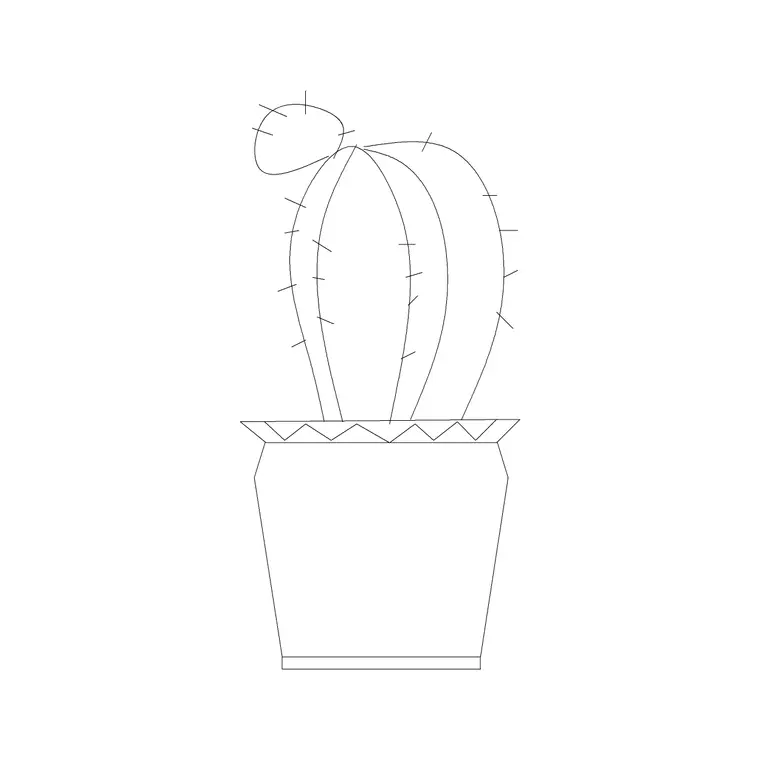
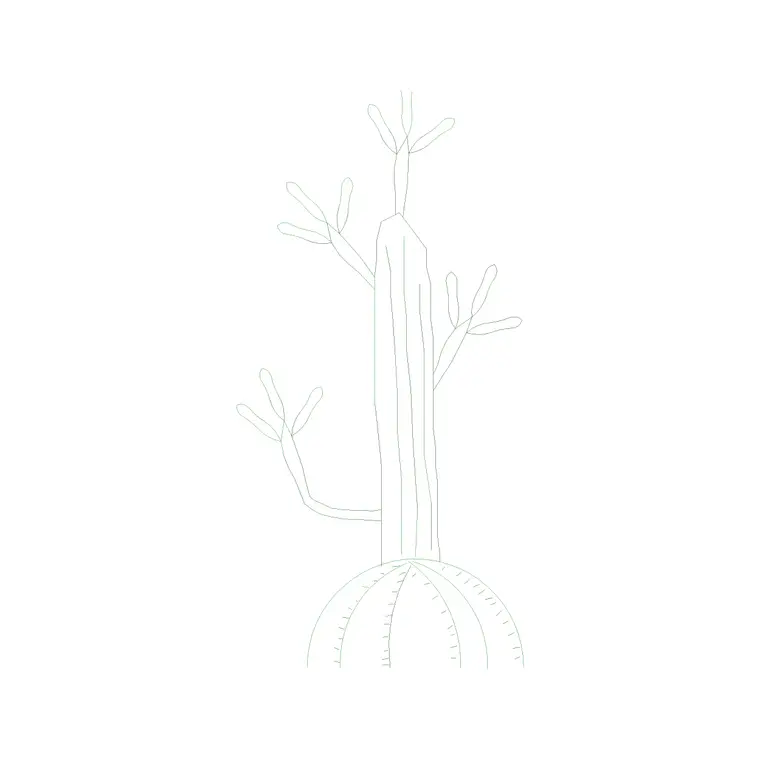
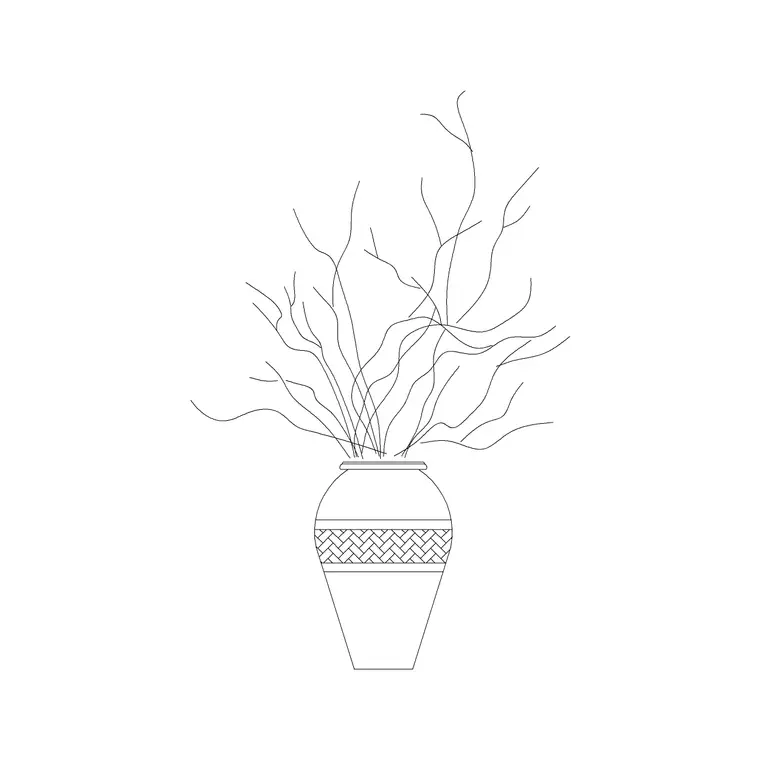
Cacti and succulents have a look all their own on a drawing — spiky rosettes, columnar stems, broad fleshy paddles — and they belong to a kind of planting that other plant blocks just don't suit. Desert gardens, xeriscapes, gravel courtyards, rooftop dry plantings and arid-region schemes all lean on these forms. This page collects free cactus and succulent CAD blocks in DWG and DXF, drawn in plan and elevation at true millimetre size and ready for AutoCAD 2004 or later. Everything is free for personal and commercial work, with no signup, no watermark and no attribution.
Use them to lay out a low-water planting scheme, dress a gravel or rock garden, plant a modern arid courtyard or build a green-roof drought planting. Because these plants are often placed as deliberate specimens with space and gravel between them, scaled blocks let you compose the spacing as carefully as the planting deserves.
What sets cactus and succulent blocks apart
Cacti and succulents are placed differently from leafy planting. They are frequently used as architectural specimens — a single agave as a focal point, a column cactus marking an entrance, a drift of low rosettes between rocks — with deliberate gaps and gravel mulch rather than dense, knitting cover. Their blocks reflect that: distinctive geometric outlines (rosettes, ribs, paddles, columns) that read as the plant from above or from the side.
This is sparse, composed planting, so the spacing between plants is part of the design rather than something to close up. Scaled blocks let you treat each specimen as an object placed in space, which is exactly how a good dry garden is composed.
Plan and elevation — and why elevation matters here
Plan blocks drive the layout: rosettes and clusters seen from above, placed among rocks and gravel. But elevation matters more for these plants than for most, because columnar cacti and tall agaves are vertical statements whose height is the whole point. An elevation block of a column cactus or a branching specimen lets you show that vertical drama in a section, a courtyard elevation or a presentation view.
Several downloads pair plan and elevation in one DWG. The blocks are drawn on clean layers so the plant outline and any internal detail — ribs, spines, the rosette centre — can be controlled separately and simplified for small-scale plans.
Sizes across a varied group
This is a diverse group, so treat sizes as broad ranges. Low rosette succulents (echeveria, sempervivum) spread roughly 100–300 mm and sit barely above the gravel; medium agaves and barrel cacti spread about 0.5–1.2 m; large structural agaves and clumping cacti can spread 1–2 m; columnar and tree-form cacti stay narrow in plan but rise 2–5 m or more in elevation. Spacing is usually generous — these plants are shown with breathing room and mulch between them, not massed.
These are design ranges to draw against, not fixed dimensions. Set each specimen at a deliberate position and the scaled block shows you the composition: where the gravel reads, where a focal plant sits, how the spiky forms balance across the bed.
Inserting cacti and composing a dry garden
The blocks are full size in millimetres. Insert at scale 1 in a millimetre drawing, or set INSUNITS to millimetres so AutoCAD rescales on insertion. Run INSERT, snap to the centre of the plant, and place each specimen individually — dry gardens are usually composed by hand rather than arrayed, because the irregular spacing is the look.
For a drift of small rosettes you might use a loose, varied array and then nudge individual plants off-grid so the cluster reads as natural colonisation. Mix scale and rotation between specimens of the same species so a group of agaves doesn't look cloned. Draw the rock and gravel areas as hatched zones beneath the planting layer so the negative space between plants reads as deliberately as the plants themselves.
Where these blocks are used
Cactus and succulent blocks suit xeriscape and low-water garden designs, modern and Mediterranean courtyards, rock and gravel gardens, green-roof drought plantings, arid-region landscape masterplans, and the increasingly common low-maintenance commercial planting around offices and retail. Landscape architects use them for water-wise schemes; architects drop them into courtyard and roof plans; students use them for desert and dry-garden studio projects.
Pair them with the trees-and-plants category for the occasional tree or large shrub that anchors a dry garden, and with the accessories category when the succulents sit in bowls, troughs or planters — a very common way to display them.
Layers, counts and reuse
Put the cacti and succulents on a dedicated planting layer, separate from the rock and gravel hatching, so you can freeze the planting for a clean hardscape plan and thaw it for the full scheme. Because these plantings are specimen-led, keeping them on their own layer also makes it easy to check that each focal plant has the space the design intends.
Each plant is a block reference, so the COUNT and QSELECT tools tally specimens for a plant schedule — and with these often-expensive plants, an accurate count genuinely matters to the budget. Attribute the blocks with a species code to extract the schedule from the drawing. When a composed corner of a dry garden works, WBLOCK it as a reusable group; the same rosette-and-rock arrangement reads well repeated across a larger scheme.
Free download
Browse the full library — DWG & DXF, no signup.
Questions
Frequently asked
Do cactus and succulent blocks include an elevation view?+
Many do, and elevation matters here because columnar cacti and tall agaves are vertical specimens whose height is the point. Plan views drive the layout; elevation views suit sections, courtyard elevations and presentation boards. Both are listed on each download page.
How should I space cacti and succulents in a CAD plan?+
Generously, with gravel or rock between specimens — these are composed, sparse plantings rather than massed beds. Place each block deliberately rather than arraying, and vary scale and rotation so repeated species don't look cloned.
What sizes are the cactus blocks drawn at?+
They span a wide range, from low rosettes spreading 100–300 mm to large agaves at 1–2 m and columnar cacti rising 2–5 m or more in elevation. The blocks are drawn full size in millimetres, so scale them to the species you are specifying.
Are these cactus and succulent CAD blocks free for commercial use?+
Yes. Every block downloads free in DWG and DXF with no signup, no watermark and no attribution requirement, and they are cleared for commercial project use.
Related downloads
Blocks for this guide
Related categories
Related guides
Block landing
Free Flower Plant CAD Blocks — DWG Download
Free flower plant CAD blocks in DWG and DXF — flowering annuals and perennials in plan and elevation for AutoCAD landscape plans. No signup, commercial OK.
Block landing
Free Flowering Shrub CAD Blocks — DWG Download
Free flowering shrub CAD blocks in DWG and DXF — ornamental shrubs in plan and elevation for AutoCAD planting and site plans. No signup, commercial OK.
Block landing
Free Herb Plant CAD Blocks — DWG Download
Free herb plant CAD blocks in DWG and DXF — herbs for kitchen gardens, raised beds and planters, in plan and elevation for AutoCAD. No signup, commercial OK.