Block landing · designer lamp cad block
Free designer lamp CAD blocks in DWG and DXF
By Saumyajit Maity · Published 12 Apr 2024 · Updated 19 Jan 2026
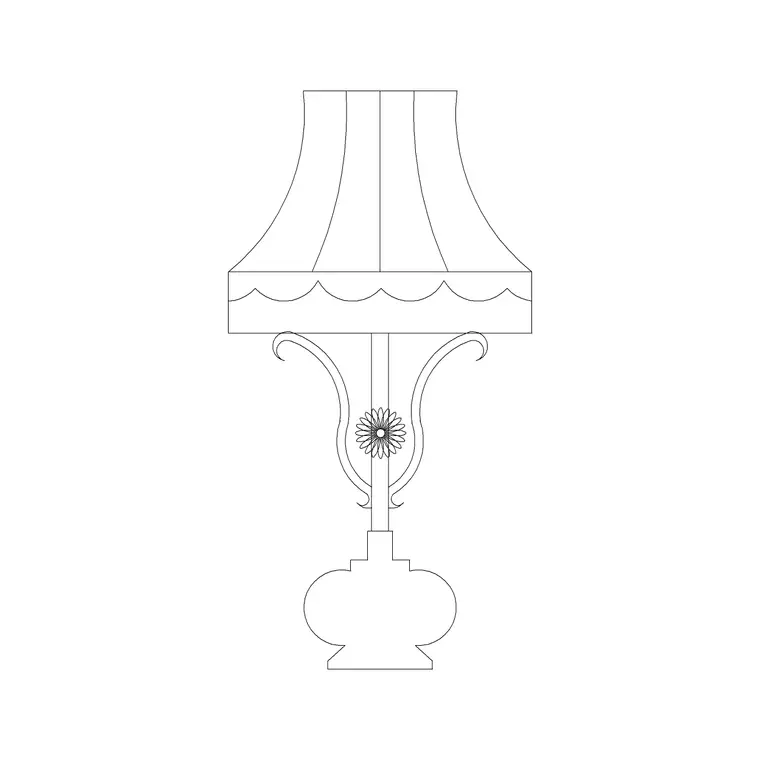
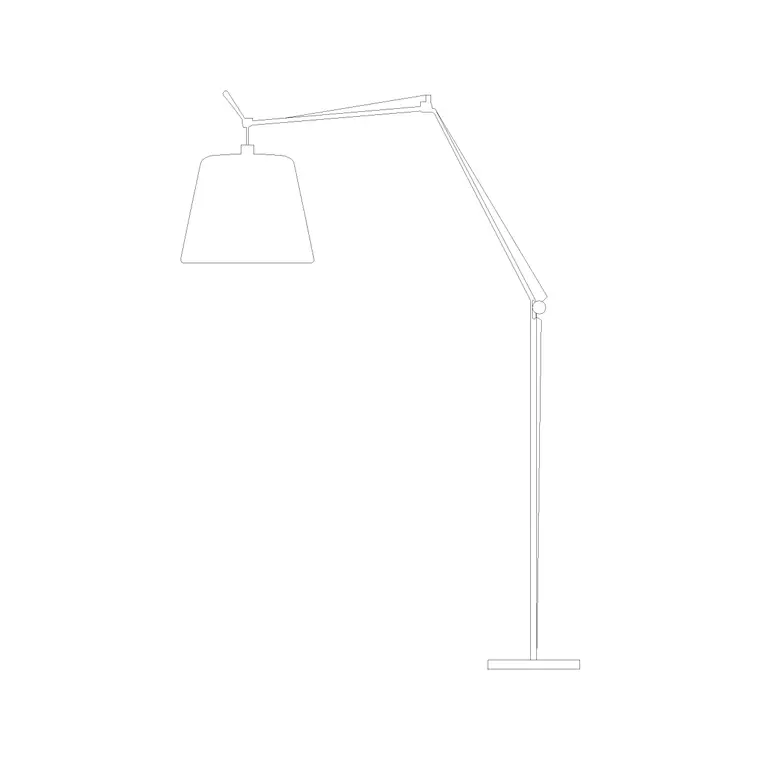
A designer lamp is the feature light chosen as much for its form as its function — the sculptural table piece, the statement floor lamp, the contemporary fitting that becomes a focal point in a room — and a scaled designer lamp CAD block lets you place that feature in a drawing without trying to redraw its distinctive shape from scratch. This page collects free designer lamp CAD blocks in DWG and DXF: modern, decorative and sculptural lamps in table and floor formats, drawn at true millimetre dimensions for AutoCAD 2004 or later. Everything is free for personal and commercial work, with no signup and no watermark.
Designer lamps matter in presentation drawings because they signal the level of the scheme. A generic lamp says 'a light goes here'; a distinctive designer fitting says 'this is the look'. Use these blocks to dress high-end residential interiors, hotel and restaurant schemes, showrooms, reception areas and feature corners, and to carry a specific design intent into an interior elevation or FF&E drawing.
What makes a designer lamp block useful
A designer lamp earns its place in a drawing through its silhouette, so the elevation is where the block does its work — a distinctive base, an unusual shade, an asymmetric arm or a sculptural form that reads as a deliberate choice. In plan it still occupies a footprint you space and keep clear, especially for floor-standing feature lamps, but the recognisable shape lives in the elevation.
Because a designer lamp is a specified item rather than a generic accessory, the block is the natural carrier of that specification in the drawing. Placing the right distinctive block, rather than a stand-in, means the interior elevation and the FF&E drawing actually communicate the chosen fitting to the client and the contractor. It sits on the lighting or accessory layer with the rest of the loose lighting.
Designer lamps in presentation and FF&E drawings
Designer lamps live mostly in the drawings that sell and specify a scheme: the interior elevation, the rendered-style line drawing, and the FF&E schedule. On the elevation, a feature lamp gives the composition character and signals the design level. On the FF&E side, the lamp is a line item with a cost and a lead time, so showing the right block — and tagging it with a product reference — keeps the drawing and the specification aligned.
That dual role is why a designer lamp block should sit on a clearly tagged accessory layer. Freeze it for the bare technical issue, thaw it for the presentation pack, and pull its attribute into the FF&E schedule so the feature lighting is counted, costed and specified alongside the furniture.
Typical designer lamp dimensions to design around
Designer lamps span the full range from table to floor, so scale the block to its type. Table designer lamps: overall height roughly 400–700 mm, shade or head 250–400 mm. Floor and statement designer lamps: overall height 1500–1900 mm, with arc and cantilever forms reaching out 700–1100 mm horizontally and standing on a weighted base 300–450 mm across.
Because the appeal is the form, proportion is what you check when you place the block. A sculptural floor lamp wants room around it to be seen — set against a busy wall it loses its line — so check the space in plan and the backdrop in elevation. A feature table lamp should sit on a surface generous enough to carry it without looking cramped. The scaled block makes those proportion checks visual.
How to insert and place the block
These designer lamp blocks are drawn full size in millimetres. Insert at scale 1 in a millimetre drawing, 0.001 in a metre drawing, or set INSUNITS to millimetres so AutoCAD rescales on insertion.
Run INSERT or drag the DWG from a tool palette, snap the insertion point to the base, and place the lamp where it will be seen — on a console in elevation, or in a corner or beside seating in plan for a floor piece. Rotate an asymmetric or directional designer lamp so its best line faces the room or the viewpoint of the elevation. Because the lamp is a single block reference, a change to the definition updates every instance across the presentation set.
Where designer lamp blocks are used
Designer lamps appear in high-end residential interiors, boutique hotels, restaurants and bars, showrooms and retail, corporate reception areas, and any feature corner where the lighting is meant to be noticed. They are central to hospitality and luxury residential drawing sets, where the lighting specification is a design statement and the FF&E schedule carries named, costed fittings.
Pair the designer lamp blocks with table lamp, floor lamp and pendant blocks to build a layered scheme, and with the furniture blocks to compose the feature areas. As licence-clear blocks they suit presentation boards, mood-and-layout drawings and coordinated FF&E packs, as well as student and competition work that wants a contemporary look.
Carrying a specific look into the drawing
The point of a designer lamp block is fidelity to the chosen look, so the discipline is matching the block to the intent rather than dropping in any lamp. A scheme built around clean contemporary lines wants slim, geometric fittings; a softer, decorative scheme wants sculptural or organic shapes. Because these blocks come in a range of contemporary and decorative styles, you can pick the silhouette that matches the design and let the elevation communicate it accurately.
The practical habits are the same as for any loose lighting. Keep the designer lamps on a tagged accessory layer so one drawing serves the technical and presentation issues. Give each a specification attribute so it flows into the FF&E schedule with the rest of the named fittings. And place floor pieces with their base clear of circulation and a socket within reach. Done that way, the designer lamp is not just a graphic flourish — it is a properly specified, coordinated item that carries the scheme's character from the elevation through to the order.
Free download
Browse the full library — DWG & DXF, no signup.
Questions
Frequently asked
What counts as a designer lamp block here?+
A feature or statement lamp chosen for its form as much as its function — modern, sculptural and decorative table and floor lamps with distinctive silhouettes, drawn to scale so they read as deliberate design choices in an interior elevation.
Are the designer lamps in plan or elevation?+
Both, where available, but the distinctive form reads in elevation, which is where a designer lamp does its work. Floor pieces also carry a plan footprint for the layout. Where both views are in one DWG, insert the one you need and freeze the other.
What scale are the designer lamp blocks drawn at?+
Full size in millimetres. Insert at scale 1 in a millimetre drawing, 0.001 in a metre drawing, or set INSUNITS to millimetres so AutoCAD rescales automatically on insertion.
Are the designer lamp blocks free for commercial use?+
Yes. Every block downloads free in DWG and, where available, DXF, with no signup, no watermark and no attribution requirement, and they are cleared for commercial project use.
Related downloads
Blocks for this guide
Popular blocks to download
Related categories
Related guides
Block landing
Free Lighting Fixtures CAD Blocks — DWG Download
Download free lighting fixtures CAD blocks in DWG and DXF — chandeliers, wall lights, downlights and pendants in plan and elevation for AutoCAD.
Block landing
Free Table Lamp CAD Blocks — DWG Download
Download free table lamp CAD blocks in DWG and DXF — classical and decorative table lamps in plan and elevation for AutoCAD 2004+. No signup, commercial-use OK.
Block landing
Free Floor Lamp CAD Blocks — DWG Download
Download free floor lamp CAD blocks in DWG and DXF — straight and arc floor lamps in plan and elevation for AutoCAD 2004+. No signup, free for commercial use.