Curated pack · cad blocks for architects
Free CAD blocks for architects
By Saumyajit Maity · Published 22 Jul 2024 · Updated 23 Apr 2026
An architect's drawing set lives or dies on consistent, correctly-scaled blocks, because the same furniture, doors, trees and figures recur across plans, elevations and sections from concept to construction. This free CAD block pack for architects gathers that recurring kit — doors, furniture, planting, people and vehicles — in DWG and DXF, drawn to true millimetre dimensions in plan and elevation and ready for AutoCAD 2004 or later. Everything is free for personal and commercial work, with no signup and no watermark.
What architects need from a block isn't decoration; it's reliability. A door that's the right leaf width and shows its swing, a figure at true height to anchor an elevation, a tree you can scale to a real canopy, a car drawn to a genuine parking envelope — these are the blocks that let you test a scheme against regulations, circulation and site as you draw. Because they're scaled and they ship in both plan and elevation, they carry one consistent language across every drawing in the set.
This pack is built to slot into a professional workflow: tidy layering, true dimensions, and licence-clear files you can use on any commission. Drop them into your office template and they become part of the standard kit your drawings are assembled from.
What architects actually need from a block library
The architect's brief for a block is exact: correct scale, both plan and elevation where it matters, clean layering, and a licence that survives commercial use. A furniture block has to fit the room and pass clearance checks; a door has to carry the right leaf width and a swing that proves the route works; an elevation block has to stand at true height so a facade reads honestly. Decoration is secondary to dimensional truth.
Consistency across the set matters as much as any single block. The same door appears in the plan, the elevation and the schedule, so it pays to draw a project from a coherent library rather than a grab-bag of mismatched downloads. This pack is assembled with that in mind: each item is scaled, drawn in the views an architect uses, and free to reuse on every project, so it becomes a dependable part of the office standard.
What's in the architect's pack
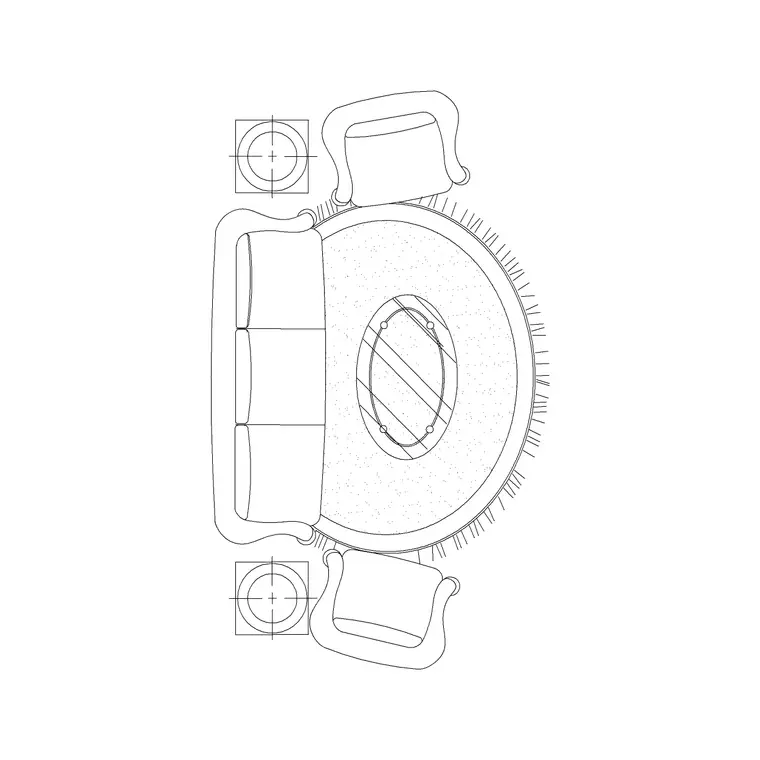
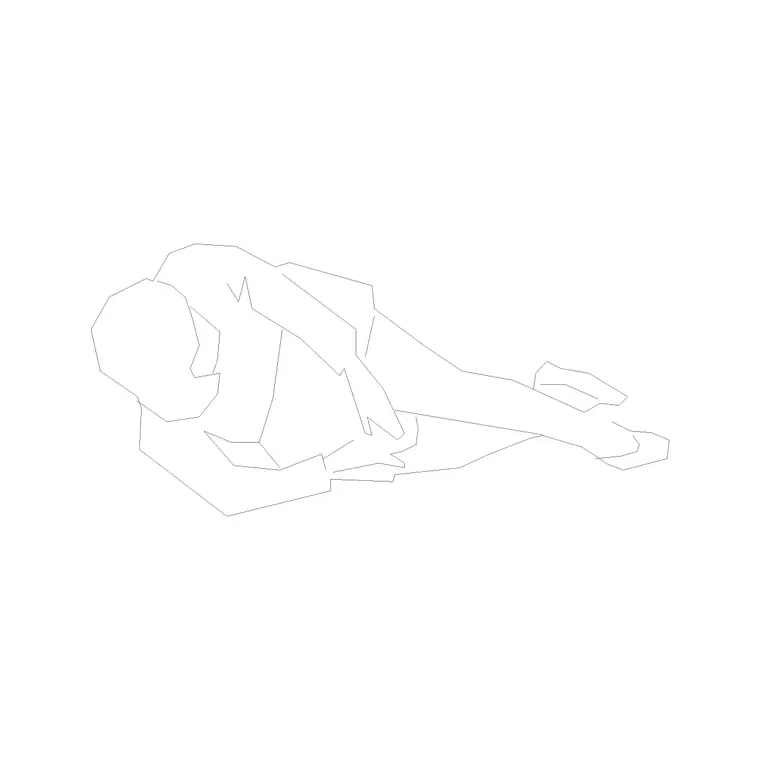
The pack covers the elements that recur through an architectural set. Doors: leaves with frames and swing symbols in plan, and face-on leaves in elevation, for openings throughout a plan and facade. Furniture: seating, tables and beds in plan to populate residential and commercial spaces and test layouts. Trees and planting: canopies in plan for site plans and trees in elevation for sections and facade context. People: figures in plan for occupancy and at true height in elevation for scale. Vehicles: cars drawn to a real parking envelope for site and street layouts.
Together these dress a full drawing set — a furnished, planted plan; a peopled, contextual elevation; a site layout with parking — from one consistent, scaled library. Pair with the doors, furniture and trees-and-plants categories to extend any of these as a project grows.
Using the pack across plans, elevations and sections
In plan, build up from the shell: place the doors first because their swings and positions fix circulation, then furnish rooms and check clearances, then add planting and parking to the site plan. The figure in plan doubles as a circulation test — if it can't pass a gap, the gap is too tight. In elevation, set a ground or floor line and reference everything to it: drop door leaves over their openings, stand furniture front views against walls, place trees and figures at true height to give the facade scale and depth.
For sections, the same elevation blocks supply the visible content beyond the cut — a tree, a figure, a piece of furniture seen face-on — while you add the cut poché and structure. Keep doors, furniture, planting, people and vehicles each on their own layer so a single drawing yields a clean technical issue or a dressed presentation by freezing and thawing.
Per-item notes for architectural blocks
Doors are the most information-dense block in the set: the plan symbol carries the leaf and swing, which is a regulatory and circulation statement, not a graphic, so align the leaf width to your opening and let the swing arc show the operation. The elevation door carries the frame and handle line for facade and interior elevations. Trees split into plan canopies and elevation profiles; scale each to the species and vary them across a group for a natural site plan.
The human figure should be inserted early in any elevation as a height check — a true 1700–1850 mm figure instantly validates your scaling. The car block is a setting-out tool drawn to a real parking envelope, so use it to confirm bays, turning and access rather than just to populate a drive. Furniture often ships both views, giving you a footprint for the plan and a front view for the elevation from one file.
Fitting the blocks into an office standard
The biggest gain for a practice comes from standardising. Load the blocks you use most into your office template, on your standard layer names, so every new drawing starts with the kit already present and consistently organised. When the whole team draws from the same scaled, named library, plans and elevations across a project — and across projects — match each other, schedules extract cleanly, and review is faster because everyone reads the same conventions.
Where you draw bespoke items, WBLOCK them into the shared library by category so the standard grows in a controlled way rather than fragmenting across individual machines. Because these blocks are licence-clear and free for commercial use, they slot into that shared standard with no licensing complication, and they carry from one commission to the next without ever needing to be re-sourced.
Who in the office uses the pack
Project architects and architectural technicians use it to produce the full drawing set — plans, elevations, sections — quickly and consistently. Designers use the furniture and planting to develop and present schemes. Those handling planning and site work use the trees, figures and cars to dress site plans and prove access and parking. Anyone preparing a presentation reaches for the elevation figures and trees to give a facade scale and life.
Every block is free and licence-clear, so the pack suits a one-person studio and a larger practice equally, and it's just as valid on a competition entry as on a live commission. Keep it in a structured, category-based library so any architect on the team can drag the block they need straight onto a drawing.
Free download
Browse the full library — DWG & DXF, no signup.
Questions
Frequently asked
Are these CAD blocks free for commercial architectural work?+
Yes. Every block downloads free in DWG and DXF with no signup, no watermark and no attribution requirement, and is cleared for commercial use, so it slots into a live commission and an office standard without licensing complication.
Do the blocks come in both plan and elevation?+
Many do, and the pack is chosen for that — doors, furniture, trees and figures are available in plan for layouts and in elevation for facades and sections. Where a block ships both views they're in the same DWG.
Are the doors drawn with correct leaf widths and swings?+
Yes. Door blocks are drawn to true leaf widths and the plan symbol carries the swing arc, so you can align them to your openings and read circulation and clearance straight from the plan.
Can I add these to my office template and standard layers?+
Absolutely — that's the recommended use. Load the blocks into your template on your standard layer names so every drawing starts consistent, and WBLOCK bespoke items into the same category-based library as it grows.
Related downloads
Blocks for this guide


Related categories
Related guides
Curated pack
Free Plan View CAD Block Pack — DWG & DXF
Free plan view CAD block pack in DWG and DXF — furniture, trees, people and vehicles drawn from above for AutoCAD floor plans. No signup, commercial OK.
Curated pack
Free Elevation CAD Block Pack — DWG & DXF
Free elevation CAD block pack in DWG and DXF — trees, doors, furniture and figures drawn face-on at real heights for AutoCAD elevations. No signup.
Curated pack
Free 2D CAD Block Pack — DWG & DXF Download
Free 2D CAD block pack in DWG and DXF — furniture, trees, people and doors as clean 2D symbols for AutoCAD plans and elevations. No signup, commercial OK.