Block landing · bicycle cad block
Free bicycle CAD blocks for AutoCAD
By Saumyajit Maity · Published 27 May 2024 · Updated 15 Jun 2026
Cycling has moved to the centre of transport planning, and a scaled bicycle block is how you turn a sustainable-travel ambition into a drawing that actually provides for bikes. From cycle racks and stands to bike stores and active-travel routes, the bicycle is the block for any layout where two human-powered wheels need real, dimensioned space. This page collects free bicycle CAD blocks in DWG and DXF, in plan and elevation, drawn at true millimetre dimensions for AutoCAD 2004 and later. Every file is free for personal and commercial work, with no signup, no watermark and no attribution required.
Cycle parking has its own geometry: a bike needs a stand or rack, clear space to wheel it in, and aisle room to access it. Get the spacing wrong and a 'twenty-space' bike store holds twelve. Use these blocks to lay out Sheffield stands and two-tier racks correctly, to demonstrate that a development meets its cycle-provision requirement, and to add a believable bicycle to a streetscape, courtyard or active-travel plan.
What a bicycle block shows
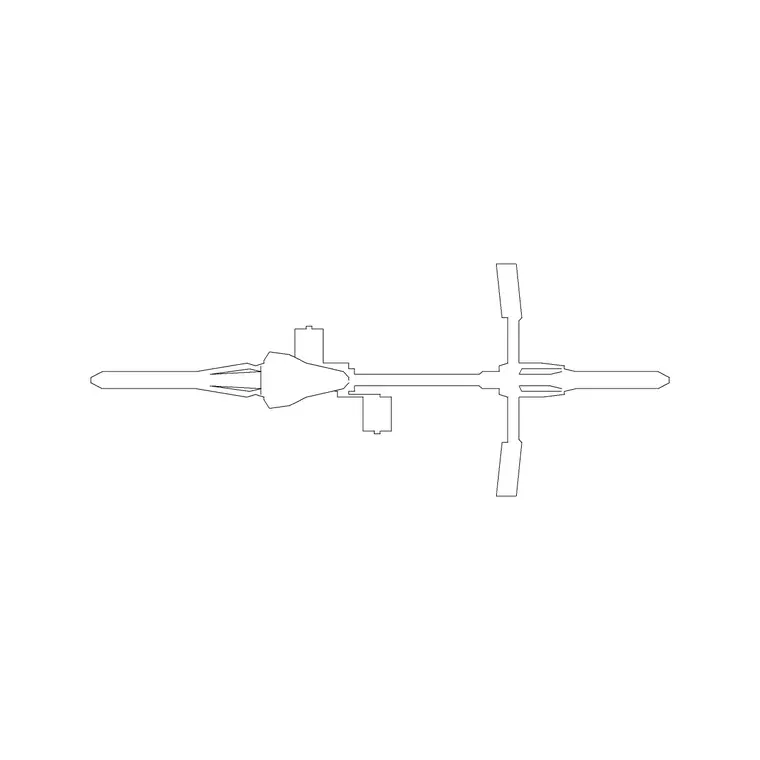
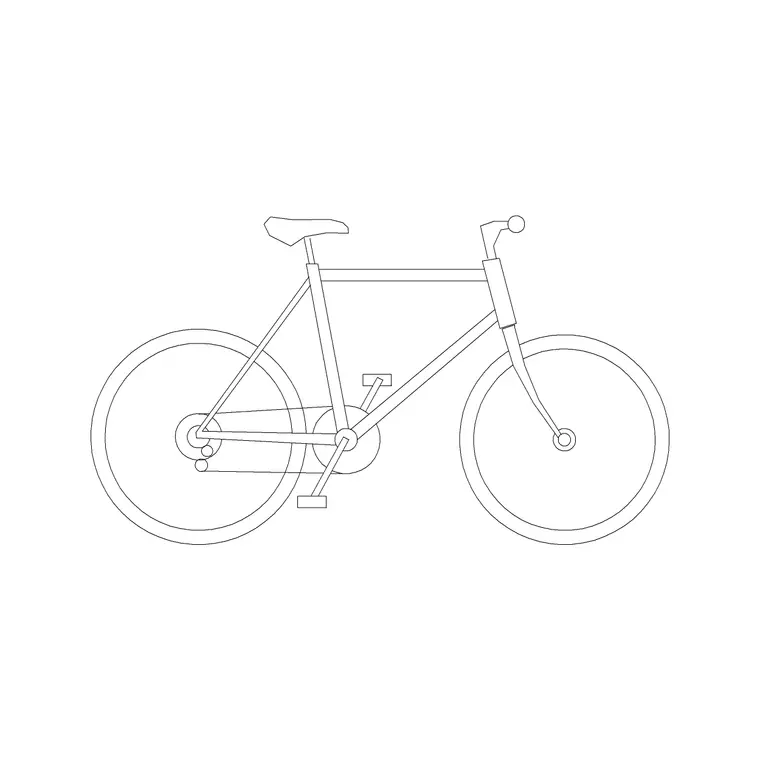
A bicycle block is a slim, elegant shape in both views. In plan, the bike is a long, narrow line with the two wheels, the handlebars and the frame triangle visible from above — the narrowest vehicle in the whole catalogue. In elevation, the side profile shows the classic diamond frame, the two wheels, the saddle and the handlebars, which is the view you use against a stand or in a streetscape.
The blocks here are clean references with the frame, wheels and handlebars on separable layers. They represent a standard bicycle, and read clearly even at the small scale cycle-parking drawings are usually printed. Use the plan to lay out racks and stands and the elevation to show bikes parked against a Sheffield stand or in a street scene.
Bicycle dimensions to design around
Design against these figures. A standard bicycle is roughly 1700–1900 mm long and just 500–650 mm wide at the handlebars — narrower than a motorcycle and a fraction of a car. Height to the top of the handlebars or saddle is around 1000–1100 mm. The key planning dimensions, though, are about the stand: a Sheffield stand serves two bikes and is commonly spaced around 1000 mm centre to centre, with a clear access strip of about 1500–2000 mm in front to wheel bikes in and out.
Those spacings are what govern capacity, not the bike's own width. Drop the scaled bicycle block onto a stand layout and the real number of bikes the area holds — accounting for stand spacing and the access aisle — becomes a direct count, which is exactly the check a cycle-provision requirement demands.
Laying out cycle parking
Cycle parking is where the bicycle block earns its keep. Start by placing the stands or racks — Sheffield stands in a row, or two-tier racks where space is tight — then drop a bicycle block onto each parking position to confirm the bikes fit without clashing and that the access aisle in front is wide enough to manoeuvre them. This is how you prove a 'twenty-space' store genuinely holds twenty, rather than discovering on site that the stands are too close.
For a development meeting a cycle-provision standard, the dimensioned layout with real bicycle blocks is the evidence that the required number of spaces is provided and usable. Keep the bikes and the stands on a dedicated cycle layer so they read clearly against the building and circulation, and so you can freeze them for other drawings in the set.
Inserting the bicycle block
Bicycle blocks are drawn full size in millimetres. Insert at scale 1 in a millimetre drawing, 0.001 in a metre drawing, or set INSUNITS to millimetres so AutoCAD rescales on insertion if your template differs.
Use INSERT or a tool palette, place the insertion point at the centre or a wheel contact point, and rotate to align with the stand. For a row of stands, ARRAY the bicycle block at the stand spacing so the capacity check is exact. For a streetscape, snap an elevation bike to the ground line so the wheels sit on the pavement. Because a bicycle is small and simple, it inserts and arrays quickly, and varying the rotation slightly in a casual street scene keeps it from looking stamped.
Where bicycle blocks are used
Bicycles are everywhere in current planning. Cycle parking — Sheffield stands, two-tier racks, covered bike stores — at offices, schools, stations, housing and retail. Active-travel and cycle-route drawings. Courtyard, public-realm and streetscape scenes where bikes add life and signal a walkable, cycle-friendly place. Bike-share and docking-station layouts. Travel-plan and planning-application drawings that must demonstrate cycle provision.
They also pair naturally with people and tree blocks to populate a lively, human-scaled street or courtyard. As sustainable transport rises up the planning agenda, a drawing that shows real, dimensioned cycle provision carries weight. Mix bicycles with motorcycles, cars and the occasional van from the vehicles category to show a complete, realistic transport hierarchy in a development.
Bicycle versus motorcycle and car blocks
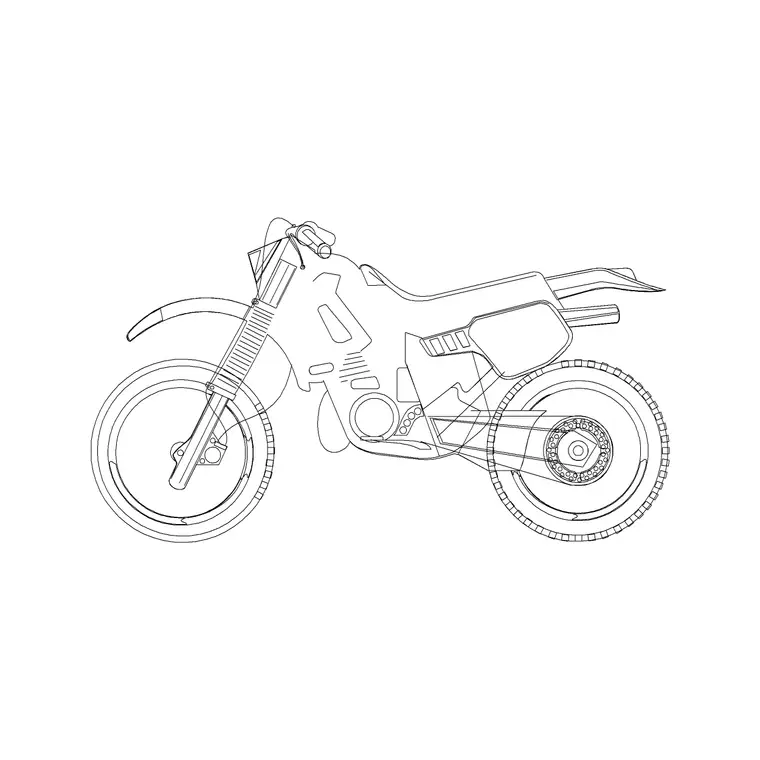
The bicycle is the smallest vehicle in the catalogue, and choosing it is about active, human-powered travel. Against a motorcycle it is narrower, lighter and parked in stands or racks rather than a powered bay — reach for the bicycle for cycle parking and active-travel work, and the motorcycle for powered two-wheeler provision. Against a car it is a tiny fraction of the footprint and belongs in cycle stores and racks, while cars need full bays.
A complete, modern transport drawing often shows the whole hierarchy: cars and vans with their bays and yards, motorcycles in their angled bays, and bicycles in their stands — each correctly sized so the provision is honest. All three sit in the vehicles category, so you can assemble the full picture, from heavy goods vehicles down to a single bike, from one free, consistent block library.
Free download
Browse the full library — DWG & DXF, no signup.
Questions
Frequently asked
How much space does a bicycle need in a cycle rack?+
The bike itself is only 500–650 mm wide, but stand spacing governs capacity: Sheffield stands serving two bikes are commonly spaced around 1000 mm centre to centre, with a 1500–2000 mm access aisle in front. Lay the scaled blocks on the stands to confirm the real capacity.
How big is a bicycle block?+
A standard bicycle is roughly 1700–1900 mm long, 500–650 mm wide at the handlebars and 1000–1100 mm tall to the bars or saddle — the narrowest vehicle in the catalogue, which is why cycle parking is so space-efficient.
Do the bicycle blocks come in plan and elevation?+
Yes. The set includes a plan view for laying out racks and stands and a side elevation for showing bikes against a Sheffield stand or in a streetscape. Use the plan for capacity checks and the elevation for presentation.
Are the bicycle CAD blocks free for commercial use?+
Yes. Every bicycle block downloads free in DWG and, where available, DXF, with no signup, no watermark and no attribution requirement, and they are cleared for commercial project use.
Related downloads
Blocks for this guide
Related categories
Related guides
Block landing
Free Car Plan View CAD Block — DWG Download
Download a free car plan-view CAD block in DWG and DXF — the top-down footprint for parking layouts and site plans. AutoCAD 2004+, no signup.
Block landing
Free Car Elevation CAD Block — DWG Download
Download a free car elevation CAD block in DWG and DXF — side and front views for streetscapes, showrooms and presentations. AutoCAD 2004+, no signup.
Block landing
Free Sedan Car CAD Blocks — DWG Download
Download free sedan car CAD blocks in DWG and DXF — saloon and luxury sedans in plan and elevation for parking and showrooms. AutoCAD 2004+, no signup.