Block landing · deciduous tree elevation cad block dwg
Free deciduous tree elevation CAD block in DWG
By Sumana Kumar · Published 23 Sep 2025 · Updated 30 Jan 2026
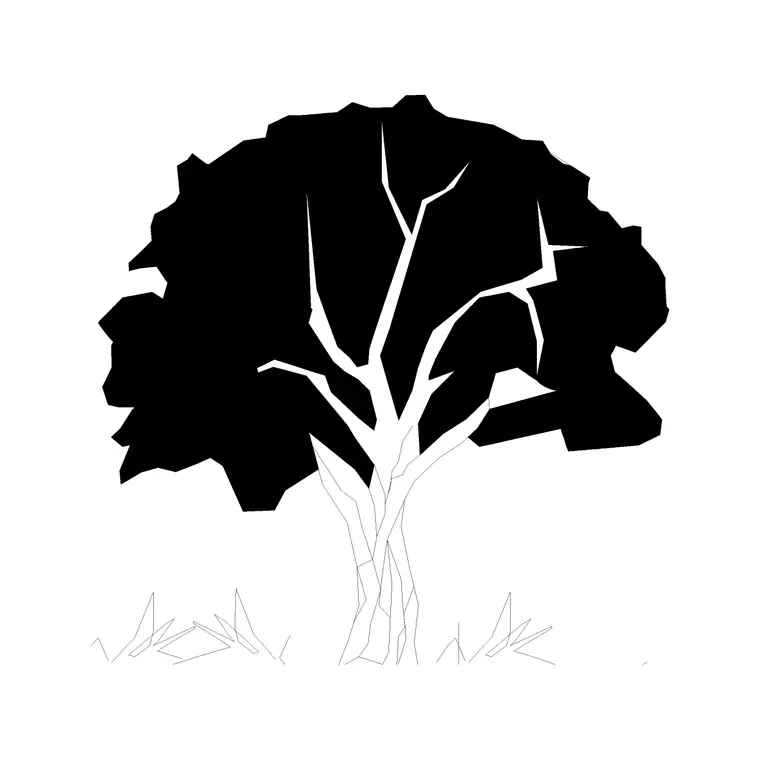
Download a free deciduous tree elevation CAD block in DWG — a rounded, broadleaf profile with a spreading leafy canopy and a branching trunk, drawn for facades, street sections and landscape elevations. Deciduous trees define the seasons in a drawing: full and green in summer, bare and structural in winter, and this block lets you show either. Free for personal and commercial use, no signup, no watermark.
Use it across street sections, residential and parkland landscapes and facade presentations, toggling the foliage to show summer and winter from one block. Scale to the species and maturity you are drawing, and keep the trees on a planting layer you can freeze for a building-only sheet.
What a deciduous elevation block shows
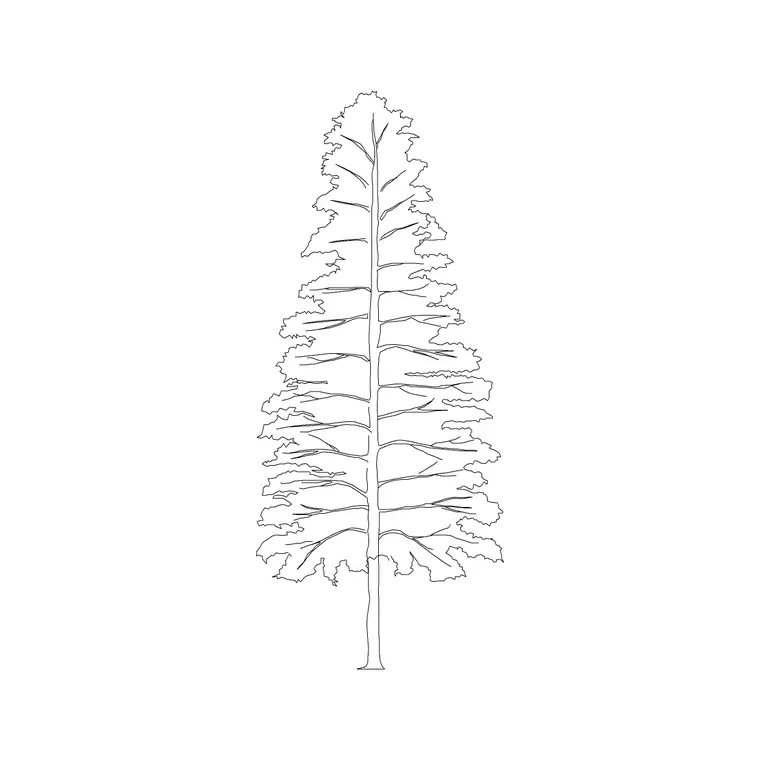
A deciduous tree in elevation has a rounded, often dome-shaped crown, a trunk that divides into a visible branch structure, and a leafy outline that is usually as wide as it is tall or wider. This block captures that broadleaf habit, which contrasts deliberately with the narrow triangle of a conifer so the two read as different species on the same elevation.
The canopy is drawn with a soft, lobed edge to suggest dense summer foliage, and the branch structure is a separate element. That separation lets you freeze the foliage to reveal a bare-branch winter silhouette, which is genuinely useful for showing seasonal change in a presentation.
Typical sizing to design around
Deciduous trees span a huge range. Ornamental and street species often read in the 4-10 m range, while large parkland broadleaves reach into the 12-25 m range with a comparable or wider spread. Treat these as ranges to scale against, and always match the size to the species and maturity your scheme is showing.
Scale from the trunk base so the canopy grows up and out from the ground line you already have. Because broadleaves are usually wider than conifers, leave enough horizontal room on the elevation before you commit to a large specimen.
Inserting and placing the tree
The block is drawn full size in millimetres. INSERT at scale 1 in a millimetre drawing, 0.001 in metres, or set INSUNITS so AutoCAD rescales on insertion. Snap the trunk base to your ground line so the tree sits on grade.
For a believable row, copy the tree and vary scale and mirror state between copies so no two are identical. Keep them on a planting layer with a lighter lineweight than the architecture, and consider a halftone plot style so the foliage sits behind the building rather than competing with it.
Showing summer and winter from one block
The real strength of a deciduous elevation block is seasonal flexibility. Leave the foliage on for a summer presentation; freeze it to show the bare branch structure for a winter or shoulder-season view. Architects often present both to demonstrate how much a building is screened in leaf and revealed when the trees are bare.
Keeping foliage and branches on separate elements means you switch between the two looks with a layer toggle rather than swapping blocks, so the tree stays in exactly the same position on every version of the sheet.
Where deciduous elevations are used
Deciduous elevation trees suit street and avenue sections, residential and parkland landscapes, civic and campus drawings, and any facade presentation that wants seasonal greenery. They are the default tree for most temperate-climate schemes, with conifers added where year-round screening is needed.
Pair the deciduous elevation with its matching plan symbol so the same tree appears in both your site plan and your sections, and mix in conifers to give the treeline a range of shapes and a sense of permanence alongside the seasonal broadleaves.
Coordinating across the drawing set
For consistency, use the same deciduous block in plan, elevation and section for any given tree, on the same planting layer, so its size and position never drift between sheets. A coordinated treeline reads as a deliberate design rather than a set of unrelated decorations.
When the planting is fixed, WBLOCK a small group of varied deciduous trees as a single 'planted backdrop' block. Dropping that one reference in gives every sheet the same treeline, and editing the definition updates them all together.
Using deciduous trees for passive solar design
There is a genuine design reason deciduous trees dominate temperate schemes: they shade in summer and let light through in winter. A broadleaf planted to the south of a building cuts summer overheating with its full canopy, then drops its leaves to let low winter sun reach the glazing. Showing both the leafy and bare states of the same block is the clearest way to illustrate that passive-solar benefit on an elevation.
That makes the seasonal toggle more than a presentation trick — it is a design argument. Annotating the summer and winter elevations side by side, with the same tree in each, helps a client or assessor see exactly how the planting is working with the building rather than just decorating it.
Free download
Browse the full library — DWG & DXF, no signup.
Questions
Frequently asked
What is a deciduous tree block for?+
It is a broadleaf tree elevation with a rounded leafy canopy, used for facades and sections. Deciduous trees drop their leaves, so the block can show a full summer crown or a bare winter silhouette.
Can one block show both summer and winter?+
Yes. The foliage sits on its own element, so you freeze it for a bare-branch winter view or leave it on for a leafy summer view, with the tree staying in the same position.
Is the deciduous tree block free commercially?+
Yes. It downloads free in DWG with no signup, no watermark and no attribution required, cleared for personal and commercial use.
How does it differ from a conifer block?+
A deciduous tree is rounded and broad and loses its leaves; a conifer is a narrow evergreen triangle that stays green year-round. Use each where its habit fits the scheme.
How do deciduous trees help passive solar design?+
A broadleaf to the south of a building shades it in summer with full leaf, then drops its leaves to let low winter sun reach the glazing — a benefit you can show with the leafy and bare states.
Is the deciduous block suitable for working drawings as well as presentations?+
Yes. Keep the foliage on a presentation layer and the trunk on a technical layer, so the same block serves both a rendered concept and a clean construction elevation.
Related downloads
Blocks for this guide

Related categories
Related guides
Block landing
Free Flower Plant CAD Blocks — DWG Download
Free flower plant CAD blocks in DWG and DXF — flowering annuals and perennials in plan and elevation for AutoCAD landscape plans. No signup, commercial OK.
Block landing
Free Flowering Shrub CAD Blocks — DWG Download
Free flowering shrub CAD blocks in DWG and DXF — ornamental shrubs in plan and elevation for AutoCAD planting and site plans. No signup, commercial OK.
Block landing
Free Herb Plant CAD Blocks — DWG Download
Free herb plant CAD blocks in DWG and DXF — herbs for kitchen gardens, raised beds and planters, in plan and elevation for AutoCAD. No signup, commercial OK.