Block landing · compact sedan car cad block dwg
Free compact sedan car CAD block in DWG and DXF
By Saumyajit Maity · Published 9 Nov 2023 · Updated 27 May 2026
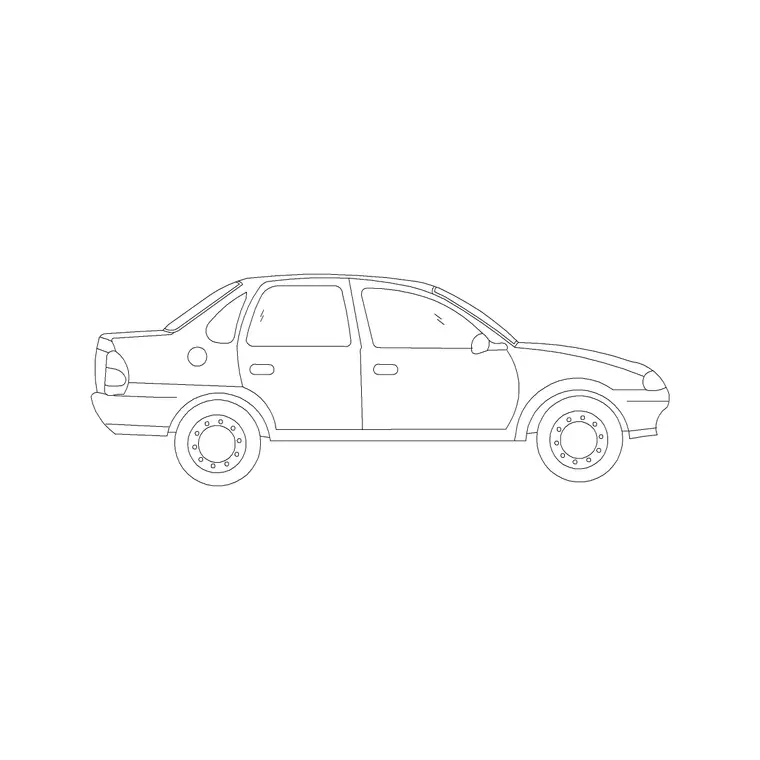
A compact sedan car CAD block is the everyday small four-door saloon that fills most car parks and residential streets, which makes it one of the most useful vehicle blocks to keep on hand. This page offers a free compact sedan block in DWG and DXF, drawn in side elevation at true scale, ready to insert into AutoCAD 2004 or later. It is free for personal and commercial work, with no signup, no watermark and no attribution.
Reach for the compact sedan when you want a realistic, ordinary car rather than a showpiece. It anchors streetscapes, driveways, parking-bay elevations and urban sections at a believable size, and because it is drawn to scale it gives you an instant reference against doors, kerbs and people.
What the compact sedan block is
This is a side-elevation profile of a small three-box saloon — a short bonnet, a four-door cabin and a modest boot — the proportions of a typical entry-level or mid-size sedan. It is drawn as clean line geometry, so it prints sharply and keeps the file light no matter how many copies you place.
The profile keeps the defining features of a compact saloon: the shorter overhangs, the upright glasshouse and the separate boot that distinguishes it from a hatchback. Those cues let a viewer read it correctly even at small plot scales, where the silhouette does most of the work.
View and what's included
The download is a side elevation, the car seen square-on from the kerb. That is the view for building elevations, street sections, driveway studies and parking-bay drawings where the vehicle stands beside walls, openings and figures at the same scale.
The geometry sits on sensible layers, so you can recolour the body, mute the glass or thin the wheels independently. Keep it as a single block reference and it copies, mirrors and rotates as one object — exactly what you want when repeating cars down a residential frontage.
Typical sizing to design around
Use the block as a scale check, not a spec table. A compact four-door sedan generally sits around 4.3–4.7 m long, roughly 1.7–1.8 m wide and about 1.4–1.5 m tall — shorter than a luxury saloon but with a clear boot, unlike a hatch.
Those ranges help confirm the car reads right against a 0.9 m kerb-to-door or a 2 m garage opening. If something looks off, check insertion units before rescaling. Real models differ, so scale to the envelope your scene needs rather than to one fixed dimension.
How to insert the block
The DWG is full size in millimetres. In a millimetre drawing, insert at scale 1 for real size; in a metre drawing, insert at 0.001. On an imperial template, set INSUNITS to millimetres so AutoCAD rescales on insertion, or insert at 0.03937 to convert to inches.
Snap the insertion point to the car centreline, mirror as needed, and copy along your frontage. As a block reference, a single BEDIT change to the definition updates every instance, which keeps a long row of parked sedans consistent.
Where compact sedan blocks are used
The compact sedan is the workhorse vehicle block: residential street elevations, apartment and townhouse driveways, surface car-park sections, urban-design studies and student boards all use it to add believable scale. Because it is the most common car shape, it makes a scene feel ordinary and real rather than staged.
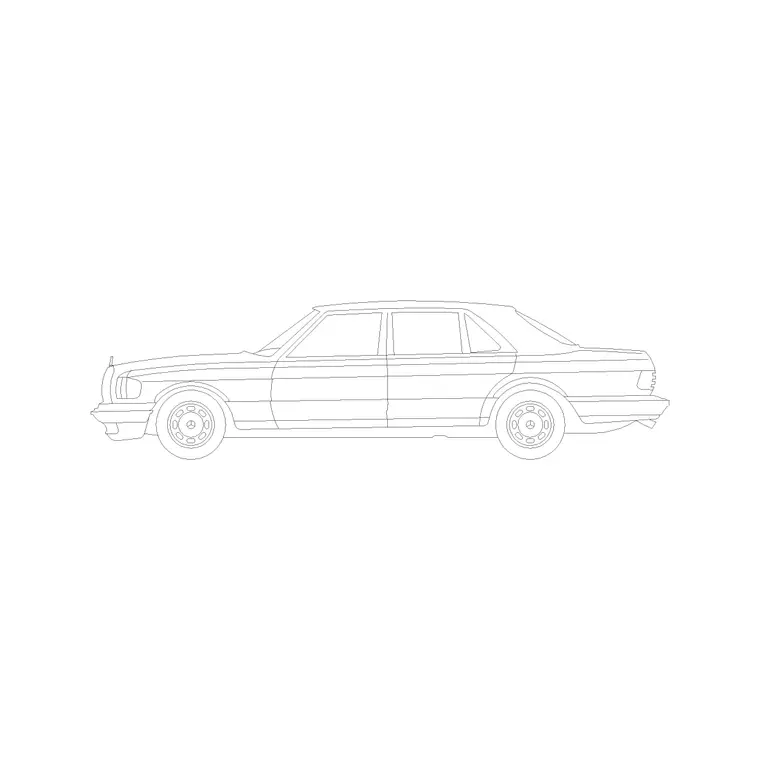
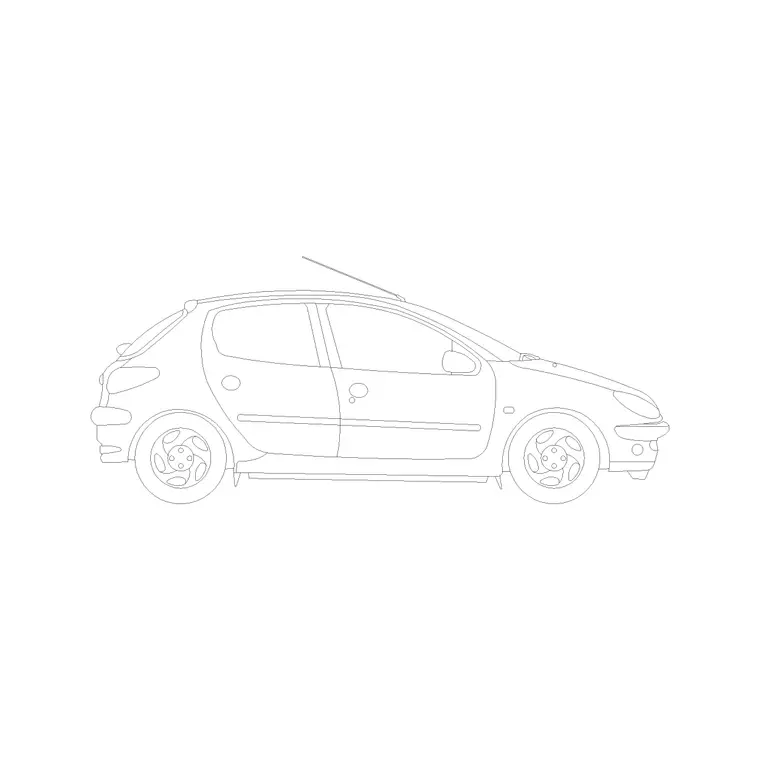
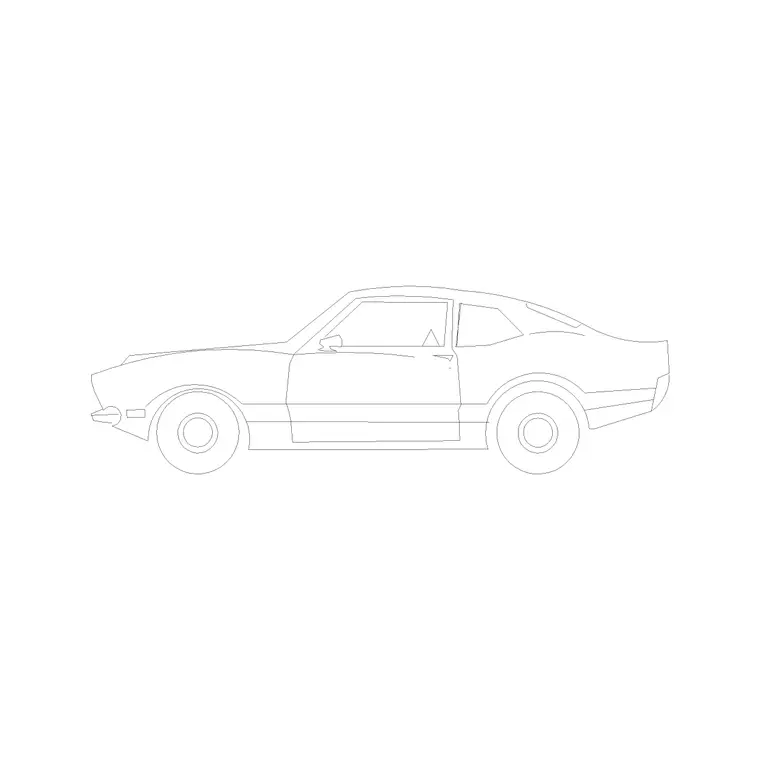
Architects and urban designers use it to populate frontages; landscape designers use it on forecourts; students use it because it is licence-clear. Mix it with luxury saloons, hatchbacks and two-door cars from the vehicles category so a parking strip shows a natural variety of vehicles.
Why the compact sedan is the everyday default
When you are not sure which car a scene wants, the compact sedan is usually the safe answer. It is the body type most people picture when they think of a car, so it reads as neutral and ordinary rather than drawing attention to itself. That makes it ideal for the background of an elevation, where the architecture is the subject and the cars are there only to establish scale and occupancy.
Use it as the base car in a mixed row and reserve the luxury saloon, the two-door or the mini for the one or two vehicles that should stand out. Because it is the commonest shape, a viewer's eye accepts several compact sedans in a row without registering repetition, which is exactly what you want when you need to fill a residential street quickly and convincingly.
It is also the most forgiving car to scale into an unfamiliar drawing: its proportions are so familiar that a wrong size jumps out immediately, which makes it a handy first car to place when you are still calibrating the units and lineweights of a new sheet. Once the compact sedan looks right against the doors and kerbs, every other vehicle you add will sit correctly too.
Free download
Browse the full library — DWG & DXF, no signup.
Questions
Frequently asked
Is the compact sedan CAD block free for commercial projects?+
Yes. It downloads free in DWG and, where available, DXF, with no signup, no watermark and no attribution requirement, cleared for commercial use.
What is the difference between a compact sedan and a hatchback block?+
A compact sedan has a separate boot — a three-box body — while a hatchback ends in a rear door over the load space. The sedan block shows that distinct boot in side elevation.
What scale is the compact sedan block drawn at?+
Full size in millimetres. Insert at scale 1 in a millimetre drawing, 0.001 in a metre drawing, or set INSUNITS to millimetres so AutoCAD rescales it automatically.
Will it open in older AutoCAD or a free viewer?+
Yes. The DWG targets AutoCAD 2004 and later, opening in AutoCAD, AutoCAD LT, BricsCAD, DraftSight and free DWG viewers.
Related downloads
Blocks for this guide
Related categories
Related guides
Block landing
Free Car Plan View CAD Block — DWG Download
Download a free car plan-view CAD block in DWG and DXF — the top-down footprint for parking layouts and site plans. AutoCAD 2004+, no signup.
Block landing
Free Car Elevation CAD Block — DWG Download
Download a free car elevation CAD block in DWG and DXF — side and front views for streetscapes, showrooms and presentations. AutoCAD 2004+, no signup.
Block landing
Free Sedan Car CAD Blocks — DWG Download
Download free sedan car CAD blocks in DWG and DXF — saloon and luxury sedans in plan and elevation for parking and showrooms. AutoCAD 2004+, no signup.