Block landing · car front elevation cad block dwg
Free car front elevation CAD block in DWG and DXF
By Sumana Kumar · Published 20 Aug 2022 · Updated 11 May 2026
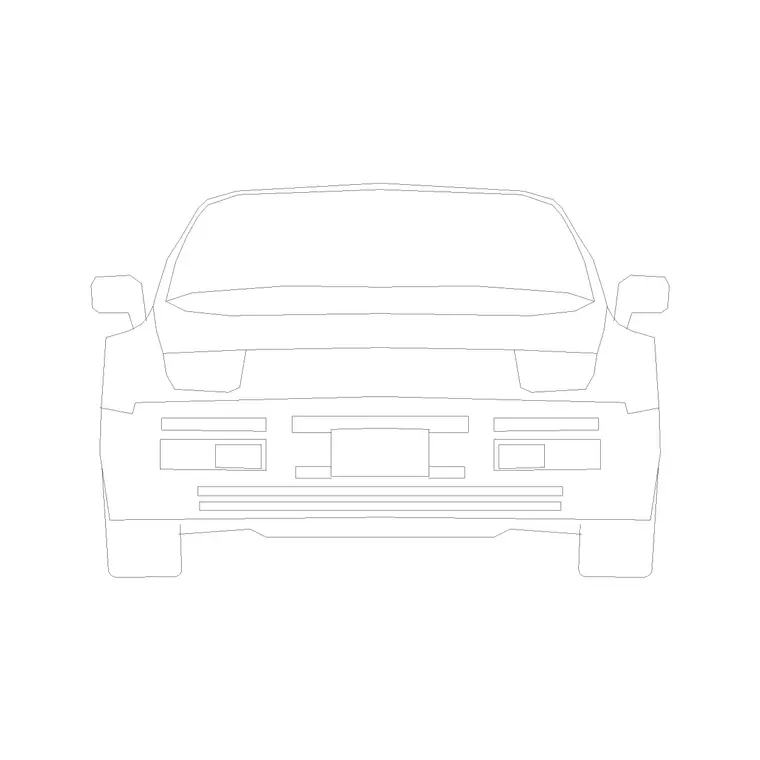
A car front elevation CAD block shows a car head-on — the front view you need when a vehicle faces the viewer, parked nose-out in a bay, sitting at the mouth of a driveway, or approaching down a street that runs into the page. It is the partner to the rear elevation, giving you the second of the two end-on angles. This page offers a free car front elevation block in DWG and DXF, drawn to true scale for AutoCAD 2004 or later, free for personal and commercial use with no signup or watermark.
Use the front view in entrance and gateway elevations, nose-out parking-bay details, garage-door studies and street sections cut across the road. Because it is drawn to scale, it confirms a car's width and height against a bay, an opening or a canopy at a glance.
What the car front elevation block is
This block is the front elevation of a passenger car — the bonnet line, windscreen, grille, headlights, bumper and the two front wheels seen head-on. It is clean line geometry that prints sharply and stays light, and like the rear view it is fundamentally a width-and-height drawing rather than a length one.
The front view is the right choice whenever a car faces the viewer: parked nose-out so the front addresses the aisle, waiting at a gate, or approaching down a perpendicular street. In those cases a side-elevation car would point across the page, and the front elevation is what makes the drawing read correctly.
View and what's included
The download is a front elevation — the car square-on from the front. It suits building and gateway entrance elevations, nose-out parking-bay sections, garage-door and canopy studies, and street sections cut across the direction of travel.
The geometry is layered so you can recolour the body, soften the glazing or thin the grille and bumper detail on their own. Keep it as a single block reference so it copies and mirrors as one object; the front view is broadly symmetrical, so mirroring mostly helps when a scene needs a small change of facing.
Typical sizing to design around
Use the block to check width and height rather than length. A typical passenger car is roughly 1.7–1.9 m wide and about 1.4–1.5 m tall at the roof, with the front track narrower than the overall body. Those figures decide whether a car clears a bay width, a gateway or a garage opening.
Those ranges let you confirm the front elevation reads correctly against a 2.4 m bay or a 2.4 m garage door. If it looks wrong, check your insertion units before rescaling. Real cars differ, so scale to the envelope your scene requires rather than to a single fixed width.
How to insert the block
The DWG is full size in millimetres. In a millimetre drawing, insert at scale 1 for real size; in a metre drawing, insert at 0.001. On an imperial template, set INSUNITS to millimetres so AutoCAD rescales on insertion, or insert at 0.03937 to convert to inches.
Snap the insertion point to the car centreline so it sits central in a bay, gateway or garage opening. As a block reference, a BEDIT change to the definition updates every instance — which keeps a rank of front-facing cars consistent across an entrance elevation.
Where car front elevation blocks are used
The front view earns its place in entrance and gateway elevations, nose-out parking-bay sections, garage-door and porte-cochere studies, and cross-street sections. Anywhere a car addresses the viewer head-on, the front elevation is the right block to drop in.
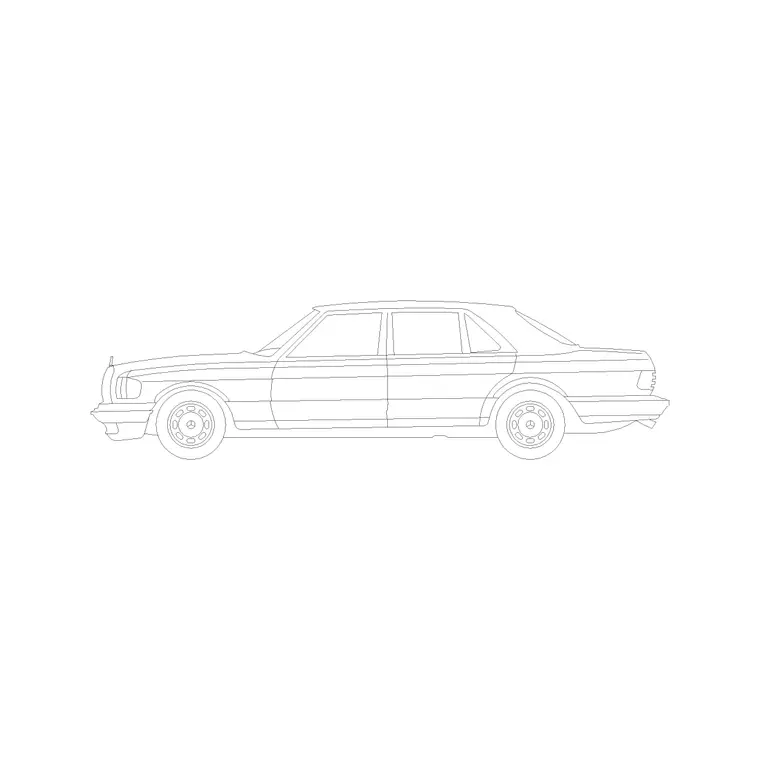
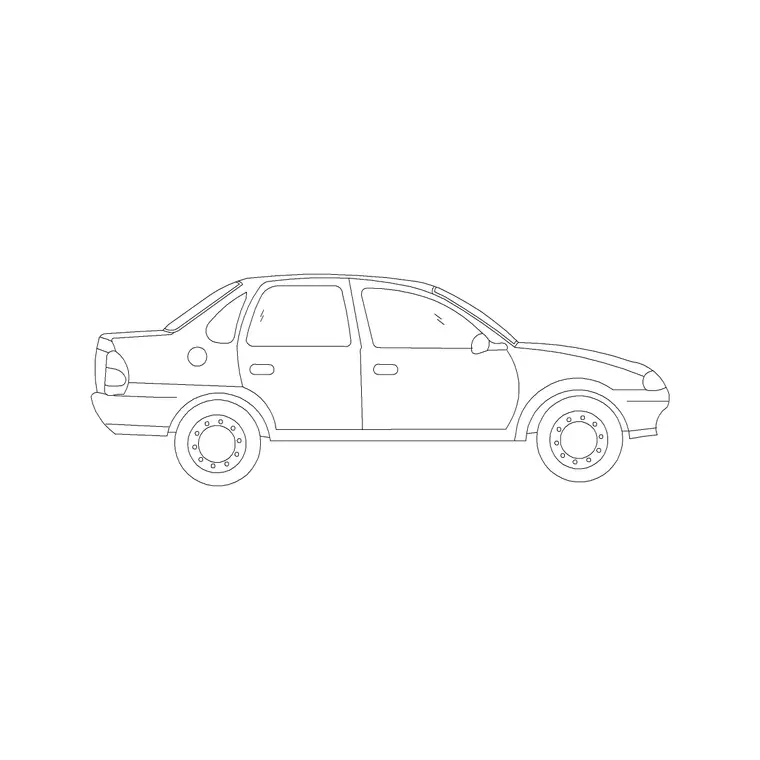
Architects use it at building entrances and forecourts; car-park designers use it to size nose-out bays; landscape and urban designers use it in cross-sections and gateway studies. Pair it with the matching back elevation and the side-elevation cars from the vehicles category so a single car type can be shown from any angle a drawing set demands.
The front view in entrance and gateway studies
An approaching car addresses the viewer with its front, which is why the front elevation is the natural block for an arrival sequence. At a building entrance, a gatehouse or a barrier, the car drawn head-on lets you test whether it fits between gate piers, clears a height barrier and lines up with the centre of an opening — all questions of width and height that the front view answers directly.
It is also the friendlier view for showing a car interacting with people at a threshold: a driver pulling up to a door, a vehicle waiting at a crossing. Keep the front track and the overall body width clearly distinct in the drawing, because the gap between the wheels and the body edge is exactly what tells a reviewer whether the car threads a tight gateway or has to slow and centre carefully.
Free download
Browse the full library — DWG & DXF, no signup.
Questions
Frequently asked
Is the car front elevation CAD block free for commercial use?+
Yes. It downloads free in DWG and, where available, DXF, with no signup, no watermark and no attribution requirement, and it is cleared for commercial work.
When do I need a front elevation instead of a side view?+
Use the front elevation when the car faces the viewer — nose-out in a bay, waiting at a gate, or approaching head-on — where a side profile would point across the page instead.
What does the front view help me dimension?+
Width and height — roughly 1.7–1.9 m wide and about 1.4–1.5 m tall — which decide whether a car fits a bay width, a gateway or a garage door opening.
Can I open the file in older AutoCAD or a free viewer?+
Yes. The DWG targets AutoCAD 2004 and later and opens in AutoCAD, AutoCAD LT, BricsCAD, DraftSight and free DWG viewers.
Related downloads
Blocks for this guide

Related categories
Related guides
Block landing
Free Car Plan View CAD Block — DWG Download
Download a free car plan-view CAD block in DWG and DXF — the top-down footprint for parking layouts and site plans. AutoCAD 2004+, no signup.
Block landing
Free Car Elevation CAD Block — DWG Download
Download a free car elevation CAD block in DWG and DXF — side and front views for streetscapes, showrooms and presentations. AutoCAD 2004+, no signup.
Block landing
Free Sedan Car CAD Blocks — DWG Download
Download free sedan car CAD blocks in DWG and DXF — saloon and luxury sedans in plan and elevation for parking and showrooms. AutoCAD 2004+, no signup.