Block landing · car back elevation cad block dwg
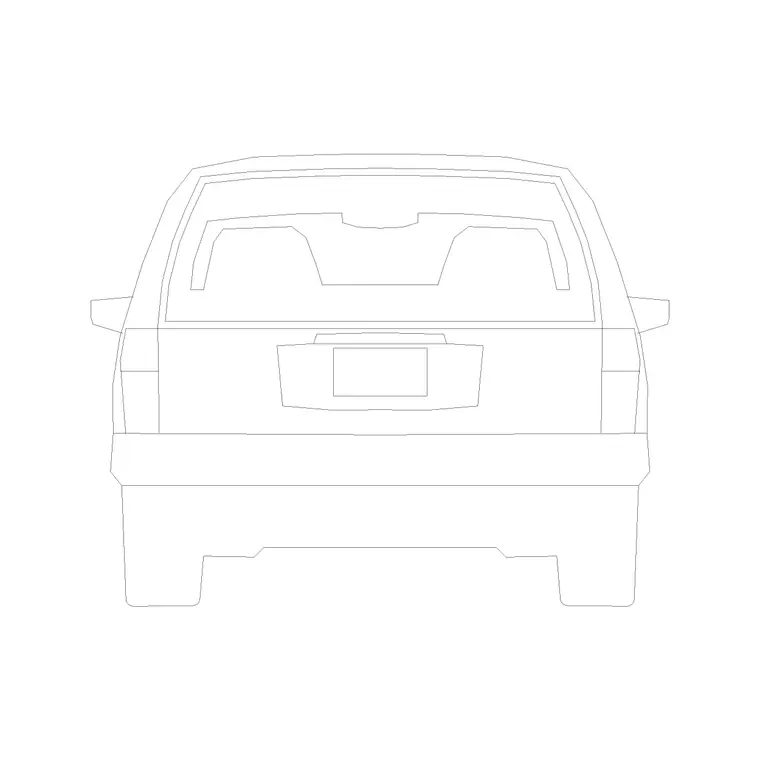
Free car back elevation CAD block in DWG and DXF
By Saumyajit Maity · Published 1 Nov 2023 · Updated 21 May 2026
A car back elevation CAD block shows a car from directly behind — the rear view you need when a vehicle is parked nose-in to a wall, sitting in a garage, or facing away down a street that runs into the page. It is the companion to the side-elevation cars, drawn for the moments when the side profile is the wrong angle. This page offers a free car back elevation block in DWG and DXF, drawn to true scale for AutoCAD 2004 or later, free for personal and commercial use with no signup or watermark.
Use the rear view in garage and carport elevations, end-on parking-bay details, gateway and driveway sections, and any drawing where the car's width and rear face matter more than its length. Drawn to scale, it confirms how a car fits a bay width or a garage opening at a glance.
What the car back elevation block is
This block is the rear elevation of a passenger car — the tailgate or boot face, rear screen, rear lights, bumper and the two rear wheels seen end-on. It is clean line geometry, so it prints sharply and stays light, and it reads as a width-and-height drawing rather than a length one.
The rear view is the natural choice when a car faces into or out of the page: a vehicle reversed into a garage, parked nose-first against a boundary wall, or driving away down a perpendicular street. In those situations a side-elevation car would be facing the wrong way, and the back elevation is what keeps the drawing honest.
View and what's included
The download is a rear elevation — the car square-on from behind. It suits garage and carport interior elevations, end-on parking-bay sections, gateway and porte-cochere studies, and street sections cut across the direction of travel.
The geometry is layered so you can recolour the body, mute the glazing or thin the wheel and bumper detail separately. Keep it as a single block reference so it copies and mirrors as one object — though a rear view is largely symmetrical, so mirroring mainly helps when you need a subtle change of facing.
Typical sizing to design around
Use the block to check width and height rather than length. A typical passenger car is roughly 1.7–1.9 m wide and about 1.4–1.5 m tall at the roof, with the track between the rear wheels narrower than the overall body width. Those are the figures that govern whether the car fits a bay or a garage door.
Those ranges let you confirm the rear elevation reads correctly against a 2.4 m garage opening or a 2.4 m standard bay width. If it looks wrong, check insertion units before rescaling. Real cars vary, so scale to the envelope your scene needs rather than to one fixed width.
How to insert the block
The DWG is full size in millimetres. In a millimetre drawing, insert at scale 1 for real size; in a metre drawing, insert at 0.001. On an imperial template, set INSUNITS to millimetres so AutoCAD rescales on insertion, or insert at 0.03937 to convert to inches.
Snap the insertion point to the car centreline so it centres in a bay or garage opening cleanly. As a block reference, a single BEDIT change to the definition updates every instance, which keeps a row of end-on cars consistent across a parking elevation.
Where car back elevation blocks are used
The rear view earns its keep in garage and carport drawings, end-on parking-bay sections, driveway gateways viewed head-on, and street sections cut across the road. Anywhere a car faces into or away from the viewer, the back elevation is the correct block.
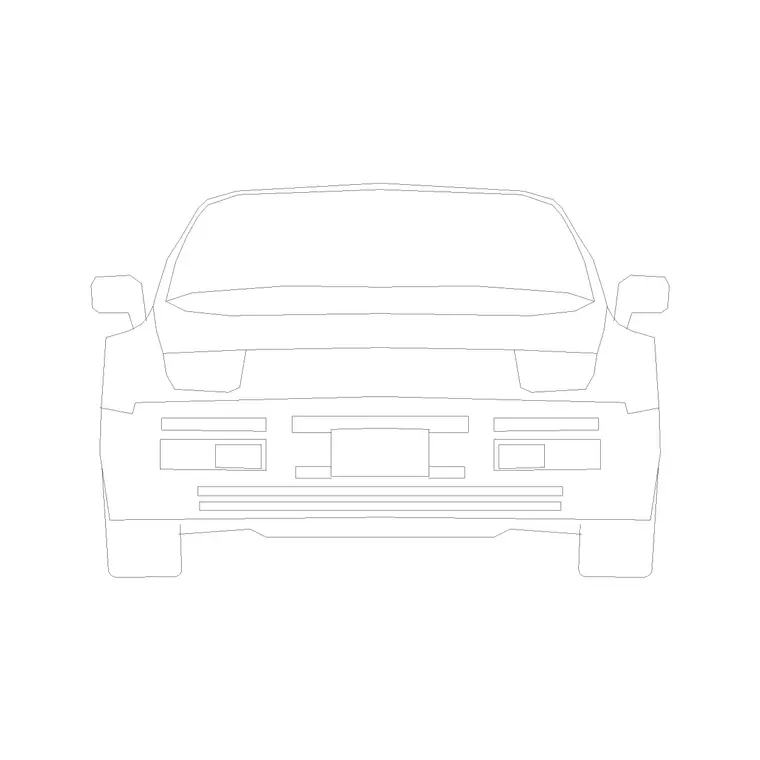
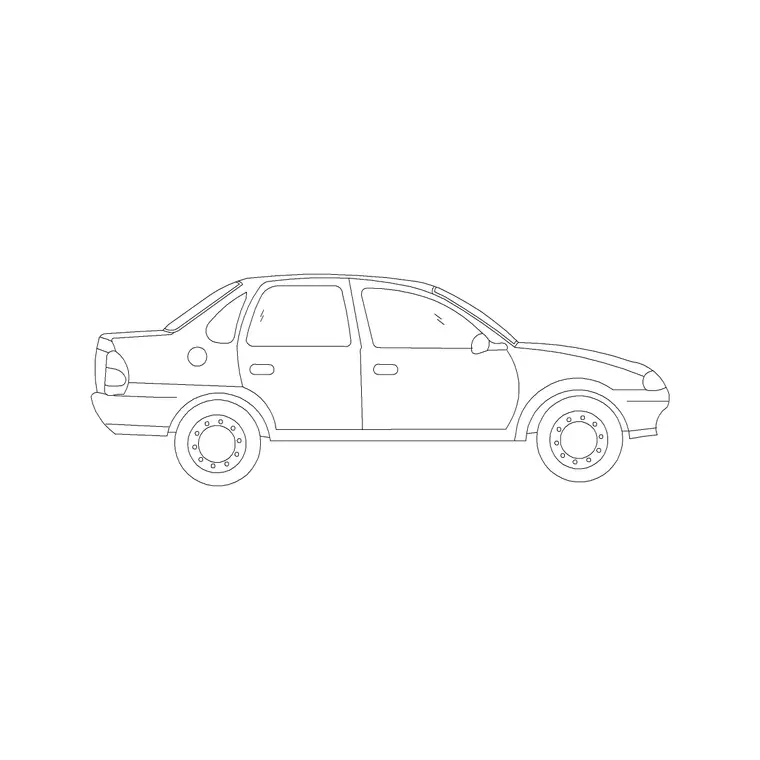
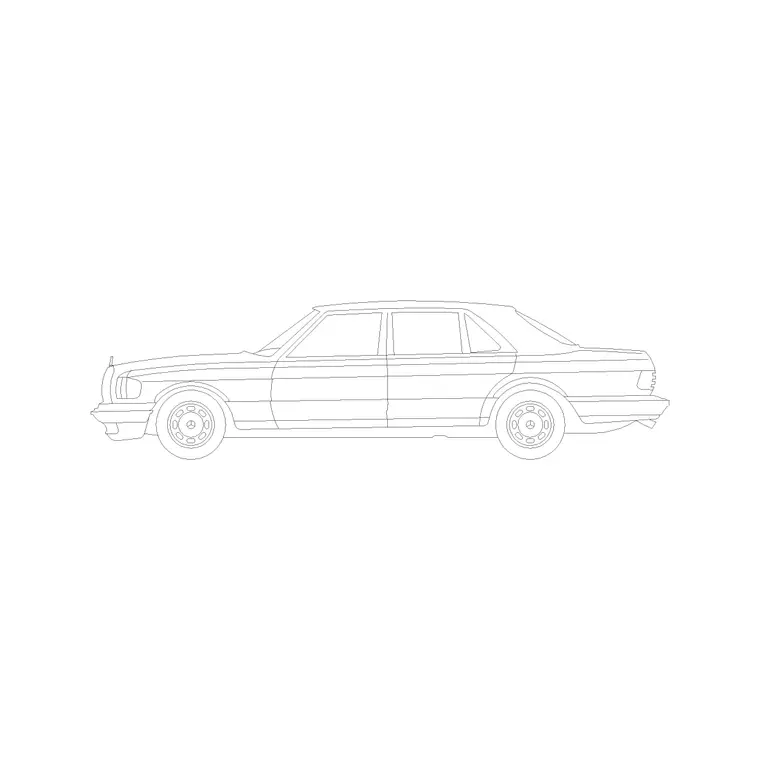
Architects use it inside garage elevations to show clearance; car-park designers use it to size end-on bays; landscape and urban designers use it in cross-sections. Pair it with the matching front elevation and the side-elevation cars from the vehicles category so a single vehicle can be shown from every angle a drawing set needs.
Reading clearances from the rear view
The rear elevation is the view that settles the awkward questions a plan cannot answer. Will the car clear the garage door head height once it is reversed in? Does the open tailgate foul a low soffit or a storage shelf above the bay? Because the back view carries the car's true width and height, you can draw the garage opening or the bay envelope around it and see the gaps directly rather than estimating them.
It is also the right view for showing a car against a level change — a ramp lip, a kerb upstand or a wheel stop — where the rear wheels and underbody matter. Keep the wheel contact line on a clear datum so it lines up with the floor level you are testing, and the clearance check reads at a glance for anyone reviewing the drawing.
Free download
Browse the full library — DWG & DXF, no signup.
Questions
Frequently asked
Is the car back elevation CAD block free for commercial use?+
Yes. It downloads free in DWG and, where available, DXF, with no signup, no watermark and no attribution requirement, cleared for commercial projects.
When should I use a back elevation rather than a side view?+
Use the back elevation when the car faces into or away from the viewer — nose-in to a garage, reversed against a wall, or driving away — where a side profile would point the wrong way.
What dimensions does the rear view help me check?+
Width and height — roughly 1.7–1.9 m wide and about 1.4–1.5 m tall. Those govern whether a car fits a bay width or a garage door opening, which a side view cannot show.
Will the file open in a free DWG viewer?+
Yes. The DWG targets AutoCAD 2004 and later and opens in AutoCAD, AutoCAD LT, BricsCAD, DraftSight and free DWG viewers such as Autodesk's online viewer.
Related downloads
Blocks for this guide
Related categories
Related guides
Block landing
Free Car Plan View CAD Block — DWG Download
Download a free car plan-view CAD block in DWG and DXF — the top-down footprint for parking layouts and site plans. AutoCAD 2004+, no signup.
Block landing
Free Car Elevation CAD Block — DWG Download
Download a free car elevation CAD block in DWG and DXF — side and front views for streetscapes, showrooms and presentations. AutoCAD 2004+, no signup.
Block landing
Free Sedan Car CAD Blocks — DWG Download
Download free sedan car CAD blocks in DWG and DXF — saloon and luxury sedans in plan and elevation for parking and showrooms. AutoCAD 2004+, no signup.