Curated pack · 40 free potted plant cad blocks dwg
Forty free potted plant CAD blocks for AutoCAD in 2026
By Saumyajit Maity · Published 13 Sep 2024 · Updated 13 Apr 2026
A potted plant is one of those small blocks that quietly makes an interior drawing feel finished. Drop a few into a reception, a meeting room or a residential plan and the space reads as lived-in rather than empty. This pack collects 40 free potted plant CAD blocks in DWG — desk-top succulents, mid-size floor planters, tall palms in pots and clustered planter arrangements — drawn to scale and ready to insert into AutoCAD 2004 or later. All of them are free for personal and commercial use, with no signup and no watermark.
The forty cover a wide size range on purpose, from a small pot you would set on a windowsill to a statement planter that anchors a corner of a lobby. You get plan symbols for laying out interiors from above and elevation blocks for face-on views, presentation boards and interior elevations.
Unlike landscape trees, potted plants live indoors where every centimetre is accounted for, so scaling them honestly matters. A planter that looks fine as a vague circle can in reality block a walkway or crowd a desk, which is exactly the clash these scaled blocks let you catch on the plan instead of on site.
What is inside the 40-plant pack
The set spans the three jobs potted plants do in a drawing. Small accent pots — succulents, herbs, compact foliage — for desks, shelves and counters. Mid-size floor plants in round or square planters for filling corners and softening circulation routes. And tall feature plants, including potted palms and slender indoor trees, for anchoring double-height spaces and lobby corners.
Alongside the plants themselves you get a range of planter footprints: round bowls, tall cylinders, square troughs and long rectangular planters that double as low dividers. Mixing the planter shapes across a scheme keeps the styling varied so the same pot is not echoing through every room.
Pot and plant sizes to plan around
Treat these as planning ranges and confirm against the real product you are specifying. Small accent pots typically sit in the region of 100-250 mm across; mid-size floor planters commonly run 300-500 mm in diameter; and large feature planters can be 500-800 mm or more, especially the square troughs used as room dividers. Plant height above the pot varies wildly with species, so scale the block to the actual specimen.
When you place a floor plant, remember the planter footprint is what governs clearance, not the spread of the foliage. Keep that footprint clear of door swings and circulation lines, and leave room for someone to walk past a corner planter without brushing it. Scaled blocks make those checks a glance.
Plan and elevation uses
In plan, potted plants read as a pot outline with a foliage symbol inside, seen from above. These are the blocks you scatter through an interior layout to dress reception desks, breakout zones, window ledges and corners. Keeping them on a planting or accessories layer lets you freeze them for a clean technical plan and thaw them for the presentation version.
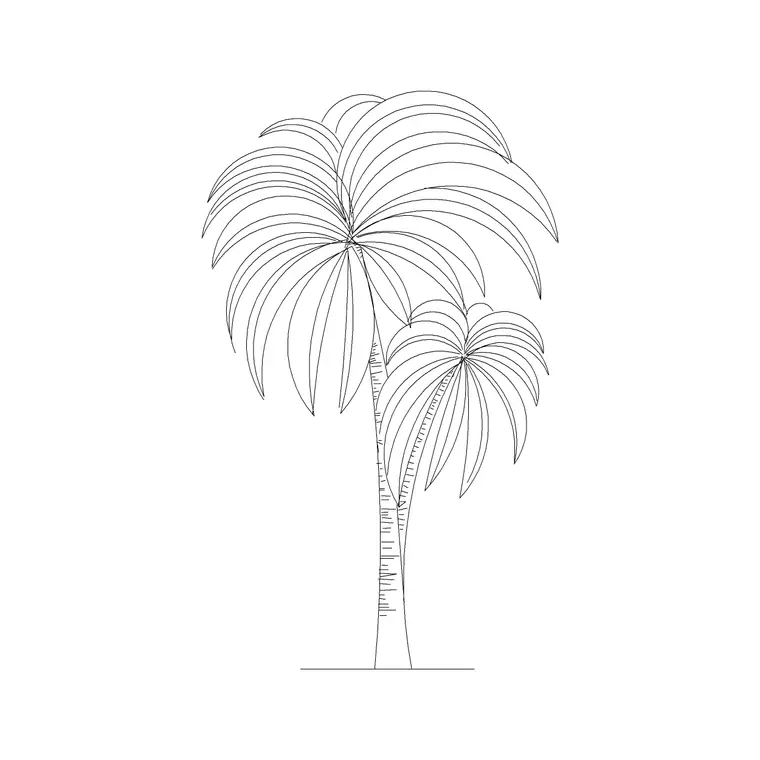
In elevation, the same plants are drawn face-on, showing the pot profile and the plant's height and habit. Elevation potted plants are handy in interior elevations and section drawings, where a tall corner planter gives the wall a sense of scale, and in presentation views where greenery brings a flat elevation to life.
Dressing an interior with the set
Good plant placement follows the room rather than fighting it. Use small accent pots to punctuate desks and counters, mid-size planters to soften the ends of circulation routes and fill the dead corners every plan has, and tall feature plants to mark entrances and anchor large open volumes. Avoid lining plants up like soldiers — a slightly irregular scatter reads as styling, a rigid grid reads as a parking layout.
Vary the blocks as you go: rotate and rescale instances, and alternate planter shapes so no two adjacent plants match. Because each plant is a single block reference, you can copy your favourite arrangement and reuse it from room to room, then tweak each copy so the repetition never shows.
Layers, schedules and reuse
Put every potted plant on a dedicated layer — something like I-PLANT or A-FURN-PLNT — rather than leaving them on layer 0. Their own colour and lineweight means you can produce a furnished plan and a stripped-back base plan from the same drawing by freezing one layer. It also keeps the greenery out of the way when you are coordinating services or dimensions.
If you tag each plant block with a simple attribute — a pot size or a plant type — you can extract a planting schedule straight from the drawing, which is exactly the count an FF&E or procurement spreadsheet wants. When a planter grouping works well, WBLOCK it as one reusable cluster so the next project starts with styling already solved.
Where potted plant blocks are used
These blocks turn up across almost every interior drawing set: office receptions and breakout areas, hotel lobbies and restaurant floors, retail fit-outs, clinics and waiting rooms, and residential living spaces. They pair naturally with the furniture, lighting and office blocks when you are building out a complete interior layer.
Because the whole set is free and licence-clear, it is just as useful for student interior schemes, mood-board style presentation plans and quick concept layouts where a room needs to feel inhabited without any licensing fuss. Forty plants is enough variety to dress a whole building without the same pot showing up in every photo of every room.
Free download
Browse the full library — DWG & DXF, no signup.
Questions
Frequently asked
Are these 40 potted plant CAD blocks free to use commercially?+
Yes. All forty download free in DWG with no signup, no watermark and no attribution required, and they are cleared for commercial interior projects.
Do the potted plant blocks include plan and elevation views?+
The pack has both. Plan symbols suit interior layouts seen from above; elevation blocks suit interior elevations and presentation views. Each block's views are noted on its download page.
What size should I scale a floor planter to?+
Scale to the real planter you are specifying. Mid-size floor planters commonly fall around 300-500 mm across and large feature planters 500-800 mm or more. The pot footprint, not the foliage, is what governs clearance.
Can I extract a plant schedule from the drawing?+
Yes, if you tag each plant block with a simple attribute such as pot size or plant type. AutoCAD's data extraction then counts them into a schedule you can drop into an FF&E spreadsheet.
Related downloads
Blocks for this guide
Popular blocks to download
Related categories
Related guides
Curated pack
Free Landscape & Tree DWG Pack — Plan & Elevation
A free landscape and tree DWG pack — trees, palms, shrubs and potted plants in plan and elevation for AutoCAD site plans. DWG and DXF, no signup, commercial-use OK.
Curated pack
Free Plan View CAD Block Pack — DWG & DXF
Free plan view CAD block pack in DWG and DXF — furniture, trees, people and vehicles drawn from above for AutoCAD floor plans. No signup, commercial OK.
Curated pack
Free Elevation CAD Block Pack — DWG & DXF
Free elevation CAD block pack in DWG and DXF — trees, doors, furniture and figures drawn face-on at real heights for AutoCAD elevations. No signup.