Explainer · 2d vs 3d cad blocks
2D blocks vs 3D blocks for rendering: which to use in 2026
By Sumana Kumar · Published 12 Feb 2025 · Updated 8 Mar 2026
A common question when downloading CAD blocks is whether they are 2D or 3D, and which you actually need. The short answer: most free DWG blocks are 2D, drawn as flat line work for plans and elevations, and for the overwhelming majority of drafting work that is exactly right. 3D blocks are solid or surface models you can view from any angle and feed into a render, and they matter only when you are building a 3D model or producing a rendered image.
This page explains the difference clearly, what each type is good for, why rendering specifically pushes people toward 3D, and how 2D blocks still play a role even in 3D workflows. Knowing which you need stops you downloading the wrong thing — and stops you assuming you need heavyweight 3D models when flat 2D blocks would finish the job faster.
The blocks here are 2D, drawn for plans and elevations, which is what most AutoCAD users reach for day to day, including for the furniture and planting that fills a layout.
What a 2D block is
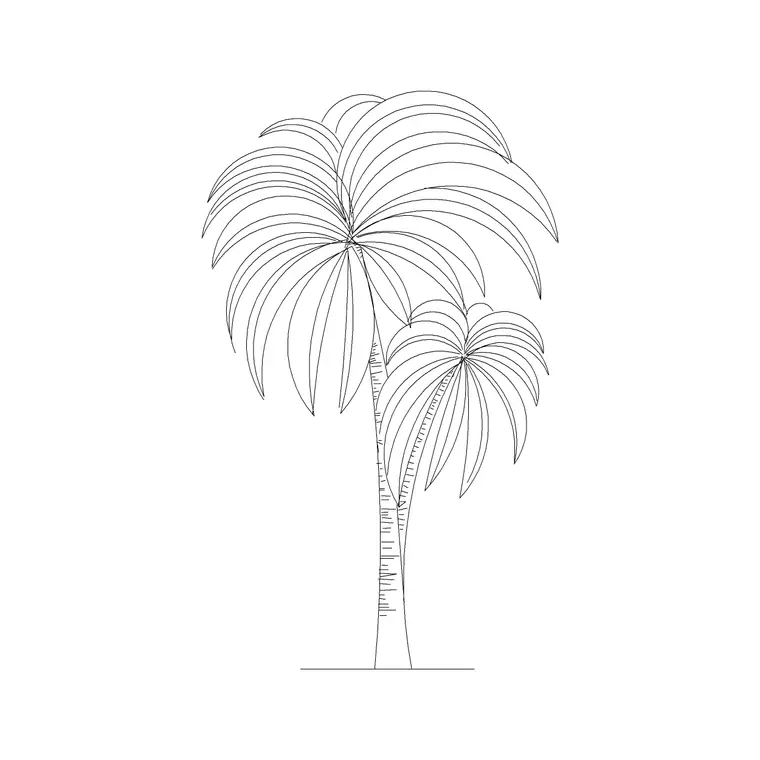
A 2D block is flat. It is line work — lines, arcs, circles, polylines — drawn on a plane to represent an object from one viewpoint: a plan footprint seen from above, or an elevation seen from the front. A 2D sofa block in plan shows the seat and arm outlines as you would see them looking straight down; a 2D palm in elevation shows the trunk and fronds as you would see them looking at the facade.
2D blocks are small, fast and easy to edit. They are the native currency of construction drawings, which are themselves 2D representations of a building. For drafting floor plans, elevations, sections and details — the bulk of CAD work — 2D blocks are not a compromise; they are the correct tool.
What a 3D block is
A 3D block is a model with depth. It is built from solids, surfaces or meshes that exist in all three dimensions, so you can orbit around it, view it from any angle, and see it shaded. A 3D chair has a seat, back and legs as real volumes; spin the view and it stays a chair from every side.
3D blocks are heavier files, slower to manipulate, and more work to produce. They carry information a 2D block cannot — true height, depth and surface — which is exactly what a 3D model or a render needs. But that richness is wasted if all you are doing is laying out a 2D plan, where the extra geometry just slows the drawing down.
Why rendering pushes you toward 3D
Rendering means producing a realistic, shaded image of a scene, and a renderer works with 3D geometry, materials and lights. To render a believable interior you need 3D furniture, because the render has to show the sofa's form, cast its shadow and reflect light off its surfaces. A flat 2D block has none of that — it has no thickness to catch light.
So if your end product is a photorealistic visualisation, you will want 3D blocks (or 3D models from a dedicated source) for the objects that appear prominently in the frame. The catch is cost and weight: a scene full of detailed 3D entourage is large and slow, so even render artists are selective, using high-detail 3D models only where the camera looks and simpler stand-ins elsewhere.
2D blocks still matter in 3D work
Even in a 3D project, 2D blocks pull their weight. Drawings extracted from a 3D model — plans, elevations, sections for the construction set — are still 2D documents, and they are populated with 2D furniture, planting and fittings exactly as a pure-2D project would be. The 3D model is for visualisation and coordination; the 2D output is for building.
2D cut-out entourage is also a staple of rendering itself: a flat photo or line figure of a person or tree, mapped onto a plane and turned to face the camera, fills a render scene at a fraction of the weight of a full 3D model. So 2D and 3D blocks are not rivals; they sit at different points in the same pipeline, and most projects use both.
Which one should you download
Match the block to the task. If you are drafting plans, elevations, sections or details — the everyday work of producing drawings — download 2D blocks. They are lighter, faster, easier to edit, and they are what these documents are made of.
If you are building a 3D model in AutoCAD, Revit, SketchUp or similar, or rendering a scene, you will want 3D models for the prominent objects, sourced from a 3D-focused library, while still using 2D blocks for the 2D drawings you extract. Do not download heavy 3D models for a job a 2D block finishes in seconds — and do not expect a flat 2D block to render as a solid object, because it physically cannot.
How to tell what you've got
Check the view of a block before assuming its dimensionality. Open it and orbit (type 3DORBIT, or use the ViewCube): a 2D block stays flat as you orbit because it has no depth, while a 3D block reveals its form. The download page usually states the views a block ships in — plan, elevation, side view — and a block described purely by 2D views is, as you would expect, 2D.
- 2D block: flat line work, one viewpoint, light and fast, for drawings - 3D block: full model, any angle, heavier, for modelling and rendering - Most free DWG blocks, including those here, are 2D by design
Knowing which you have — and which the job needs — saves you from both the heavy-3D-for-a-plan trap and the flat-block-won't-render surprise.
Free download
Browse the full library — DWG & DXF, no signup.
Questions
Frequently asked
Are free DWG CAD blocks 2D or 3D?+
Most are 2D — flat line work drawn for plans and elevations. That suits the bulk of CAD work, which is producing 2D construction drawings. 3D blocks exist too but are heavier and aimed at modelling and rendering.
Do I need 3D blocks to make a render?+
For the prominent objects in a render, yes — renderers need 3D geometry to catch light and cast shadows. But 2D cut-out entourage (flat figures and trees facing the camera) is widely used to fill render scenes cheaply alongside the 3D models.
Can I use a 2D block in a 3D model?+
Yes, for the 2D drawings you extract from the model — plans and elevations are still populated with 2D furniture and planting. A flat 2D block won't appear as a solid object in a shaded 3D view, though, because it has no depth.
How do I tell if a block is 2D or 3D?+
Open it and orbit the view (3DORBIT or the ViewCube). A 2D block stays flat with no depth; a 3D block reveals its form from other angles. The download page also lists the views, and a block described only by 2D views is 2D.
Related downloads
Blocks for this guide

Popular blocks to download
Related categories
Related guides
Explainer
Are DWG and DXF the Same File? Explained
DWG and DXF are not the same file. Learn the real difference, which one to download for AutoCAD blocks, and when DXF is the safer choice.
Explainer
Why Is My CAD Block a Different Color?
Your CAD block came in red, white or the wrong colour? Learn how ByLayer, ByBlock and hard-coded colours work so you can fix it in AutoCAD.
Explainer
Why Do CAD Blocks Come In on the Wrong Layer?
Inserted a CAD block and it dumped new layers or sat on the wrong one? Learn how block layers work in AutoCAD and how to control where they land.