Curated pack · toaster cad blocks
20 free toaster and small appliance CAD blocks in 2026
By Saumyajit Maity · Published 17 Nov 2024 · Updated 26 Apr 2026
The big appliances get all the attention in a kitchen layout, but it is the countertop kit — toasters, kettles, mixers and the like — that makes a presentation drawing or a marketing render feel like a real, lived-in kitchen. This collection gathers 20 free toaster and small appliance CAD blocks in DWG and DXF, drawn to scale and free for personal and commercial use, with no signup and no watermark.
These are detail blocks: you scatter them along the worktop once the cabinets, hob and sink are set, to dress an elevation or to show that the design has left enough clear counter for everyday use. They also quietly do a coordination job — a small appliance shown on the counter is a reminder to put a socket where it will actually be plugged in, which is exactly the kind of thing a kitchen elevation should catch before site. Because they are small, the value is less about clearance maths and more about realism and proportion — a toaster that is obviously the wrong size pulls a whole drawing out of true.
The set suits kitchen designers, interior architects and anyone preparing client-facing kitchen elevations or worktop layouts. Drop them on a furniture or accessories layer so you can toggle the dressing on for presentation and off for the technical set.
What's in the small-appliance pack
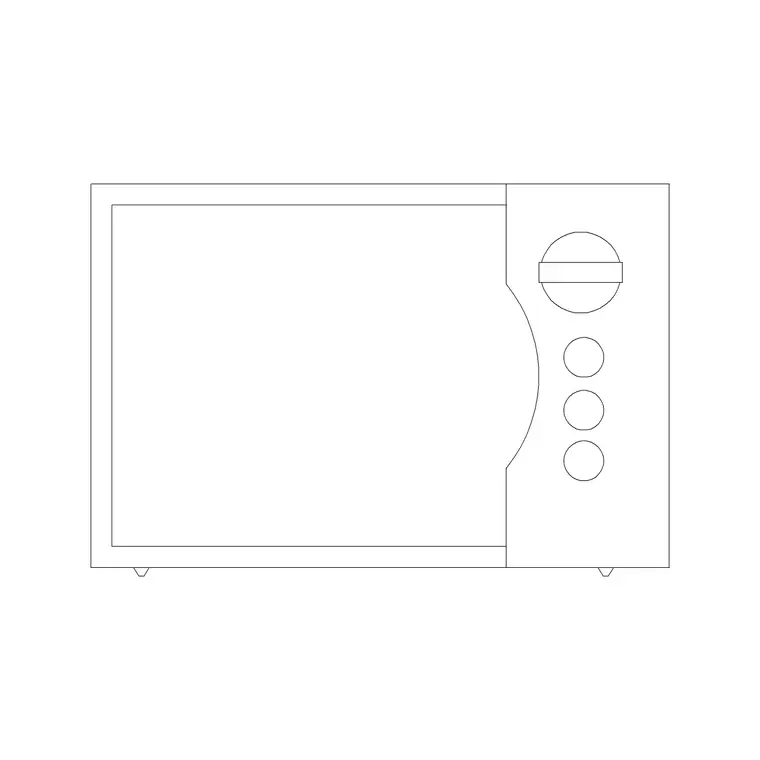
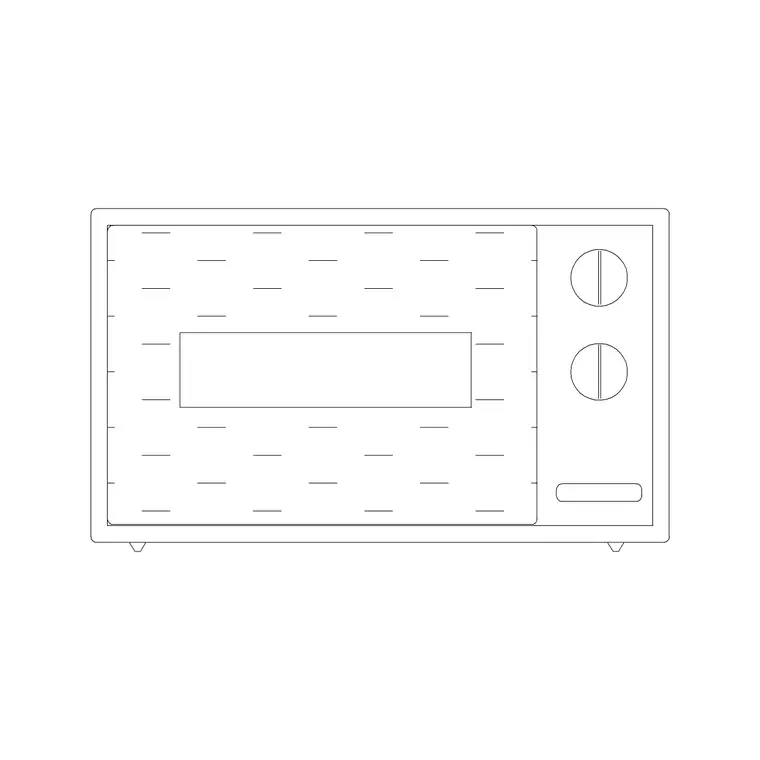
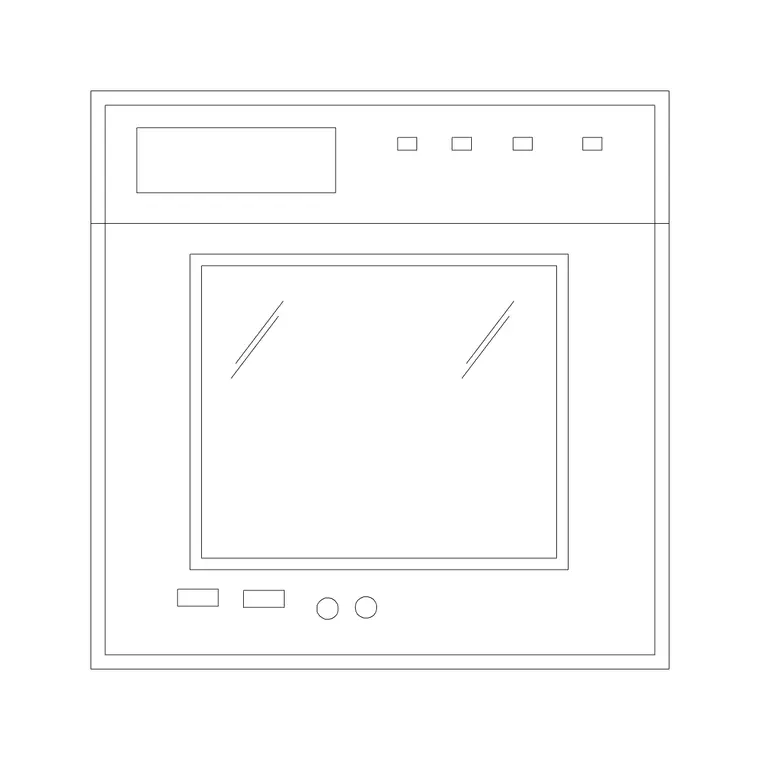
The 20 blocks cover the everyday countertop appliances: pop-up toasters in two- and four-slice forms, kettles, stand and hand mixers, blenders and food processors, coffee makers and similar small machines, in plan and, where included, elevation. Plan footprints are what you place on a worktop layout from above; elevation symbols dress a kitchen elevation drawn face-on against the splashback.
The point of the set is variety — a worktop that shows two or three different appliances reads as real, while the same toaster repeated five times reads as filler. Group a kettle, a toaster and a coffee maker into a breakfast station near a socket bank, and the drawing tells a small story about how the kitchen is used. Keep them on their own dressing layer so they enrich a presentation drawing without cluttering the technical plan a fitter works from.
Typical small-appliance footprints
These are small objects, so the ranges are tight. A two-slice toaster occupies roughly a 150-300 mm footprint; a four-slice or long-slot toaster is wider. A kettle sits on a base around 150-220 mm across. Stand mixers and blenders are taller than they are wide, with bases in the 180-260 mm range, while a coffee machine or food processor takes a slightly larger square footprint. Treat these as guides — the blocks are drawn to believable sizes, and you scale them to suit.
The practical design point is clearance, and there are two kinds to watch. First, leave a clear run of worktop, commonly 600 mm or more, as a working zone beside the hob and sink. Second, allow headroom above any appliance that opens or steams: a kettle and a coffee maker should not sit directly under a wall cabinet that would trap the steam, and a stand mixer needs clearance above to raise its head. Placing a couple of appliance blocks shows where that working counter is used and confirms the layout has left enough of it.
How to dress a worktop with the set
Lay out the kitchen first — cabinets, hob, sink, tall units — then insert the appliance blocks last as dressing. Use INSERT or drag the DWG in, set INSUNITS to millimetres so they land at true size, and place each one against the worktop line. Nudge them off the back edge by a realistic margin rather than flush to the wall.
Group the dressing on a layer such as A-FURN-DRESS or similar so you can freeze it for the construction set and thaw it for renders and client elevations. Avoid the temptation to fill every gap; a few well-placed appliances near the hob and a coffee station read better than a cluttered counter.
Plan vs elevation for small appliances
On a worktop layout you work in plan, so the appliance footprint seen from above marks where things sit and confirms clear counter space. These plan blocks are light and quick to place once the major elements are fixed.
For kitchen elevations and joinery presentations you switch to the elevation symbol, where the toaster, kettle or mixer is drawn face-on against the splashback. The elevation view is where small appliances earn their keep, giving a flat run of cabinet doors a sense of human scale. Where a block ships both views in one DWG, you can dress the plan and the matching elevation from a single download.
Where small-appliance blocks are used
These blocks turn up in residential kitchen designs, apartment fit-outs, show-home and marketing drawings, kitchenette layouts in offices and studios, and any interior elevation where a kitchen needs to look used rather than empty. They pair with the larger kitchen appliance, cabinet and sink blocks in the kitchen category to complete a worktop scene.
Because they are free and licence-clear, they are ideal for student interior portfolios and quick concept boards where realism sells the idea. The same blocks can carry from an early mood plan through to a polished client elevation without re-drawing the countertop kit.
Free download
Browse the full library — DWG & DXF, no signup.
Questions
Frequently asked
Are these small appliance CAD blocks free for commercial work?+
Yes. All 20 toaster and small appliance blocks download free in DWG and, where available, DXF, with no signup, watermark or attribution, cleared for commercial use.
What size is a toaster CAD block?+
The blocks are drawn to believable sizes — a two-slice toaster around a 150-300 mm footprint — and you scale them to suit your drawing. Keep INSUNITS set to millimetres so they insert at true size.
Should small appliances go on the technical plan?+
Usually no. Place them on a separate dressing layer so you can show them on presentation drawings and renders, then freeze the layer for the construction set a fitter works from.
Do the files open in AutoCAD LT and free viewers?+
Yes. The DWG files target AutoCAD 2004 and later, which opens in current AutoCAD, AutoCAD LT, BricsCAD, DraftSight and free online DWG viewers.
Related downloads
Blocks for this guide
Related categories
Related guides
Curated pack
15 Free Wall Oven CAD Blocks — DWG Download in 2026
Download 15 free wall oven CAD blocks in DWG and DXF — single and double built-in ovens in plan and elevation for kitchen layouts. No signup, commercial OK.
Curated pack
15 Free Wine Glass & Bottle CAD Blocks — DWG in 2026
Download 15 free wine glass and bottle CAD blocks in DWG and DXF — glasses and bottles in plan and elevation for table settings and bar layouts. No signup.
Curated pack
Free Kitchen CAD Block Pack — DWG & DXF
A free kitchen CAD block pack in DWG and DXF — cookers, hobs, ovens, sinks, hoods and cabinets drawn in plan and elevation for AutoCAD. No signup, commercial-use OK.