Curated pack · wall oven cad blocks
15 free wall oven CAD blocks in DWG and DXF in 2026
By Sumana Kumar · Published 8 Jun 2024 · Updated 29 Apr 2026
A built-in wall oven is a fixed module in the kitchen: it sits in a tall housing unit at a set width, and the rest of the run has to be planned around it. This collection gathers 15 free wall oven CAD blocks in DWG and DXF — single ovens, stacked double ovens and oven-and-microwave combinations — drawn to scale and free for personal and commercial use, with no signup or watermark.
Unlike countertop dressing, ovens are dimensionally load-bearing on a drawing. Their width drives the housing-unit size, their height sets where the controls and door land in an elevation, and the swing of the door needs clear floor in front. Starting from a correctly-scaled block means the tall unit, the worktop break and the door clearance are all right by construction.
The pack suits kitchen designers and interior architects laying out residential and small commercial kitchens, in both the technical plan and the client-facing elevation. Pair the oven blocks with the cabinet, hob and sink blocks in the kitchen category to build a complete run.
What the wall oven pack covers
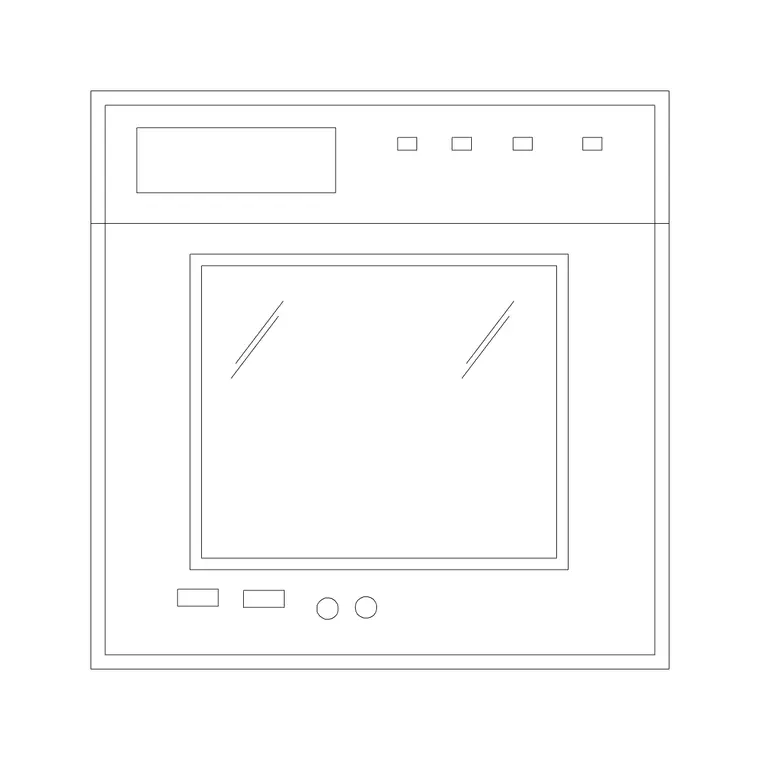
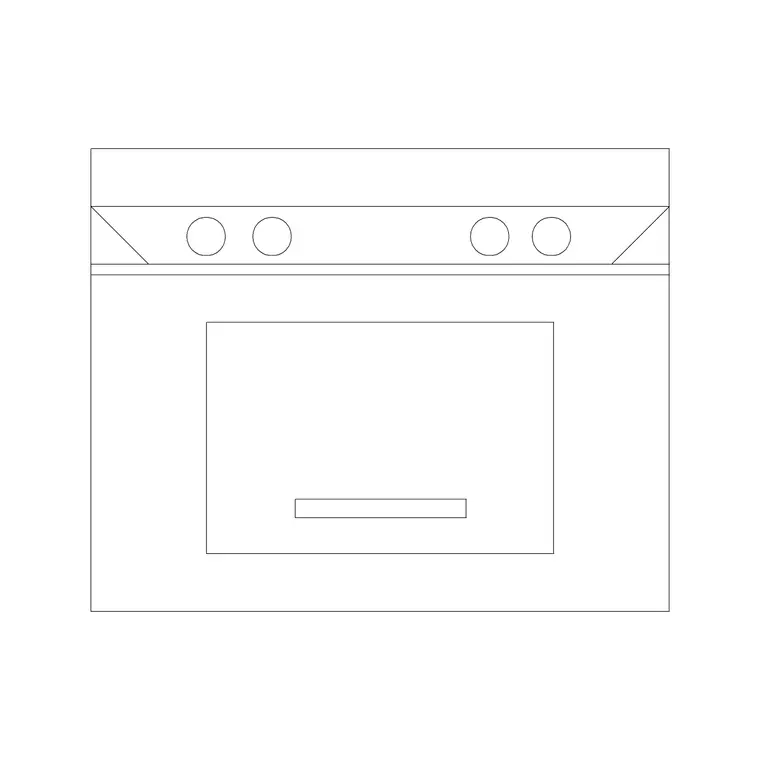
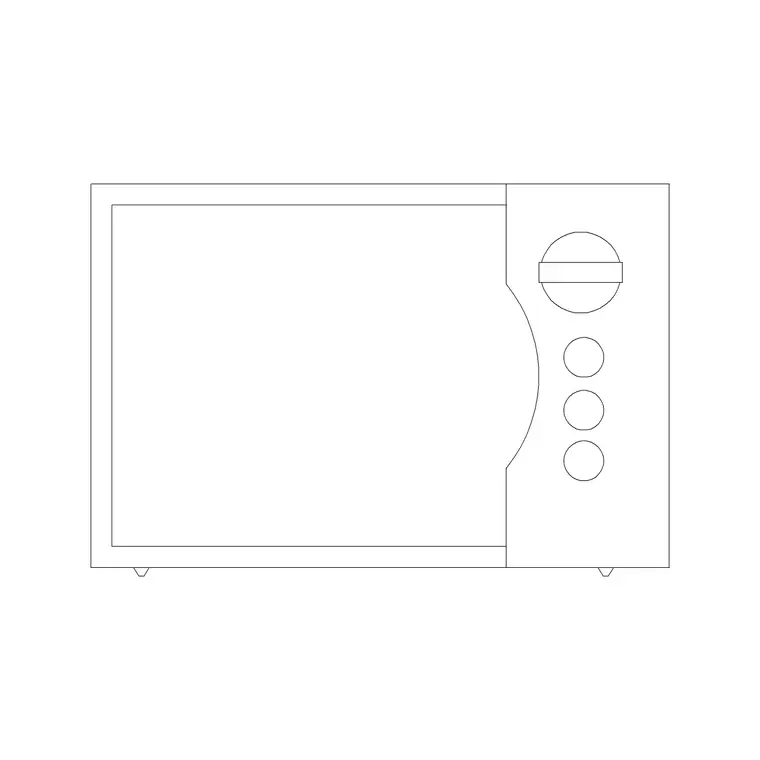
The 15 blocks span the built-in oven family: single ovens for a standard tall housing, stacked double ovens for a taller unit, and oven-with-microwave or oven-with-warming-drawer combinations. Plan footprints show the oven and its housing for the layout; elevation symbols show the door, controls and trim face-on for joinery and presentation drawings.
Because built-in ovens are built on a standard cabinet module, the blocks share that grid so they drop cleanly into a tall housing unit without leaving an awkward reveal. The set lets you specify the right oven configuration — single, double, or combination — straight from the plan.
Wall oven dimensions to design around
Built-in ovens are made to fit standard cabinetry, so the widths are tightly grouped. A single wall oven is commonly around 600 mm wide, with 750 mm and larger ranges available; the housing unit matches that module. Oven height in the cabinet is typically in the 450-600 mm band for a single, with stacked doubles needing roughly double that opening. The recessed depth sits within a standard 600 mm cabinet.
The critical clearance is in front of the door: allow enough clear floor for the door to drop fully and for a person to load it — commonly around 1000 mm or more, and more again where that space is also a walkway. Drawing the oven to its real module makes those checks a glance on the plan.
How to place an oven in the run
Set the tall housing unit position first — ovens usually anchor a tall bank with a fridge or larder. Insert the oven block with INSERT or by dragging the DWG, set INSUNITS to millimetres so it lands at true module size, and seat it in the housing outline. For a double oven, use the taller block so the unit reads correctly in elevation.
Keep the oven and its housing on the appliance and cabinet layers respectively so you can produce a clean appliance schedule and a separate joinery elevation from the same drawing. Mark the door swing or a clear-floor zone in front so the layout review picks up any conflict with an island or opposing run.
Single, double and combination ovens
A single oven suits most homes and pairs with a separate hob elsewhere on the run; it keeps the tall housing compact and leaves room for storage above and below. A stacked double oven gives two cavities for keen cooks but needs a taller housing, so check the ceiling and worktop heights accommodate it.
Oven-and-microwave or oven-and-warming-drawer combinations pack two functions into one tall unit and are popular where worktop space is tight. Choosing the right configuration in CAD early — rather than dropping in a generic box — means the housing unit, the adjacent cabinets and the elevation all resolve correctly the first time.
Plan and elevation for ovens
On the kitchen plan you place the oven footprint within its housing to fix the run and confirm door clearance. That plan view is what feeds the appliance count and the cabinet layout.
For joinery drawings and client presentations you switch to the elevation, where the oven door, control panel and trim are drawn face-on within the tall unit. The elevation is where oven height matters: a single oven typically sits with its centre at a comfortable working height rather than at floor level, and the block carries that position. Where a block ships both views, you build the plan and the matching elevation from one download.
Where wall oven blocks are used
Wall oven blocks appear in residential kitchen designs, apartment and new-build fit-outs, kitchen showroom drawings, and small commercial kitchenettes. They sit alongside the hob, range hood, cabinet, sink and small-appliance blocks in the kitchen category to complete a worktop and tall-unit run, and they help coordinate the electrical drawing too, since a built-in oven needs its own dedicated supply that the layout should flag early.
Free and licence-clear, they suit student interior portfolios and concept layouts as well as production joinery sets. One block carries from the early layout through to the coordinated kitchen drawing, so the oven module is consistent from concept to fit-out, and a later change to the block definition updates every instance across the drawing at once.
Free download
Browse the full library — DWG & DXF, no signup.
Questions
Frequently asked
Are the wall oven CAD blocks free for commercial use?+
Yes. All 15 wall oven blocks download free in DWG and, where available, DXF, with no signup, watermark or attribution, cleared for commercial project use.
What width is a built-in wall oven block?+
Single wall ovens are commonly around 600 mm wide to match standard cabinetry, with 750 mm and larger options. The blocks are drawn to module so they seat cleanly in a tall housing unit.
Do the blocks include single and double ovens?+
Yes. The pack covers single ovens, stacked double ovens and oven-with-microwave or warming-drawer combinations, in plan and, where available, elevation.
Will the DWG files open in older CAD software?+
Yes. The files target AutoCAD 2004 and later, opening in current AutoCAD, AutoCAD LT, BricsCAD, DraftSight and free DWG viewers.
Related downloads
Blocks for this guide
Related categories
Related guides
Curated pack
20 Free Toaster & Small Appliance CAD Blocks in 2026
Download 20 free toaster and small appliance CAD blocks in DWG and DXF — countertop kettles, mixers and toasters for kitchen plans and elevations. No signup.
Curated pack
15 Free Wine Glass & Bottle CAD Blocks — DWG in 2026
Download 15 free wine glass and bottle CAD blocks in DWG and DXF — glasses and bottles in plan and elevation for table settings and bar layouts. No signup.
Curated pack
Free Kitchen CAD Block Pack — DWG & DXF
A free kitchen CAD block pack in DWG and DXF — cookers, hobs, ovens, sinks, hoods and cabinets drawn in plan and elevation for AutoCAD. No signup, commercial-use OK.