Curated pack · gym equipment cad blocks
15 free gym equipment CAD blocks in DWG and DXF in 2026
By Saumyajit Maity · Published 5 Dec 2025 · Updated 10 Feb 2026
Laying out a gym is a clearance exercise as much as a furniture one: every machine needs a working envelope around it, and the circulation between them has to keep users safe and the space usable. This collection gathers 15 free gym equipment CAD blocks in DWG and DXF — treadmills, exercise bikes, weight benches, multi-stations and free-weight kit — drawn to scale and free for personal and commercial use, with no signup or watermark.
The blocks are mostly plan footprints, because a gym layout is a plan problem. Drop the scaled machines into the room and the spacing, the equipment zones and the access routes resolve in front of you, which is far faster and safer than estimating gaps by eye.
The pack suits architects, interior designers and fitness operators planning commercial gyms, hotel and residential fitness rooms, and home gyms. Pair the equipment with the flooring, mirror and circulation elements you draw around it, and keep everything on a furniture layer so the layout reads cleanly.
What's in the gym equipment pack
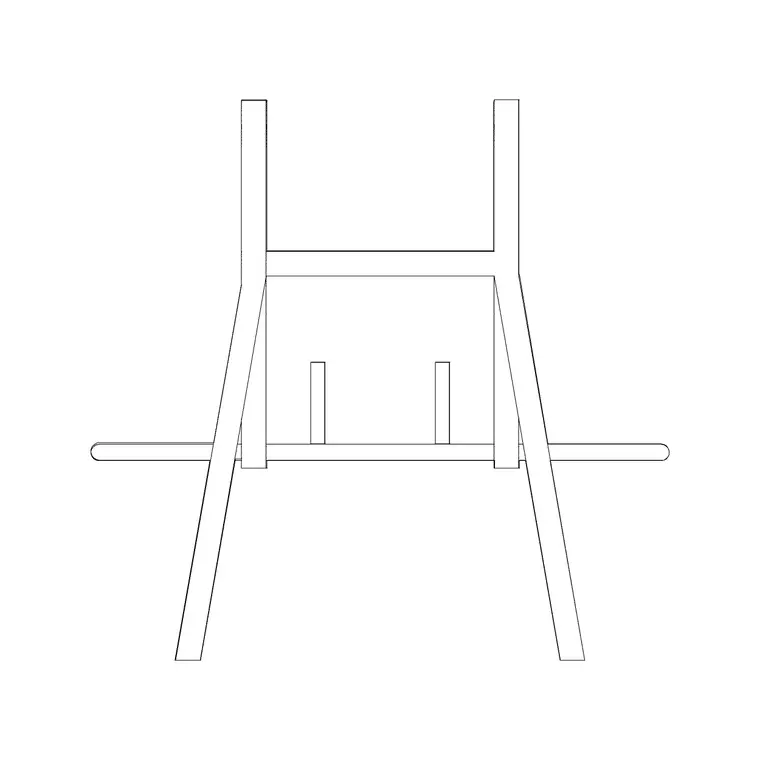
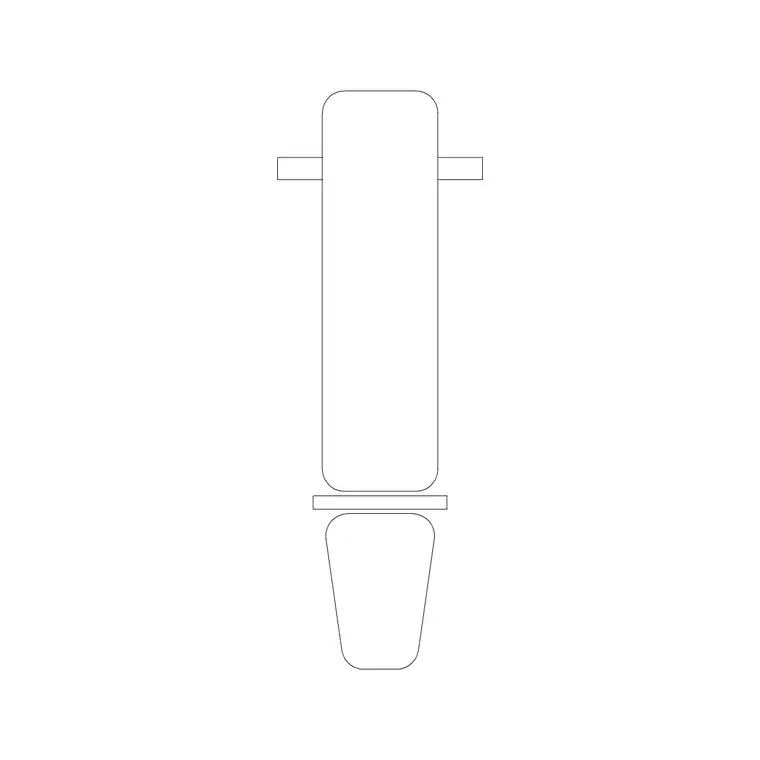
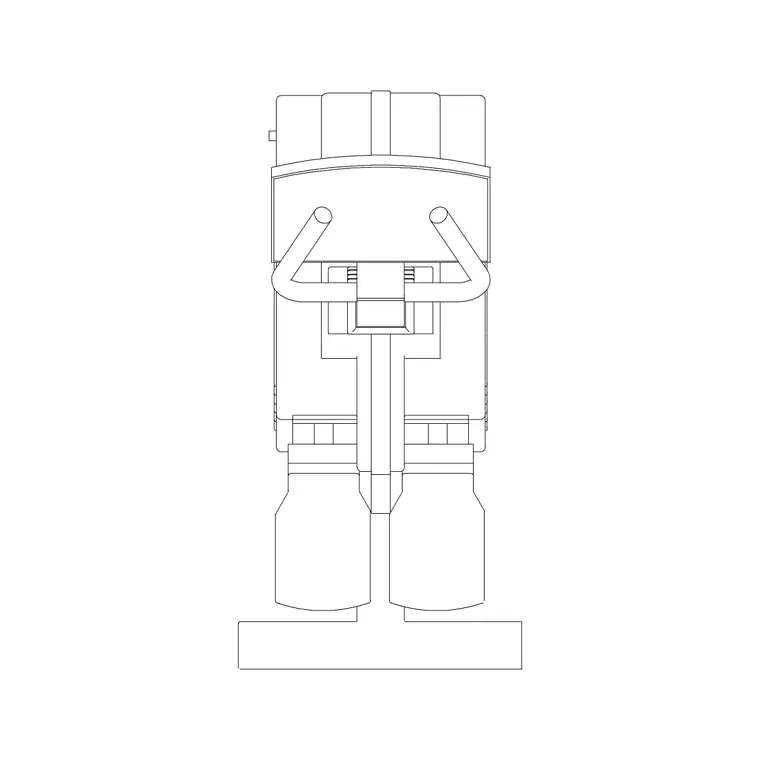
The 15 blocks cover the main fitness categories: cardio machines such as treadmills, exercise bikes and cross-trainers; resistance kit including weight benches, multi-gyms and selectorised machines; and free-weight elements like benches with racks. Plan footprints are what you lay into the room; where an elevation symbol is included it dresses a presentation view.
The set lets you zone a gym properly — a cardio row, a resistance area and a free-weights corner — rather than scattering generic boxes. Mixing the machine types and arranging them by zone is what turns an equipment list into a workable, safe floor plan.
Equipment footprints and clearances
Plan with ranges and, crucially, with the working space around each machine, not just its footprint. A treadmill occupies roughly a 1.0 x 2.0 m footprint but needs clear run-off space behind for safety. An exercise bike or cross-trainer sits in a smaller footprint but still wants access on the entry side. A weight bench needs clear space around it for the user and any spotter, and free-weight areas need room to lift safely.
The practical rule is to draw a clear zone around each machine and check those zones do not overlap into a hazard. Circulation aisles between equipment rows should stay generous enough for users to pass safely. Scaled blocks make those checks visual the moment the kit lands on the plan.
How to lay out a gym from the set
Draw the room and fix the obvious constraints first — entry, mirrors, columns, windows. Insert the equipment blocks with INSERT or by dragging the DWG, set INSUNITS to millimetres so they land at true size, and place the cardio machines in a row facing the view or a screen, leaving safety run-off behind treadmills.
Array repeated machines — a row of identical treadmills or bikes — to keep spacing exact, then position the resistance kit and free-weights in their own zones with clear lifting space. Keep all the equipment on a furniture layer so you can freeze it for a clean services plan and thaw it for the layout. Sketch the user zone around each machine to verify nothing crowds a circulation route.
Per-zone notes: cardio, resistance and free weights
Cardio machines are usually lined up in rows facing a wall of mirrors, a window or screens; the safety consideration is the run-off behind treadmills, so never back a treadmill tight against a wall or a walkway. Spacing the row evenly with an array keeps the zone tidy and the user spacing consistent.
Resistance and selectorised machines each have a fixed station and a seated or standing user position, so the footprint plus the user space defines the spot. Free-weight areas — benches, racks and platforms — need the most clear floor because users move dynamically and may need a spotter, so this zone usually anchors a corner with generous space around it.
Plan layout and presentation
Gym equipment lives mostly in plan, where the layout, zoning and circulation are resolved. The plan is what proves the room holds the equipment list with safe spacing, and it is what an operator and a building-control reviewer read.
For client presentations, an elevation or a simple 3D view dressed with a few equipment symbols communicates the feel of the space, but the working decisions are all made on the plan. Keep the equipment layer light enough that the circulation, mirrors and emergency routes stay legible over the top of it, since those are what make a gym safe as well as usable.
Where gym equipment blocks are used
These blocks appear in commercial gym and health-club layouts, hotel and spa fitness rooms, residential and apartment-building gyms, school and university sports facilities, and home-gym designs. They pair with the bench, bike and other items in the fitness-and-sports category, and sit alongside flooring, mirror and circulation elements in the wider drawing.
Free and licence-clear, the blocks suit student wellness and sports-facility projects as well as production fit-out drawings. One equipment block carries from the concept layout through to the coordinated gym plan, so the kit and its clearances stay consistent from first sketch to fit-out.
Free download
Browse the full library — DWG & DXF, no signup.
Questions
Frequently asked
Are the gym equipment CAD blocks free for commercial use?+
Yes. All 15 gym equipment blocks download free in DWG and, where available, DXF, with no signup, watermark or attribution, cleared for commercial project use.
How much clearance does a treadmill need in CAD?+
A treadmill footprint is roughly 1.0 x 2.0 m, but it also needs clear safety run-off behind it. Draw a clear zone behind and beside each machine and check those zones do not block circulation.
Are the blocks plan footprints or elevations?+
They are mostly plan footprints, since a gym layout is a plan problem, with elevation symbols included where available for presentation views. Each block's page lists its views.
Will the DWG files open in free CAD viewers?+
Yes. The files target AutoCAD 2004 and later, opening in current AutoCAD, AutoCAD LT, BricsCAD, DraftSight and free online DWG viewers.
Related downloads
Blocks for this guide
Related categories
Related guides
Curated pack
15 Free Salon & Spa CAD Blocks — DWG Download in 2026
Download 15 free salon and spa CAD blocks in DWG and DXF — styling chairs, wash units, mirrors and treatment furniture for salon layouts. No signup.
Curated pack
Free Gym & Fitness CAD Block Pack — DWG
Free gym and fitness CAD block pack in DWG and DXF — treadmills, machines and equipment for gym floor plans. No signup, commercial-use OK.
Curated pack
Free Modern Furniture CAD Block Pack — DWG/DXF
Free modern furniture CAD block pack in DWG/DXF — modular sofas, low coffee tables, sideboards and accent chairs. No signup, commercial use OK.