How-to guide · how to insert a gym equipment block in autocad
How to insert a gym equipment block in AutoCAD
By Sumana Kumar · Published 30 Sep 2023 · Updated 16 May 2026
Laying out a gym in AutoCAD is an exercise in clearances. Treadmills, multi-stations, racks and benches each have a footprint, but the floor plan really turns on the space around them — the run-off behind a treadmill, the swing room around a cable machine, the loading space at a squat rack. Inserting the equipment block is the easy part; placing it so the gym is safe and usable is the real work.
This guide covers inserting a gym equipment CAD block in AutoCAD and arranging machines into a workable fitness floor. Gym blocks are almost always plan-view, because the job is to lay out the floor from above and check that people can move and exercise safely between the machines. We will treat a generic gym equipment block as the worked example, but the same approach — match units, place one machine, respect its clearance zone, then repeat — applies to cardio rows, free-weight areas and resistance circuits alike.
The equipment is the visible part of a gym plan. The empty space between the machines is the part that actually keeps it legal and safe, so we will spend most of our attention there.
Pick the right machine block
Gym equipment libraries cover a wide spread — cardio (treadmills, bikes, ellipticals), resistance (multi-stations, cable machines, selectorised stacks) and free weights (benches, racks, dumbbell rows). Pick the block that matches the machine you actually mean rather than a generic box, because the footprint and the clearance zone differ sharply between, say, a stationary bike and a power rack.
Save the blocks you reuse into a project library. A typical gym plan repeats a handful of machine types many times over, so a tidy library of the equipment in your scheme saves a great deal of re-importing.
Confirm units before placing
These blocks are drawn full size in millimetres, so set insertion units to millimetres with UNITS before inserting. Equipment footprints matter to the centimetre when you are checking that two machines do not overlap their clearance zones, so true scale is not optional here.
A quick check after the first insert: a treadmill or a multi-station should read at a believable few-metre footprint. If a single machine fills the room or shrinks to a dot, the units disagree — fix that before you start spacing a whole row.
Insert the first machine
Run INSERT, browse to the equipment DWG, and place the first machine where the layout begins — often a treadmill against the window wall or a rack against a structural wall that can take the load. Set its rotation as you insert so the user faces the right way: a treadmill user typically faces a view or a mirror, not a blank wall.
Place one machine and live with it for a moment against the wall and the nearest circulation route. The orientation of that first piece often sets the grain for a whole row, so it is worth getting deliberately right before you copy it.
Leave the safety and access clearances
Every machine needs clear space to be used safely — run-off behind a treadmill in case a user steps off the back, swing and reach room around a cable machine, loading and spotting space at a rack, and a walk-up access route from the gym floor. Draw or visualise that clearance zone around each machine and treat it as off-limits to the next one.
This is the constraint that governs the whole plan. Two machines can sit close, but their clearance zones must not overlap onto each other or onto a circulation aisle. Where the brief or local guidance gives a specific clearance, honour it; where it does not, leave generous, realistic space — a cramped gym is a dangerous gym, and the plan is where that gets fixed.
Array a row of cardio or resistance machines
Cardio equipment usually lines up in rows. Once one machine is placed and rotated, ARRAY or COPY it along the wall at a centre-to-centre spacing that keeps the side clearance between units intact — spacing on the machine width plus the side gap, not on the footprint alone. A consistent module makes the row read cleanly and keeps the gaps equal.
For a resistance circuit, the machines may follow a loop rather than a straight line; place each station in sequence around the circuit, keeping the user-access side facing the floor. Either way, the spacing module is set by the clearance zone, not by how tightly the metal can be packed.
Layer, label and finish the gym floor
Put the equipment on a dedicated furniture or equipment layer so the gym floor can be plotted with or without machines, and so the architectural shell stays clean. If your drawing set tags each machine with a schedule number, add that as text or an attribute now while the layout is fresh.
Do a final clearance sweep: no machine fouls a column, an exit route, or another machine's safety zone, and the main circulation spine through the gym stays clear end to end. Tag any mirrors, the free-weight area boundary and the matted zones if your scheme calls them out — those finishing touches turn a grid of blocks into a readable gym plan.
Free download
Browse the full library — DWG & DXF, no signup.
Questions
Frequently asked
How do I space gym machines safely in an AutoCAD plan?+
Space them on the machine width plus the required side clearance, not on the footprint alone, and make sure no machine's safety zone — treadmill run-off, cable swing room, rack loading space — overlaps a neighbour's or a circulation aisle. Where the brief gives a clearance figure, honour it.
What view are gym equipment blocks drawn in?+
Plan view, because a gym layout is about arranging machines on the floor from above and checking that people can move and exercise safely between them. Elevation gym blocks exist for interior elevations but are rarely needed for the floor plan itself.
What units should I insert gym equipment blocks at?+
Millimetres. The equipment in this library is drawn full size in millimetres, so set your drawing's insertion units to millimetres with the UNITS command before inserting, or the footprints will be wrong and your clearance checks meaningless.
How do I lay out a row of treadmills in AutoCAD?+
Place and rotate one treadmill so the user faces the intended view, then ARRAY or COPY it along the wall at a centre-to-centre spacing that preserves the side clearance between units and the run-off space behind each one. A consistent module keeps the row even.
Related downloads
Blocks for this guide
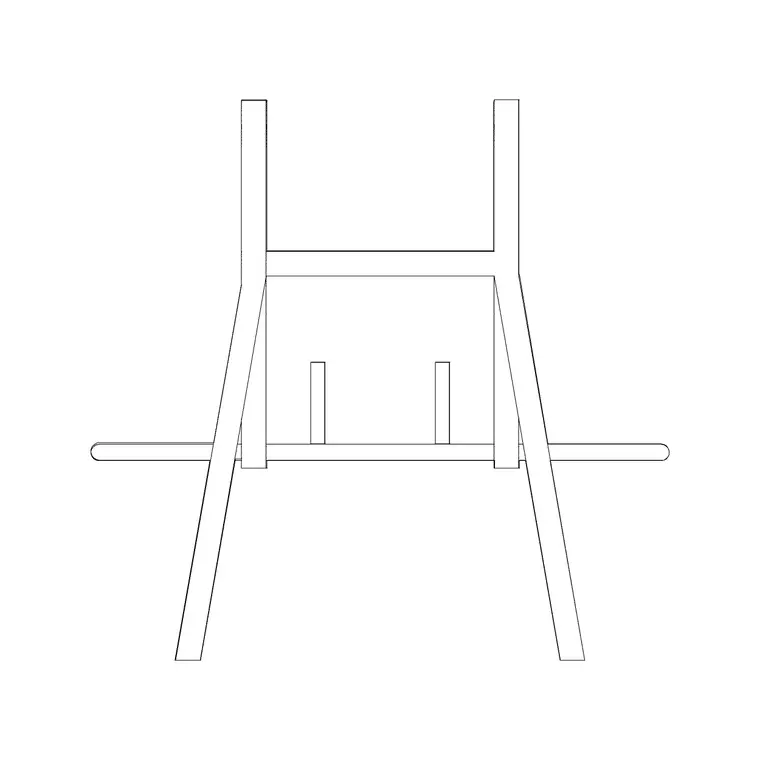
Popular blocks to download
Related categories
Related guides
How-to guide
How to Build a Personal CAD Block Library
How to build a personal CAD block library — folder structure, naming, WBLOCK, layer-0 discipline and tool palettes so you stop redrawing the same symbols.
How-to guide
How to Organize a CAD Block Library by Category
How to organize a CAD block library by category — a clean folder taxonomy, naming rules, thumbnails, and tool palettes so any block is two clicks away.
How-to guide
How to Add Attributes to a Block in AutoCAD
How to add attributes to a block in AutoCAD — use ATTDEF to define tags, build an attributed block, edit values, and extract a schedule from your drawing.